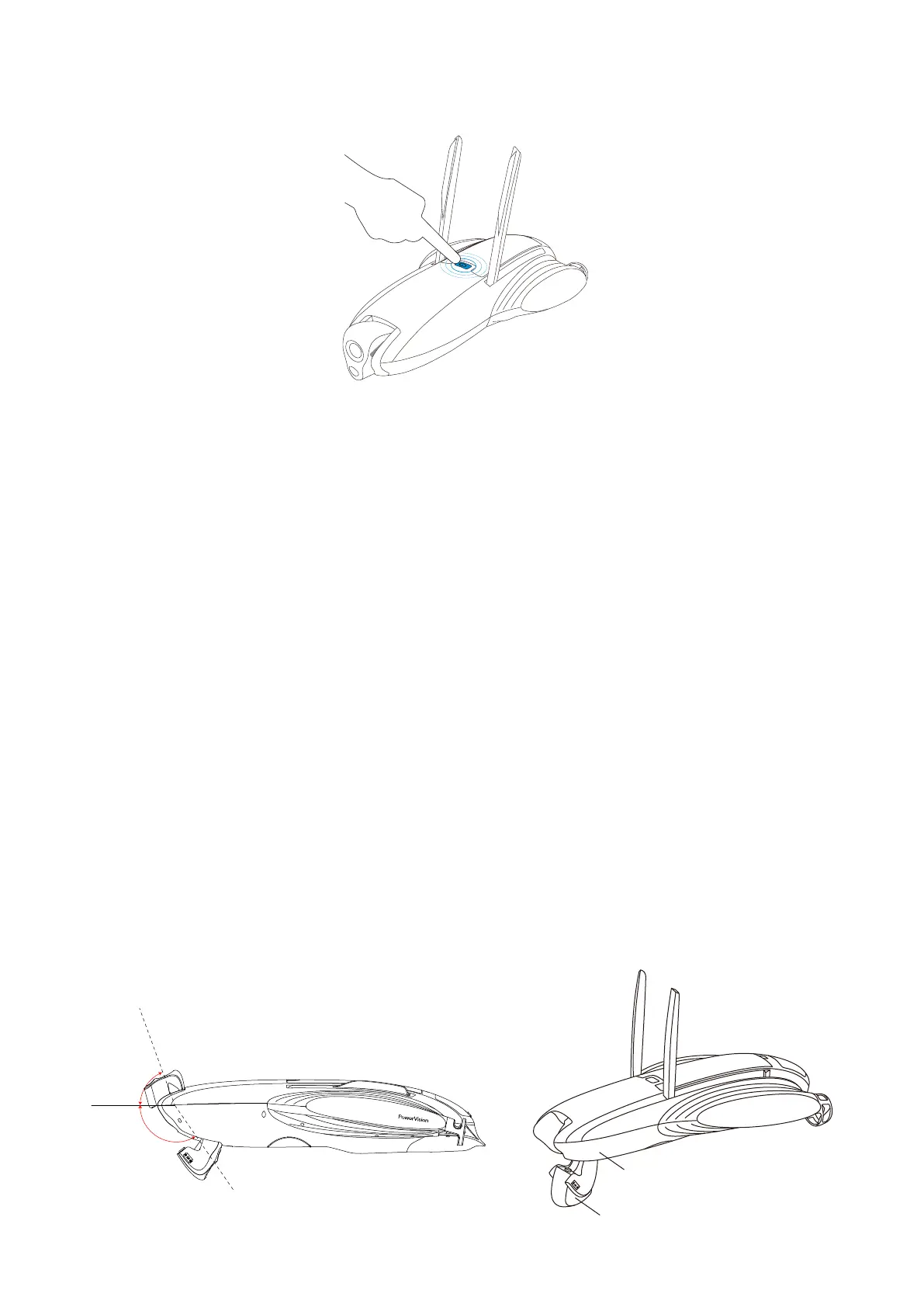
5. Power on/off
Press and hold the power button for 2 seconds to power on the device--the taillights on
both sides will turn on.
Press and hold the power button for 2 seconds to power off the device--the taillights on
both sides will turn off.
• Camera
1. Overview
The camera of PowerDolphin has a 132° ultra-wide-angle lens, which can take 12 MP
photos and shoot 4K videos with 30 frames per second. Working with the Vision+ 2 App,
it supports parameter adjusting, image preview, export, etc.
In addition, the camera has an electric joint and a manual joint, which offers access the
camera from both above and below the water surface. It has a field of view ranging from
-150° to +70° (the horizontal position is 0°, and when the camera rotates towards under-
water areas, the angle becomes negative), offering you a shooting angle spanning 220°
and a brand-new visual experience.
Electric joint
Manual joint
70°
150°
7



 To Next Page