UPS Maintenance
32
Powerware
®
5115 Tower UPS (500–1400 VA) U ser’s Guide S 05146640 Rev C www.powerware.com
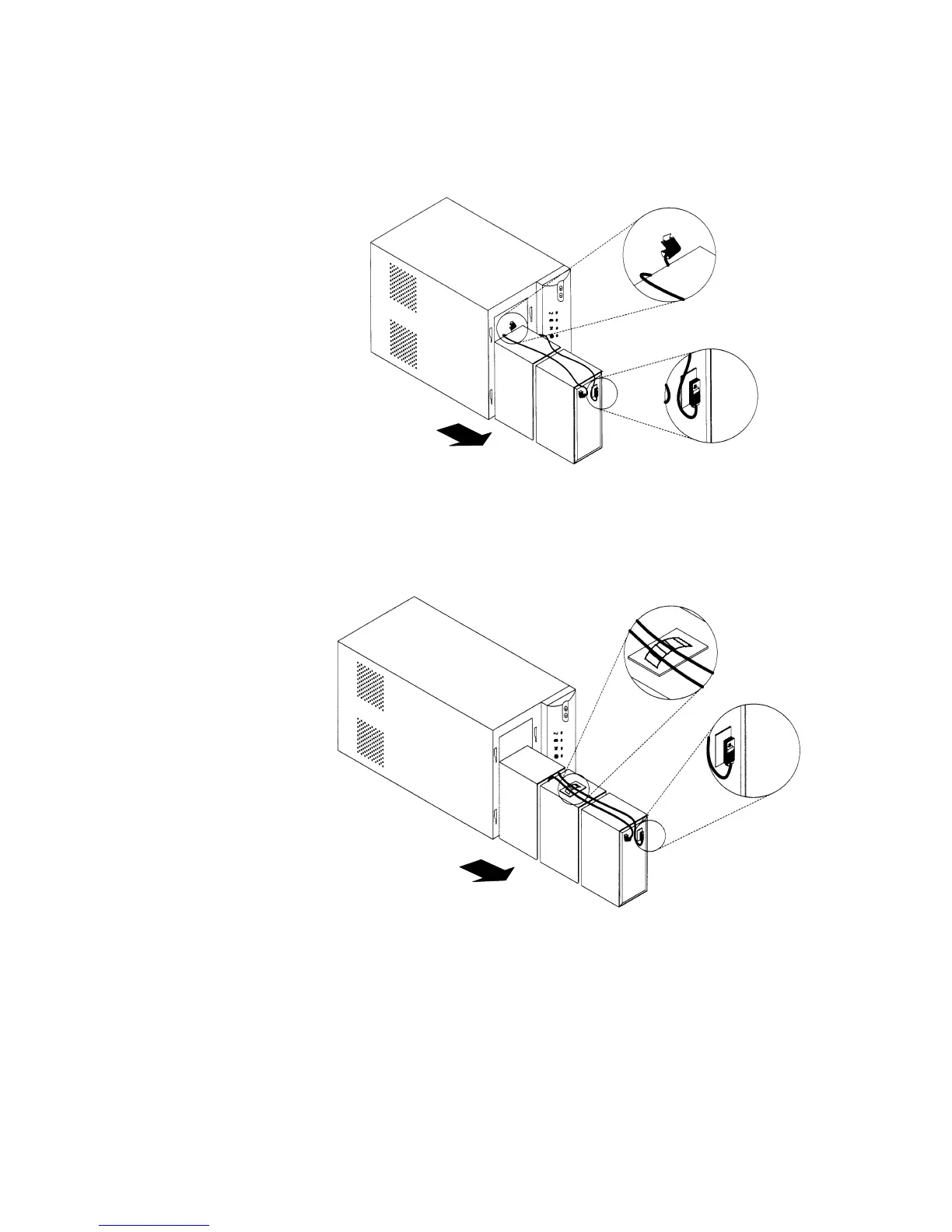
4. 750/1000 VA models. Disconnect the red battery cable and then
pull the battery out onto a flat, stable surface. Disconnect the
black battery cable to the UPS as shown.
750/1000 VA
5. 1400 VA models. Disconnect the red battery cable and then pull
the battery out onto a flat, stable surface. Remove the battery
tie around the black cable set and disconnect the black battery
cable to the UPS as shown.
1400 VA












 To Next Page