Using the Monitor Panel
5−8
EATON Powerware
®
9315 UPS (200–300 kVA) Operation Manual S 164201036 Rev G www.powerware.com
Select Active from the Events menu to display a listing of all system events that are
currently active. The most recent system event is listed first. As events clear, they are
removed from the Active System Events listing.
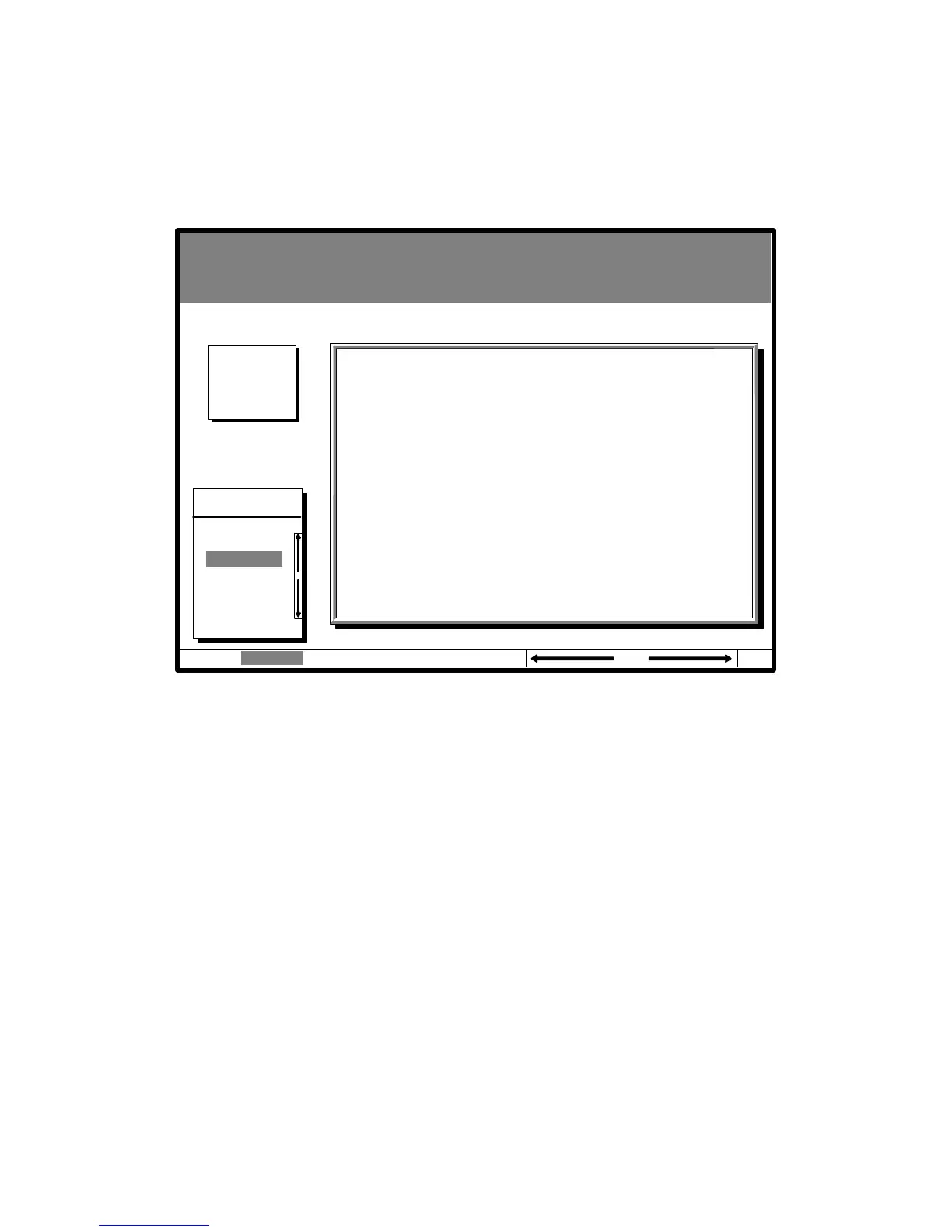
Figure 5-6 shows the Active System Events screen.
Uninterruptible Power System
Alarm: On Battery Shutdown Imminent
Notice: None
Events Statistics Graphics SetupMeters
Events
Active
History
Active System Events
NOTICE: Input power unavailable
NOTICE: Bypass Not Available
ALARM: Shutdown Imminent
04 NOV 1997 14:23:45
Battery
Minutes
001.3
Figure 5-6. Active System Events Screen












 To Next Page