PRD 700
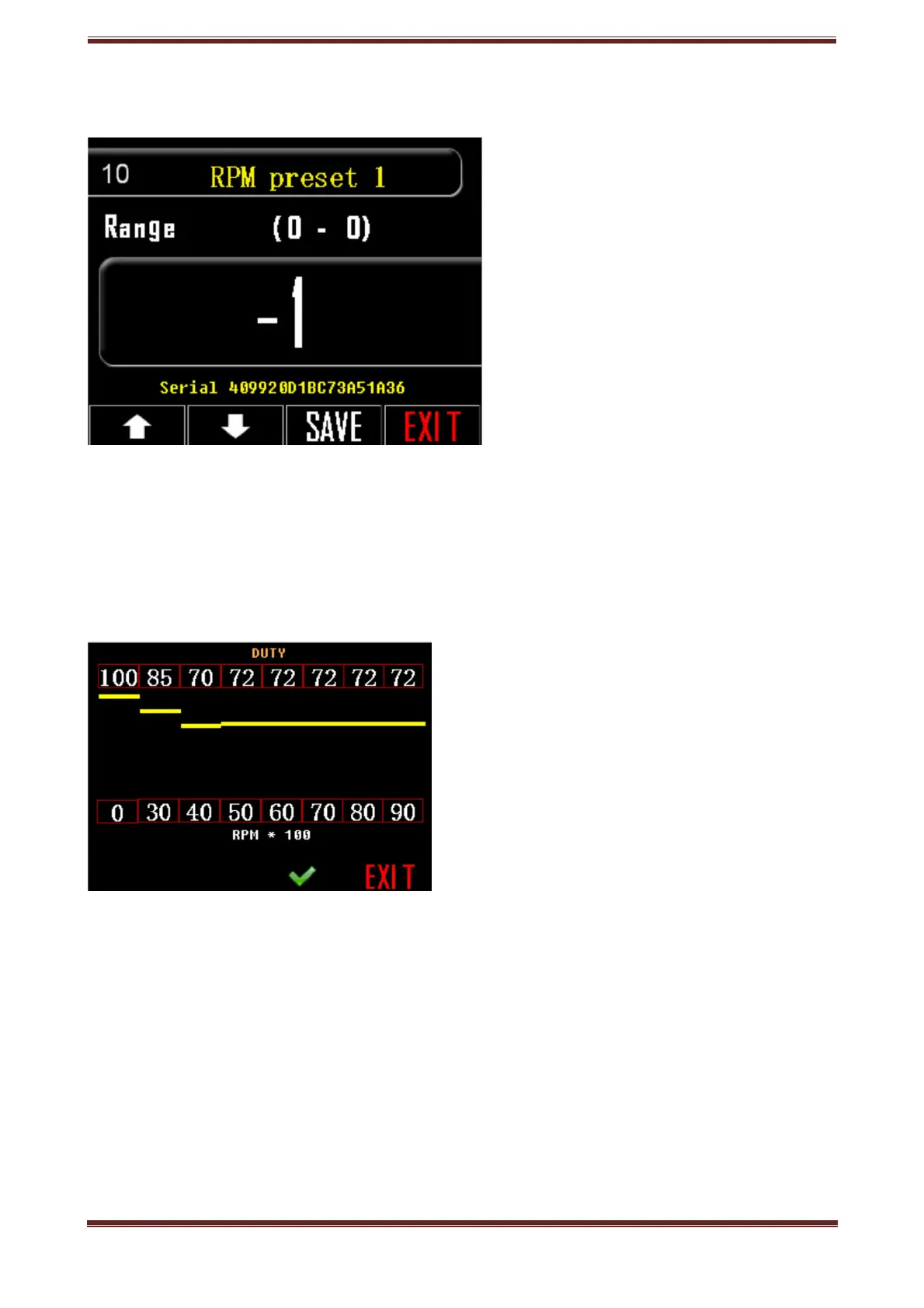
10. RPM preset 1
Regulate preset 1, rate of operation at each turn level, RPM.
1. Press the setting key, tool icon.
2. Go to option 10.
3. Press the box with the listed number and 2 number lines will appear on the
screen.
4. The line on the bottom of the screen is about the number of RPM multiplied by
100.
The line on the top of the screen is about the duty cycle. Every RPM rate corresponds
to one duty cycle rate.
Both lines are determined by you.
Press the number you would like to change and the number keypad will pop up.
5. Confirm your choice, press OK.
6. SAVE your choice.
• Go to next/previous setting, use arrow buttons.
• Press EXIT to return to home screen.
Prd.com.gr - PRD 700 Manual page 16



 To Next Page