PRD 700
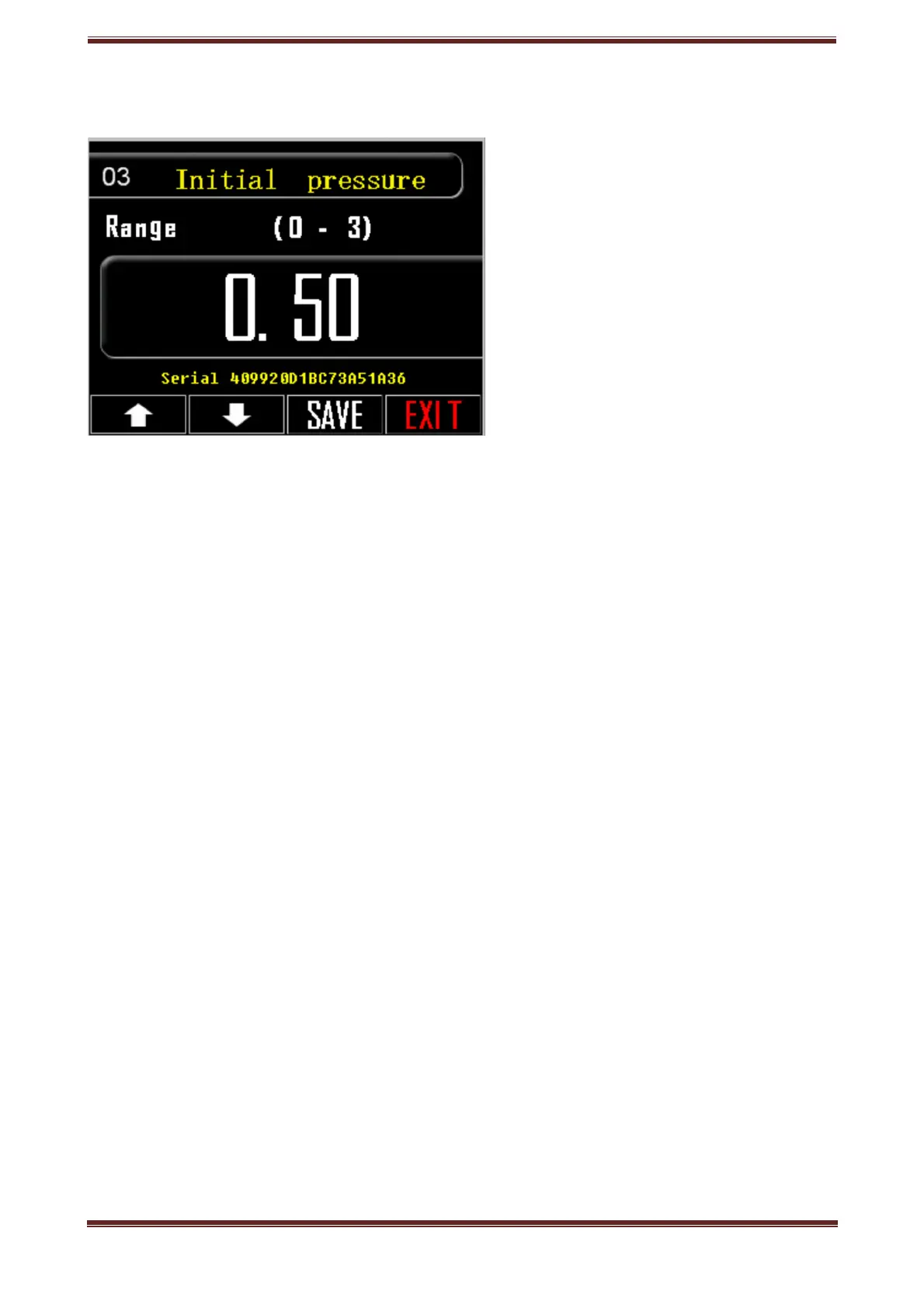
3. Initial pressure
Regulate Initial Pressure.
1. Press the setting key, tool icon.
2. Go to option 03.
3. Press the box with the listed number and the number keypad will pop up.
4. Dial the pressure you prefer from 0 to 3 bar.
5. Confirm your choice, press OK.
6. SAVE your choice.
Go to next/previous setting, use arrow buttons.
Press EXIT to return to home screen.
Prd.com.gr - PRD 700 Manual page 9



 To Next Page