PRD 700
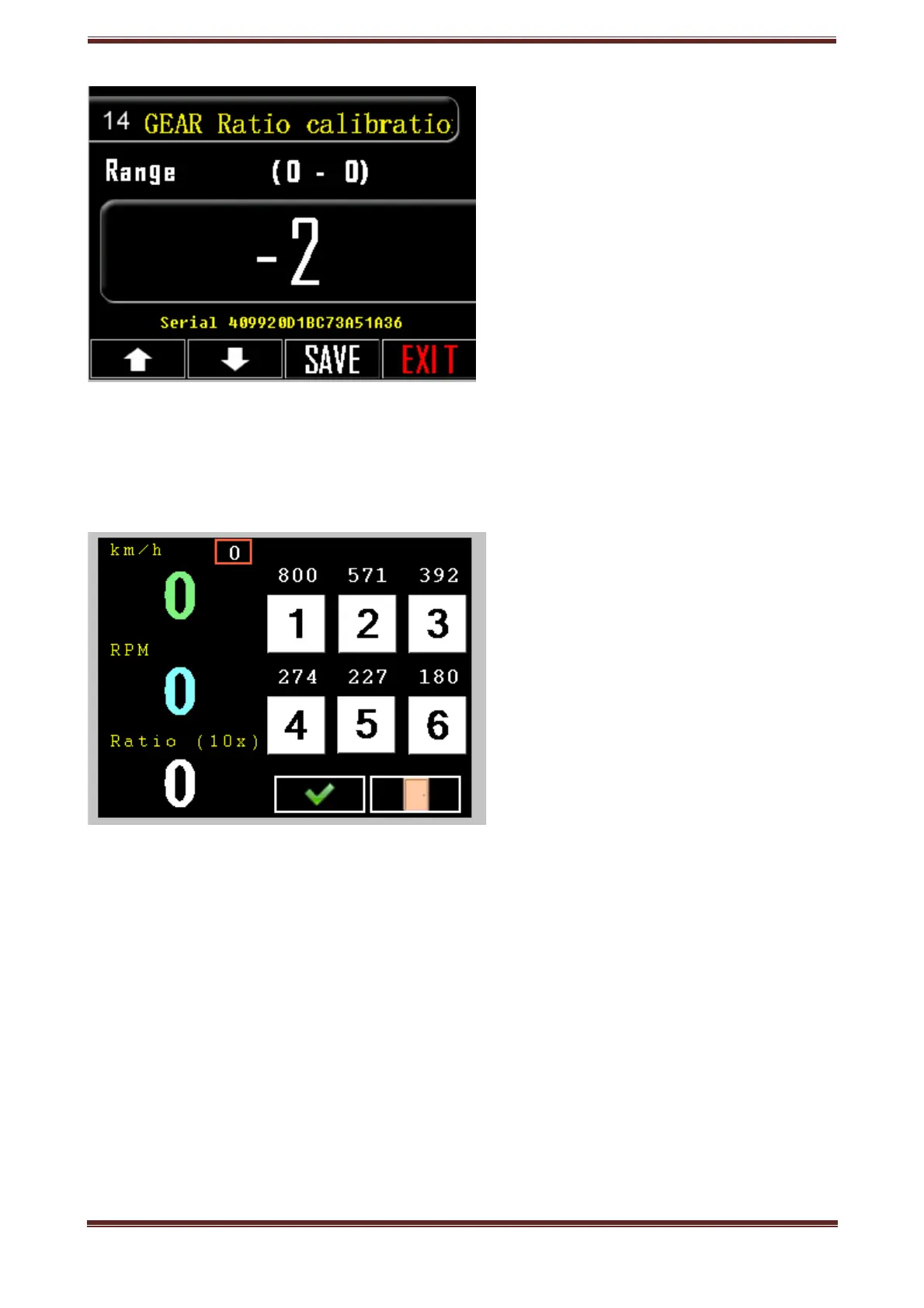
14. GEAR ratio calibration
Regulate GEAR ratio calibration
1. Press the setting key, tool icon.
2. Go to option 14.
3. Press the box with the listed number and the regulation screen will pop up.
4. Move smoothly icreasing speed from 1000 to 2000 for the first gear and from 1000
to 3000 for the second and the rest.
5. Press the corresponding key for each relation.
5.Confirm your choice, press OK.
6. SAVE your choice.
Prd.com.gr - PRD 700 Manual page 21



 To Next Page