5 Working with the configuration menu ■
31
the balance is matched to the interface of a peripheral device (see
chapter 8 “Data transfer to peripheral devices”).
5.8 Date and time
To activate the menu see chapter 4.5 “Activating the two main
menus” and chapter 4.6 “How the menu control operates”.
5.9 Password protection
To activate the menu see chapter 4.5 “Activating the two main
menus” and chapter 4.6 “How the menu control operates”.
The password protection permits you to protect the application menu
and/or the configuration menu against unintentional changes.
See chapter 4.7 “Password protection of the menus” and
chapter 10.1.2 “Activation of password protection” for further
information on password protection.
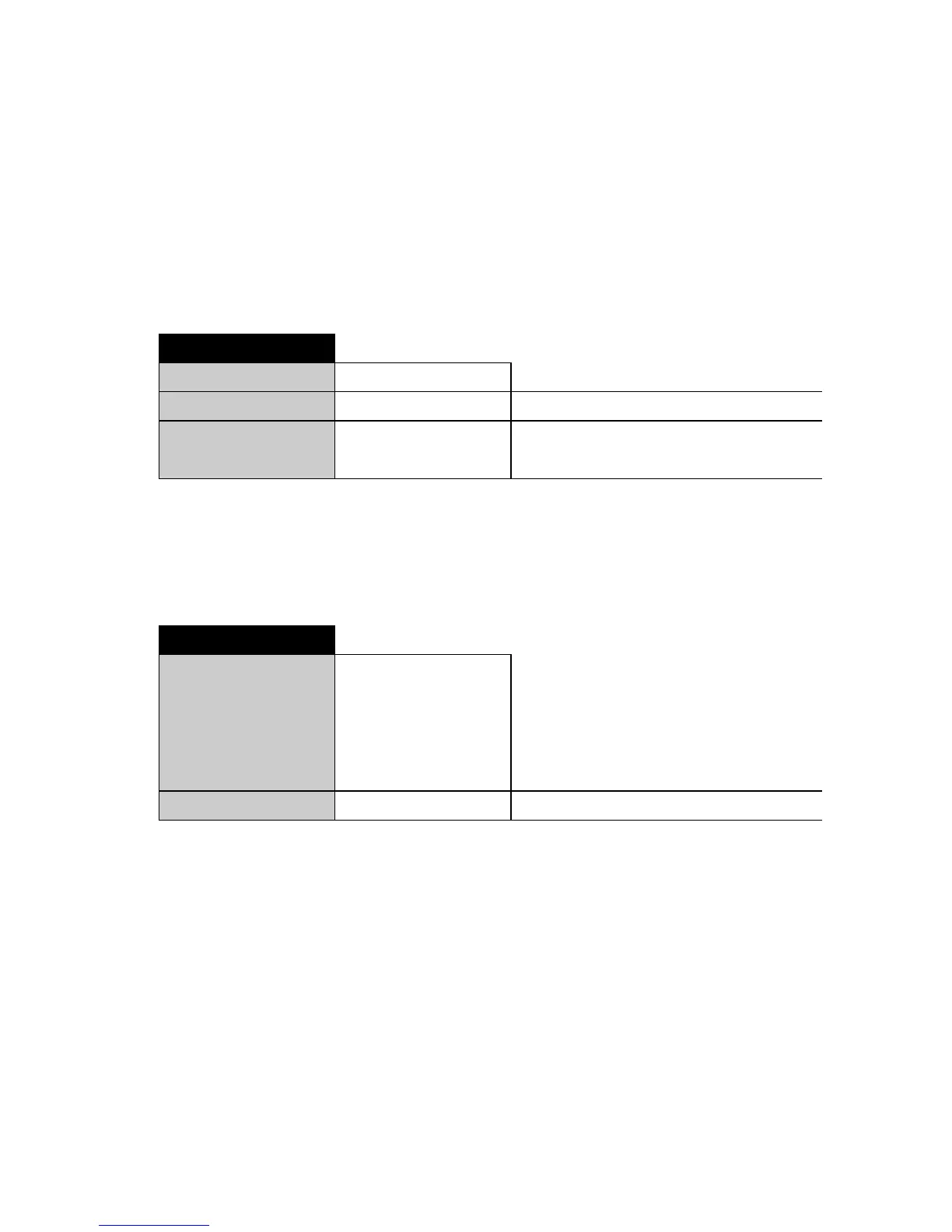
•DAT-TIMDSET
31.12.99 D.M.Y Date
23.59.59 H.M.S Time
FORMAT STD Standard
US US
• - - - - PWD
ProtEct OFF No protection
MED The configuration menu is
protected
HI The configuration menu and the
application menu are protected
- - - - NEW Enter new password




 To Next Page