Getting Started 19
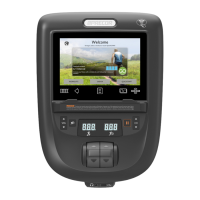
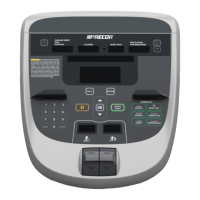
Number Part Name Details
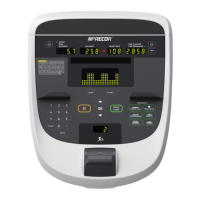
Options
• Press to enter Goals, Language,
Weight, Age, and Target Heart Rate
information, or to select More
Options.
• Press More Metrics to view
additional metric information.
Metrics:
• Percent Complete
• Time in Zone
• Segment Time Remaining
• Average Speed
• Pace - Treadmill only
• Calories per Minute
• Calories per Hour
• WATTS
• METS
• Target HR
• Average HR
• Elevations - Treadmill and climber
only
• Stride Length - AMT only
• Show All
• OFF
Back Returns user to the previous screen.
Pause For Treadmills: Pauses treadmill during
a workout.
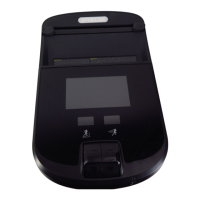
For Self-powered Equipment: Functions
as a reset key. Pressing it stops the
workout program and displays the
workout summary.
OK and
Up/Down
arrows
Use to navigate options and settings.




 To Next Page