15
www.pregis.com 38-OM225-1
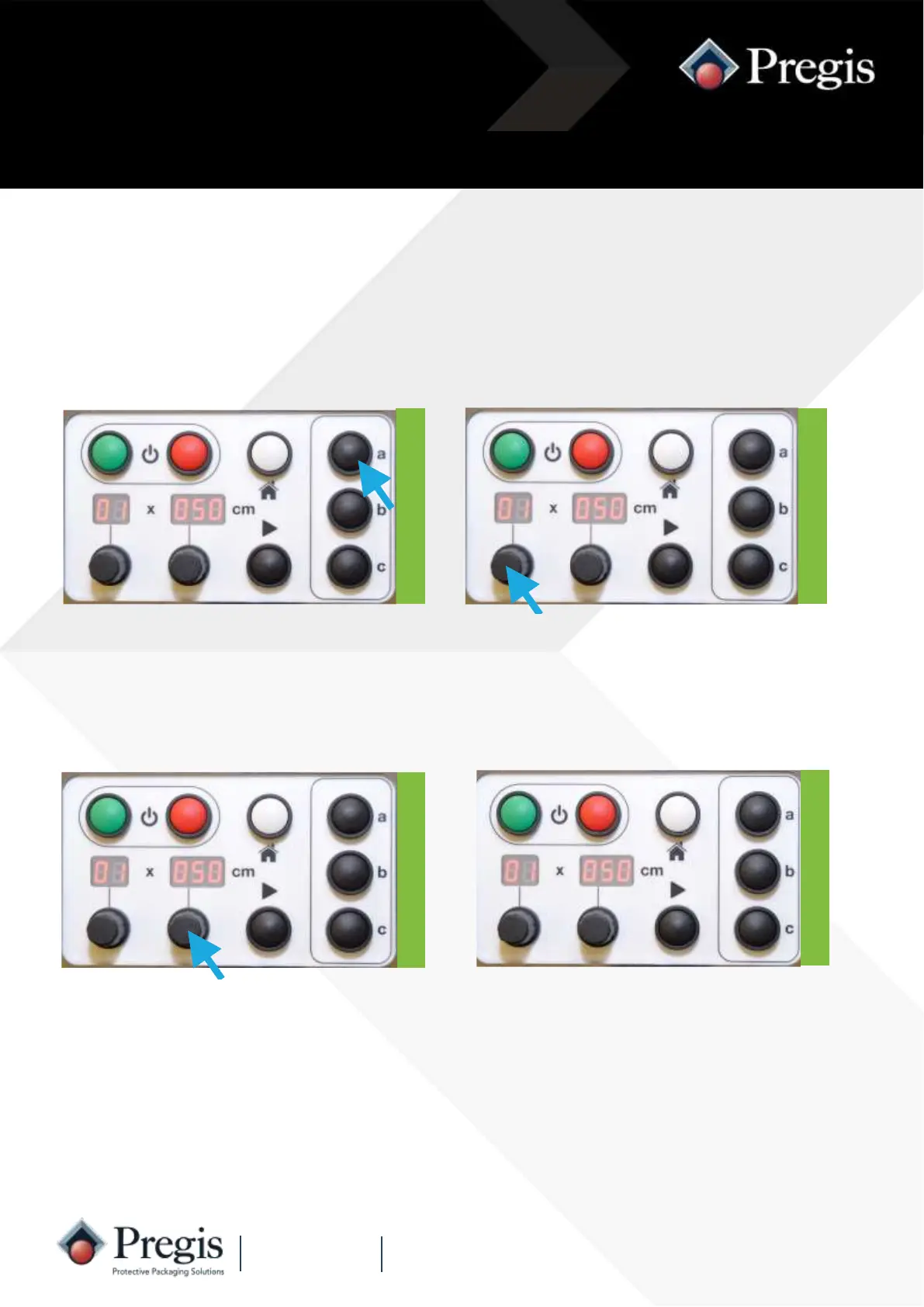
1. Press one of the preset buttons (a, b
or c) - the display will change to the
preset value.
2. Rotate the quantity knob to the
desired number from 01 to 99
(whilst the display is flashing).
Instructions for Use
3. Rotate the length knob to the de-
sired length (whilst the display is
flashing).
The three preset buttons can be programmed simply by the operator.
Programming the Preset Buttons
4. Release the preset button to save
the values - the display will flash
twice before remaining on.



 To Next Page