MAX-PRO Operator Manual
Original Printed in English
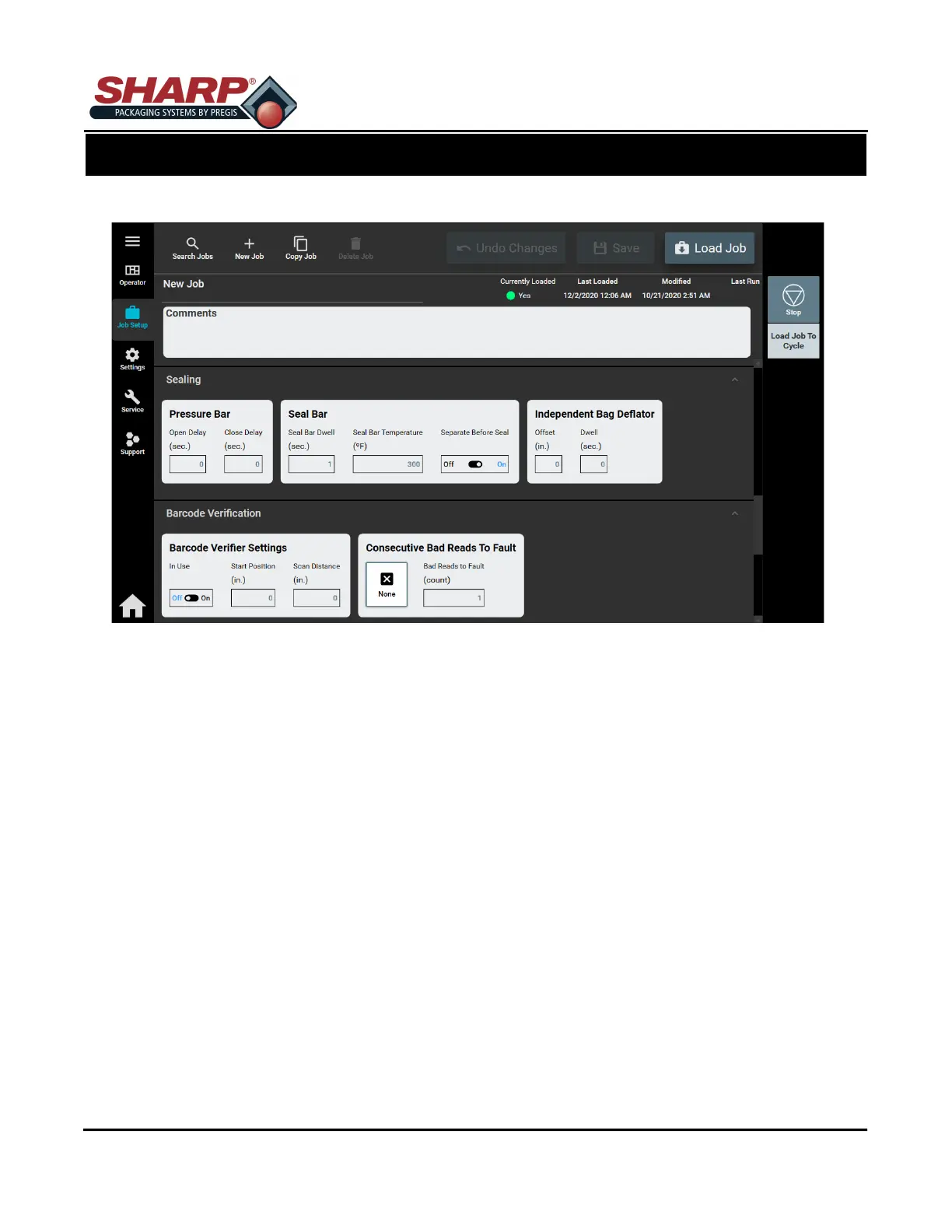
JOB SETUP SCREEN - PRESSURE BAR AND SEAL BAR
Any changes made to this screen requires operator to press ‘Load Job’ button.
PRESSURE BAR
Open Delay: Adjusts the delay, in seconds, that occurs prior to opening the Pressure Bar.
Close Delay: Adjusts the delay, in seconds, that occurs prior to closing the Pressure Bar.
SEAL BAR
Dwell: The amount of time the heated seal bar will remain in contact with the film. High quality seals are
accomplished through proper seal time settings. These settings will vary with the film gauge and materi-
al.
Temperature: Sets the desired temperature of seal bar.
Separate Before Seal - Toggle switch that turns ON/OFF a feature that, prior to sealing the bag, will rev-
erse the web when the pressure bar is closed in order to disconnect the bag from the
next bag.
SCREEN NAVIGATION
SECTION 2 - CONTROLS
2-9



 To Next Page