MAX-PRO Operator Manual
Original Printed in English
CLEANING
3-11
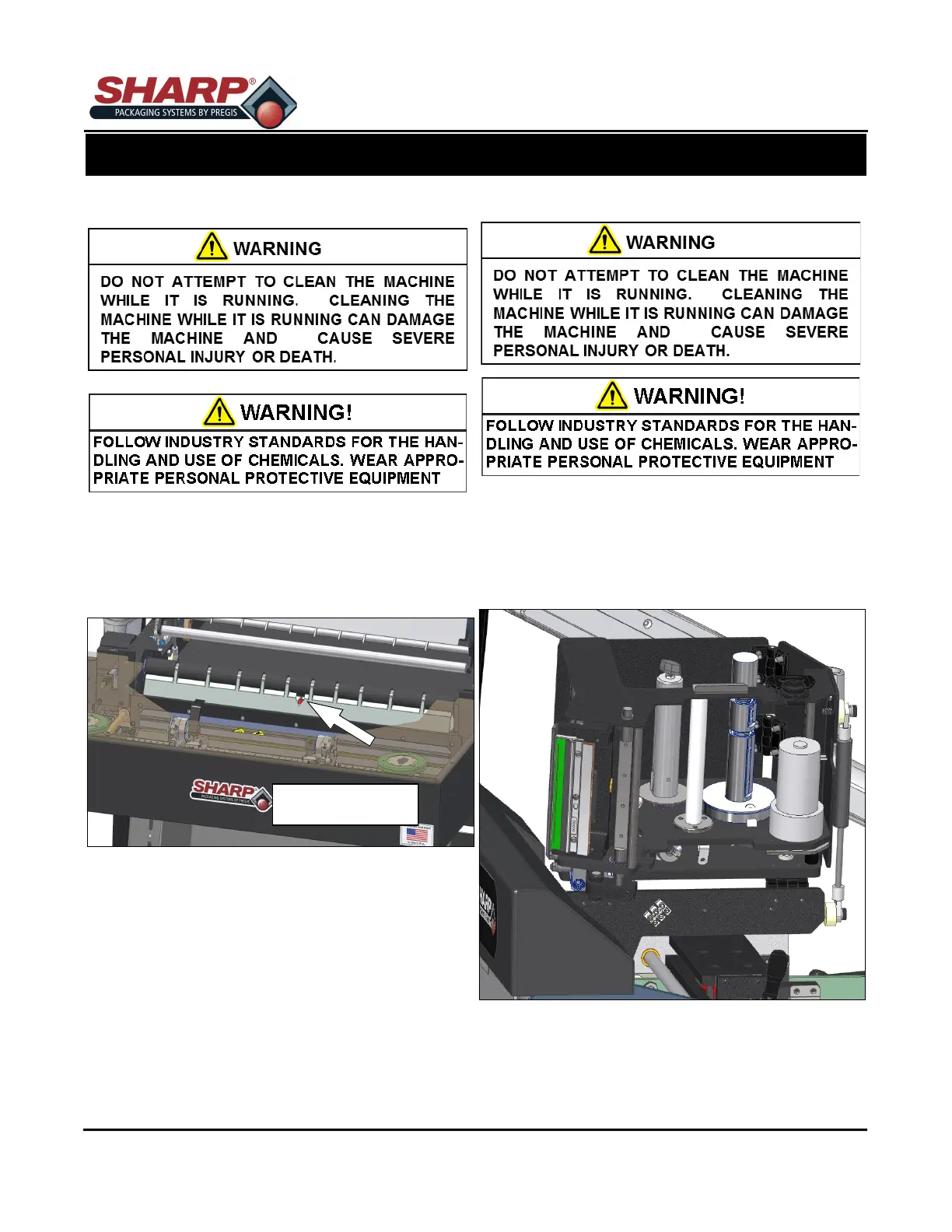
BAG EDGE PRESENT SENSOR
1. Remove Power from bagger.
2. Clean with a cotton swab if dirty. Do not use any
solvents or cleaning solutions on the sensing por-
tions of eye.
PRINTHEAD
1. Turn the Printer Control Box OFF.
2. Open the Printer Carriage by releasing the Draw
Latch on side of Printer Carriage.
3. Clean the Printhead thoroughly using a soft, lint-
free cloth and 99.7% isopropyl alcohol.
Bag Edge Present
Sensor
SECTION 3 - SET-UP & OPERATION



 To Next Page