17
WARNING:
When doing the control solution test, you have to mark it so that the test result
will not be stored in the memory. Failure to do so will mix up the blood glucose
test results with the control solution test results in memory.
Performing a Control Solution Test
Premium V12 Voice model only.
Voice Guide:
" Please apply blood onto the test strip."
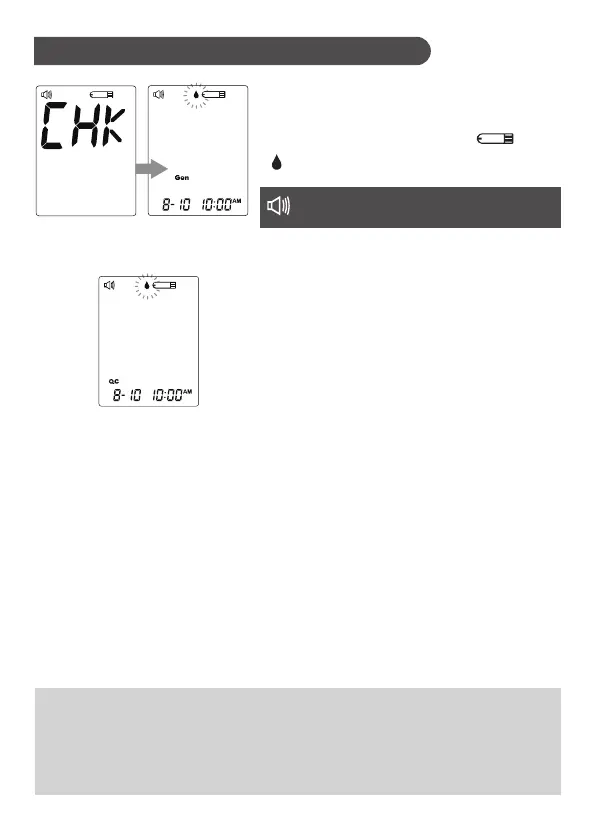
2. Press M Button to mark this test as a
control solution test
With“QC”displayed,themeterwillnot
store your test result in memory. If you
presstheMButtonagain,the“QC”will
disappear and this test is no longer a
control solution test.
1. Insert the test strip to turn on the
meter
Wait for the meter to display “ ”and
“
”.



 To Next Page