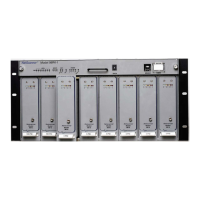
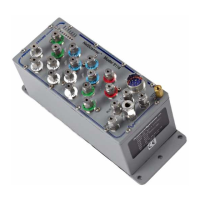
Pressure Systems, Inc. NetScanner™ System (9016, 9021, & 9022) User’s Manual
ii dd
Description ‘q’ read
index
www.PressureSystems.com
3 - 72
15
00
01
02
03
(for Models 9021 and 9022 only; reserved for 9016)
Set Amplifier Gain to 5000 mV FS Range (G=1) (default)
Set Amplifier Gain to 250 mV FS Range (G=20)
Set Amplifier Gain to 100 mV Range (G=45)
Set Amplifier Gain to 50 mV FS Range (G=90)
16 00
01
Disable Host Response/Stream Total Size Prefix
(default).
Enable Host Response/Stream Total Size Prefix (2-byte
big-endian binary value with total size of response or
stream data in bytes that follows it).
08
17 00
Set TCP Connect Port per eeee as decimal value
(default=9000).
09
18 00
01
Disable Auto UDP Broadcast at Reset (default).
Enable Auto UDP Broadcast at Reset.
0A
19 00
01
Set Minimum Temperature Alarm Set Point (in
N
C)
per eeee as decimal value (default = 0
N
C).
Set Maximum Temperature Alarm Set Point ( in
N
C)
per eeee as decimal value (default = 60
N
C).
0D
0E
1B 00
Set Thermal Update Scan Interval per eeee as decimal
value (seconds), 1 <= eeee <= 3600 seconds (default = 15).
11
22 00
(9022 ONLY) Set Front-end Automatic Calibration
Interval. 5 <=eeee <=3600 seconds (default=60); 0=turn
off calibration.
12
23 --
(9022 ONLY) Calculate Front-end Calibration
Coefficients Immediately.
25 00
(for Models 9021 and 9022 ONLY) Set Generic Sensor
Parameters to Default. (Offset term=0.0; Gain term=1.0;
c0=0.0; c1=1.0; c2=0.0; c3=0.0; user-defined date=0;
manufacturing reference number=0; full-scale range
code=0; front end gain=0 (unity))


 To Next Page