32
F5
•F5 Function button; Next�
33
F6
•F6 Function button; Stop�
34
F7/ANGLE •F7 Function button�
•DVD Multi picture button�
35
F8 •DVD sub-title button�
•F8 Function button�
36
F9
•F9 Function button�
•DVD open/close key�
37
F10/GOTO •F10 Function button�
•DVD time selected button�
38
F11 •F11 Function button�
39
AUTO
F12/REPEAT
•Auto adjust the picture button�
•F12 Function button�
•Set the repeat mode for DVD�
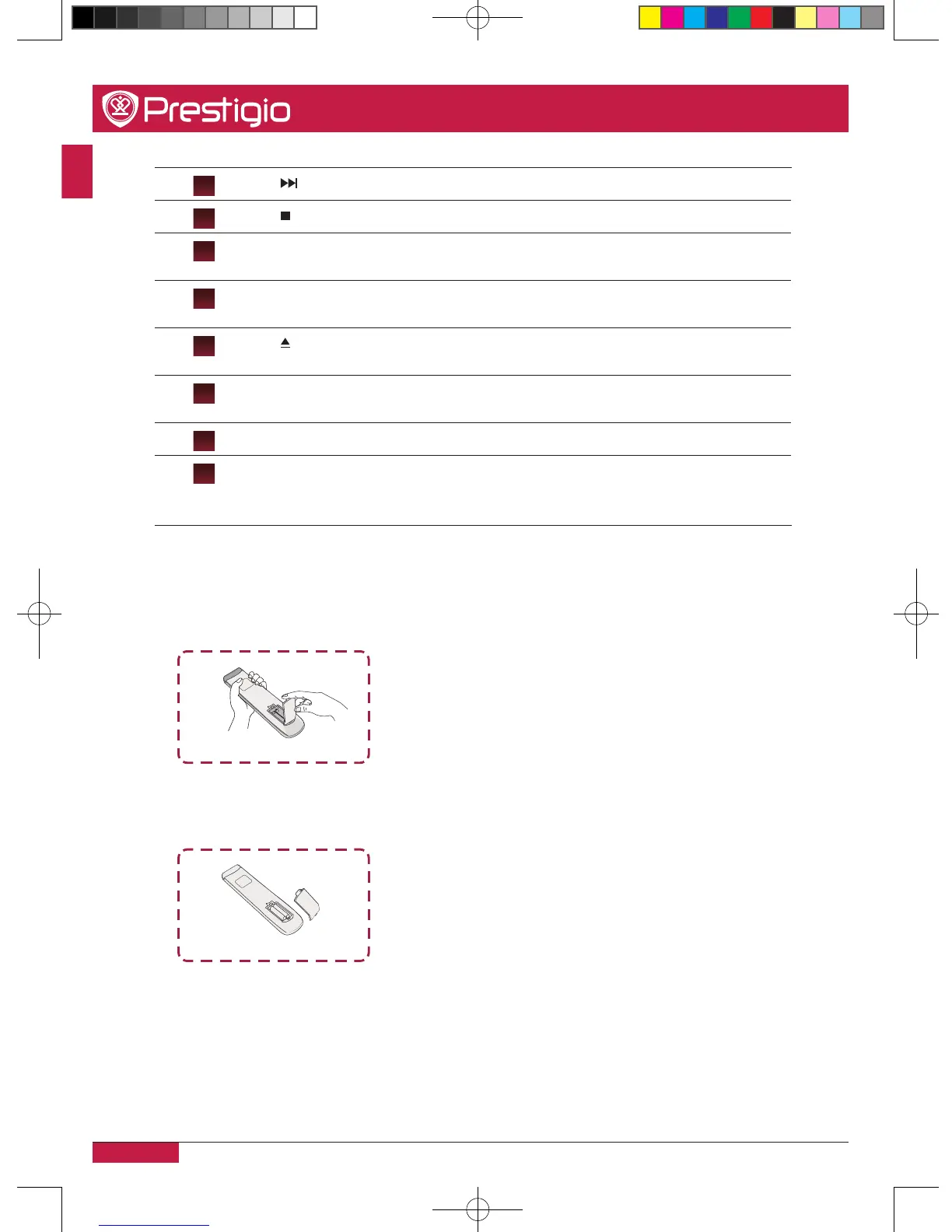
Insert the batteries
1� Remove the cover on the rear of the remote control�
2� Insert two “ AAA” batteries and care to respect the polarities:
- + on the battery against +,- on the battery against - � Please do not mix the batteries�
3� Replace the cover by aligning the new batteries in the base of the remote control and
pressing it back into place�
PMB554H847,707,657_QSG_ EN_no TV.indd 14 2013/10/15 14:29:03



 To Next Page