6. General settings
Set up your MultiBoard
Follow the steps to finish settings:
1� Plug the POWER cord and switch it on from the rear panel�
2� Press MENU on the remote control to enter settings�
3� Press or to select the settings item�
4� Press ENTER if you want to set the desired item�
5� Select the parameter by pressing or �
6� Press ENTER to confirm your selection�
7� Press MENU again to go back to preview mode�
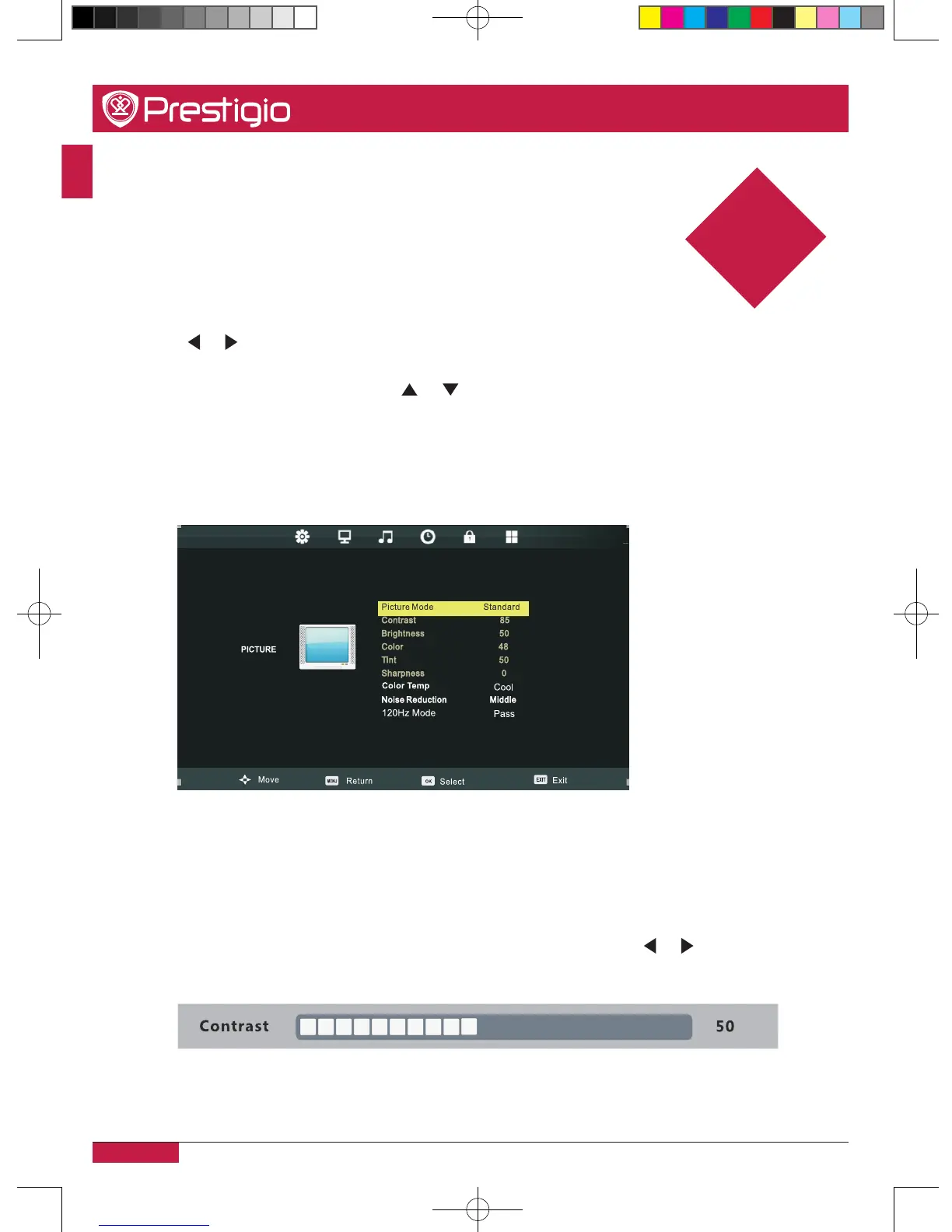
Picture settings
Picture mode
When Picture Mode is set to Personal, the following settings can be manually adjusted�
•Press P.MODE button on the remote control to select picture mode directly�
Contrast/Brightness/Color/Tint/Sharpness
Highlight the item and press, and a process bar appears, then press or to adjust the
value�
6
PMB554H847,707,657_QSG_ EN_no TV.indd 24 2013/10/15 14:29:06



 To Next Page