Color Temp
Press or to select the color temperature that you feel comfortable�
•Normal: Basically will be accepted by most people�
•Cool: means a high color temperature that will feel cool�
•Warm: means a low color temperature that will feel warm�
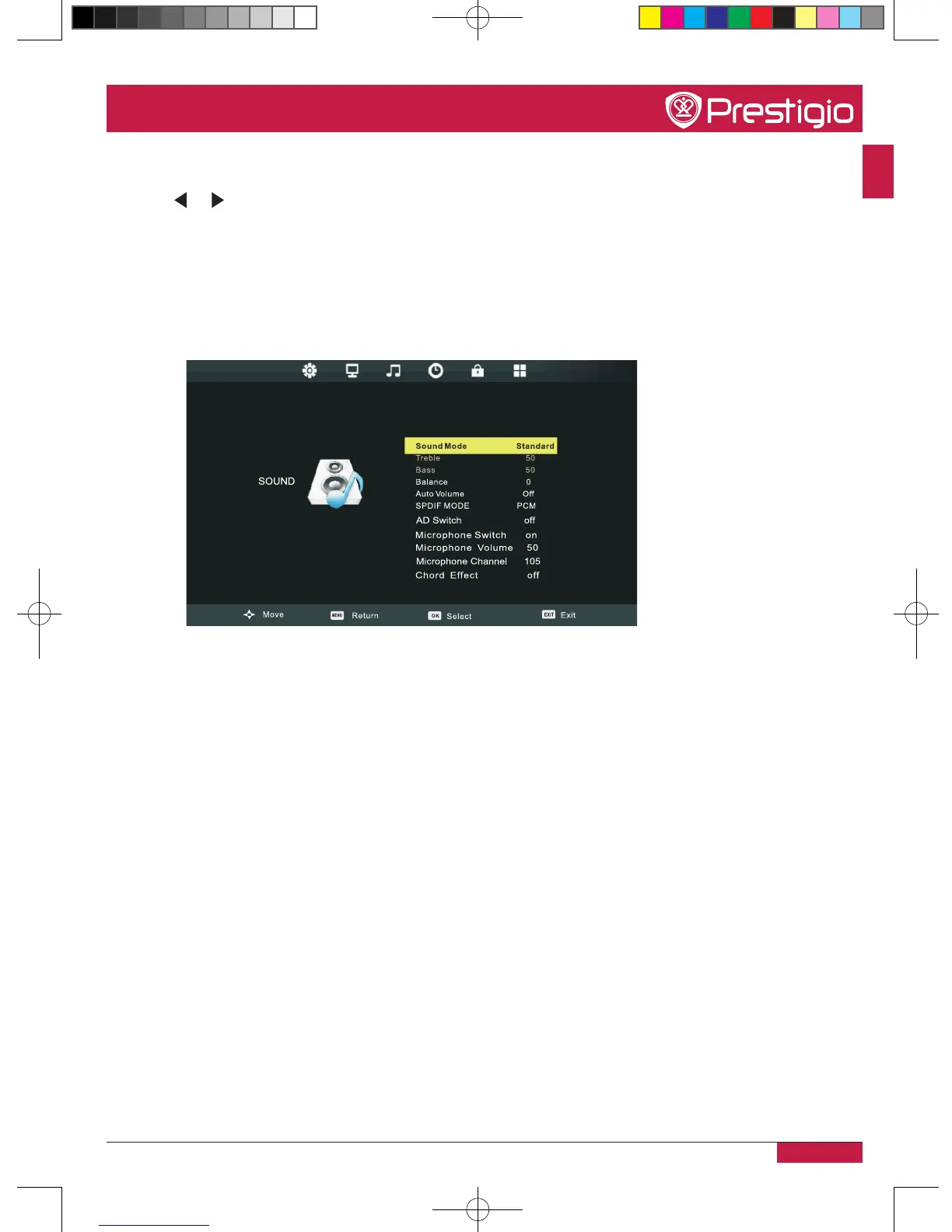
Sound settings
Sound mode
Only in Personal mode, the following items can be adjusted: Standard/Dynamic/Sports/
Personal�
Balance
Adjust the level of sound coming from the left or right speaker�
Microphone switch
Turn on or off the microphone amplifying function�
Microphone volume
Adjust microphone volume size�
Chord effect
Adjust the touch sound�
PMB554H847,707,657_QSG_ EN_no TV.indd 25 2013/10/15 14:29:06



 To Next Page