Lock system
The default password is "0000", and the master password is “4711”�
The following items will work only when Lock System is set to ON�
Set password
You can set a new password�
Block program
You can view the locked program by entering the password�
Key lock
Set to prevent it from being used by young children, or other unexpected usage�
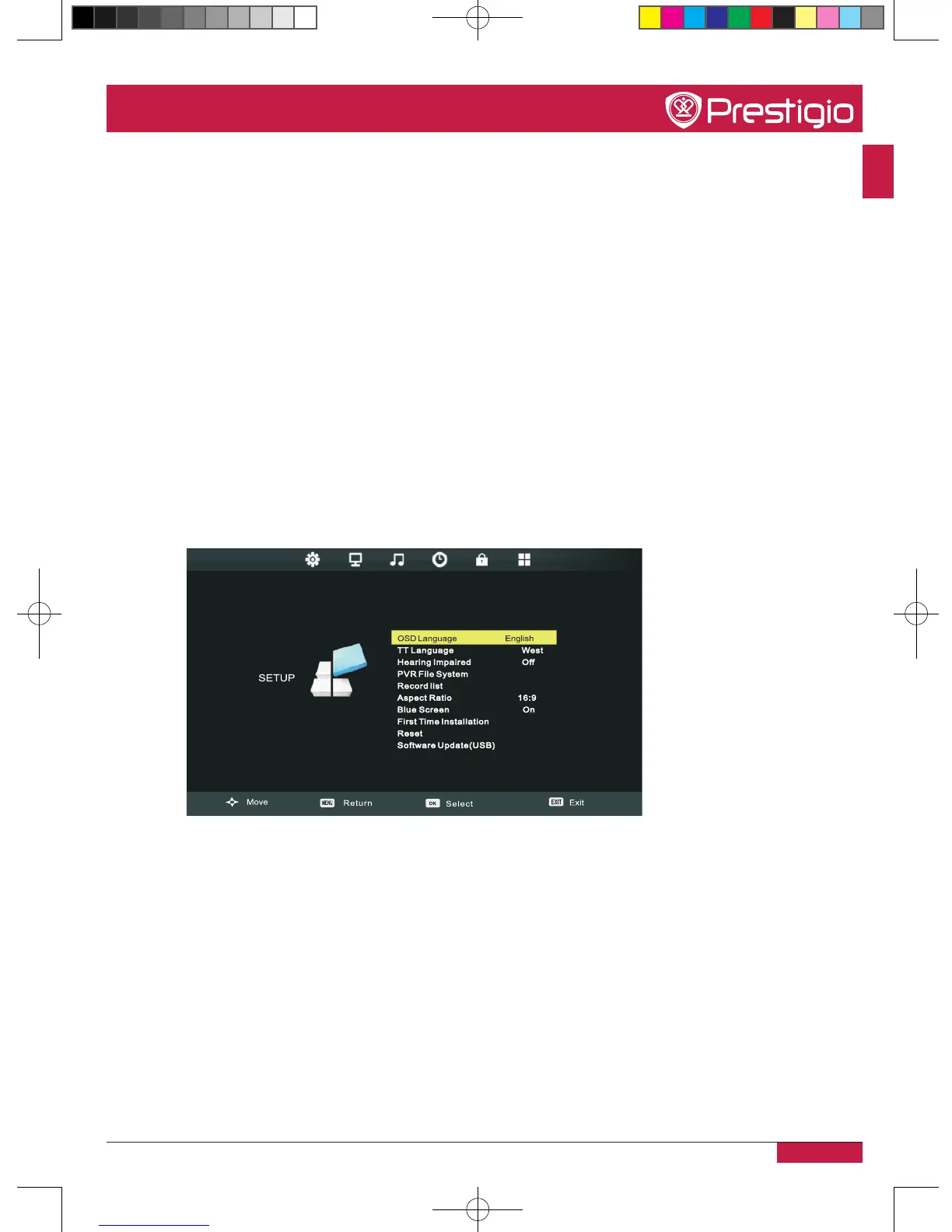
Other settings
OSD language
Set the language for the on-screen-display menu�
Hearing impaired
Set the hearing impaired mode on or off�
PVR file system
Check or set the PVR file system�
Record list
PMB554H847,707,657_QSG_ EN_no TV.indd 27 2013/10/15 14:29:06



 To Next Page