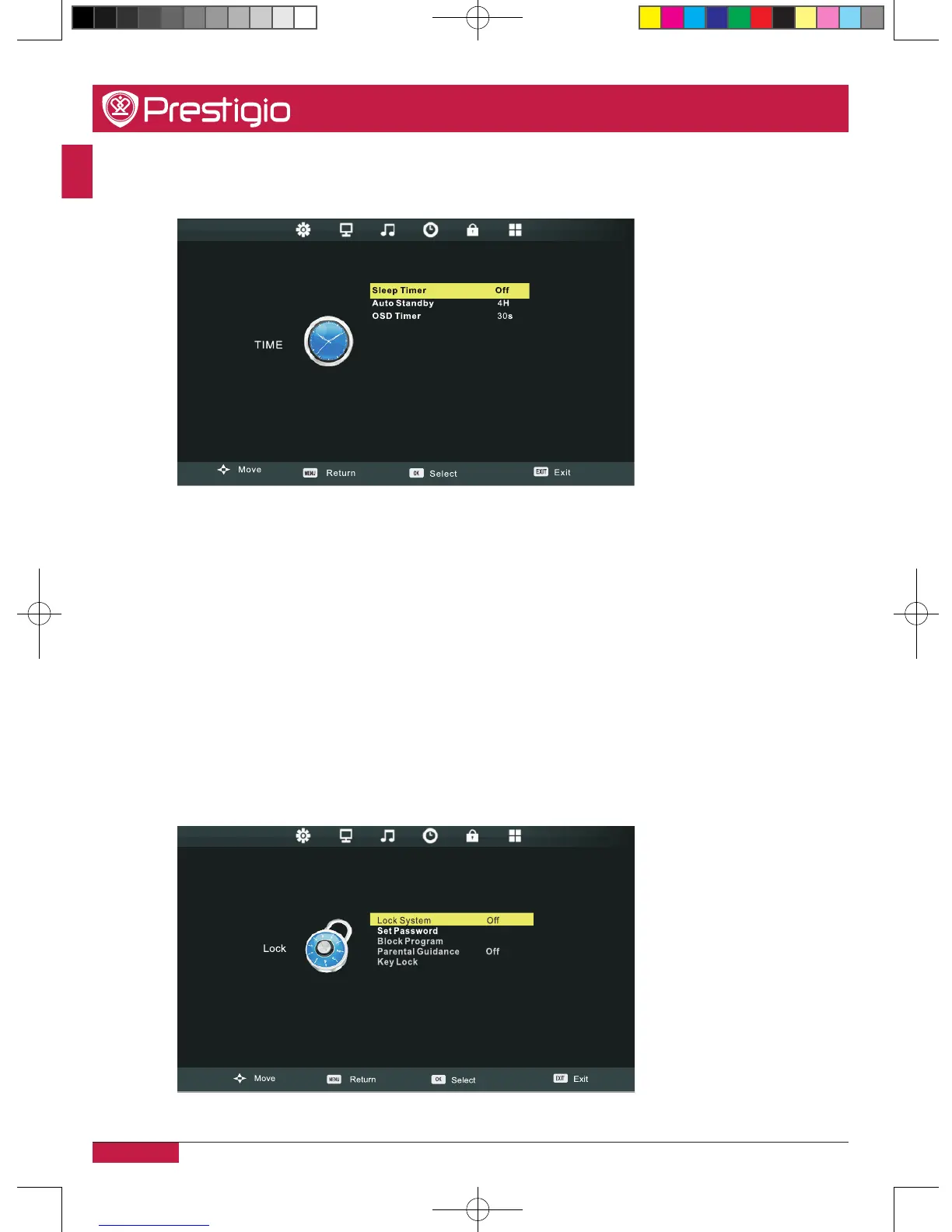
Time settings
Sleep timer
Select the time in minutes that you want the MultiBoard to shut off automatically after you
set the time� Cancel it by setting the item to Off�
Auto standby
Select the time in hours that you want the MultiBoard to remain on after your last
operation� Cancel it by setting the item to Off�
OSD timer
Select the time in seconds that you want the on-screen-display to remain on after your last
operation�
Lock settings
PMB554H847,707,657_QSG_ EN_no TV.indd 26 2013/10/15 14:29:06



 To Next Page