TV 10
Mono
16
SEARCH
1
2
3
4
5
6
7
8 9
0
DVD MENU
TITLE
ENTER
PLAY
STOP
SR/SF
REW/PREV
RETURN
OPEN/CLOSE
DSP/OSD
STEREO/AUDIO&CH
FWD/NEXT
PAUSE/STEP
REPEAT A-B
ANGLE
SUBTITLE
CH
MENU
CH
Cable/SAT
DVD COMBO
SET
MUTE
AV/SETUP
+10
SLEEP
VCR
TV
VOL
VOL
TV/DVD
+
-
3
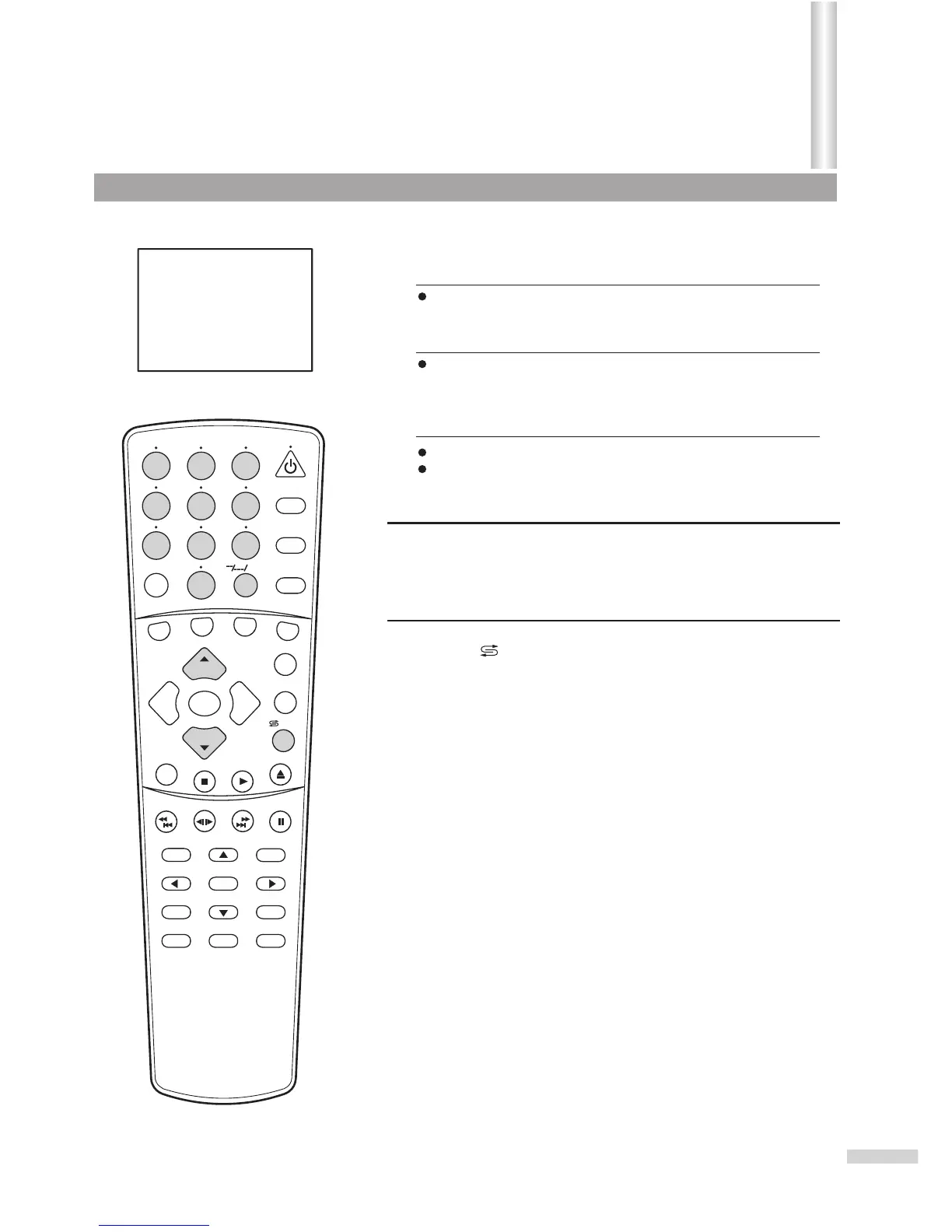
Use 0~9 digit buttons and the --/---/+10 button
Use the CH+ or CH- button
Press one of the 0-9 digit buttons and wait for 2 seconds.
Input the channel using the digit buttons. Be sure to enter the
channel within 2 seconds.
Press the "--/---/+10” button to display "1--".
Press two digit buttons to input the remaining two digits of the
channel. For example, to select channel 124, press "--/---/+10”,
press 2, then press 4.
Press the CH+ button, the channel number increases;
Press the CH- button, the channel number decreases.
Press this button to switch between the current channel and the
previous channel.
To select two-digit channel:
To select three-digit channel:
Use the /ZOOM button
1
2
To select one-digit channel:
Channel Selection
/ZOOM



 To Next Page