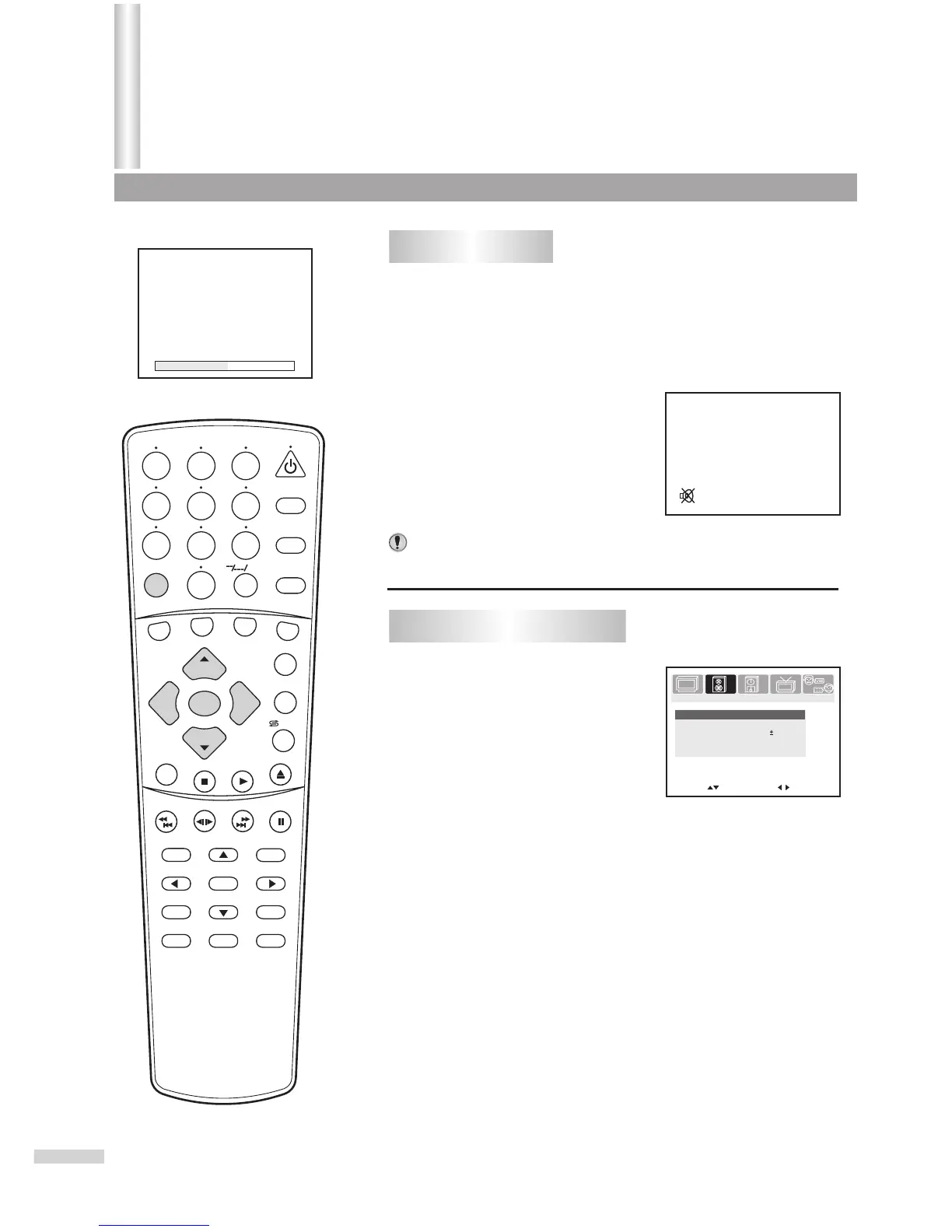
Adjusting volume/Muting the Sound
1
Use the VOL+ or VOL- button.
Press VOL+, the volume increases;
Press VOL-, the volume decreases.
The minimum volume is 0 and the maximum volume is 100.
2
Use the MUTE button.
If you want to mute the sound, press
the MUTE button on the remote.
To resume the sound, press this button
again.
Notes:
You can also resume the sound by pressing the VOL+ or VOL- button.
Volume 50
19
Adjusting volume
SEARCH
1
2
3
4
5
6
7
8 9
0
DVD MENU
TITLE
ENTER
PLAY
STOP
SR/SF
REW/PREV
RETURN
OPEN/CLOSE
DSP/OSD
STEREO/AUDIO&CH
FWD/NEXT
PAUSE/STEP
REPEAT A-B
ANGLE
SUBTITLE
CH
MENU
CH
Cable/SAT
DVD COMBO
SET
MUTE
AV/SETUP
+10
SLEEP
VCR
TV
VOL
VOL
TV/DVD
+
-
To enter the SOUND menu
Press the MENU button.
Press VOL+ or VOL- to select
SOUND icon.
Press CH- to display the
SOUND menu.
11
22
33
Move[ ] Adjust[ ]
Bass
59
Treble
69
Balance
Sound mode
Personal
00
PICTURE
TIMERSOUND
TUNING
SET UP
S.woofer
On
Sound
/ZOOM



 To Next Page