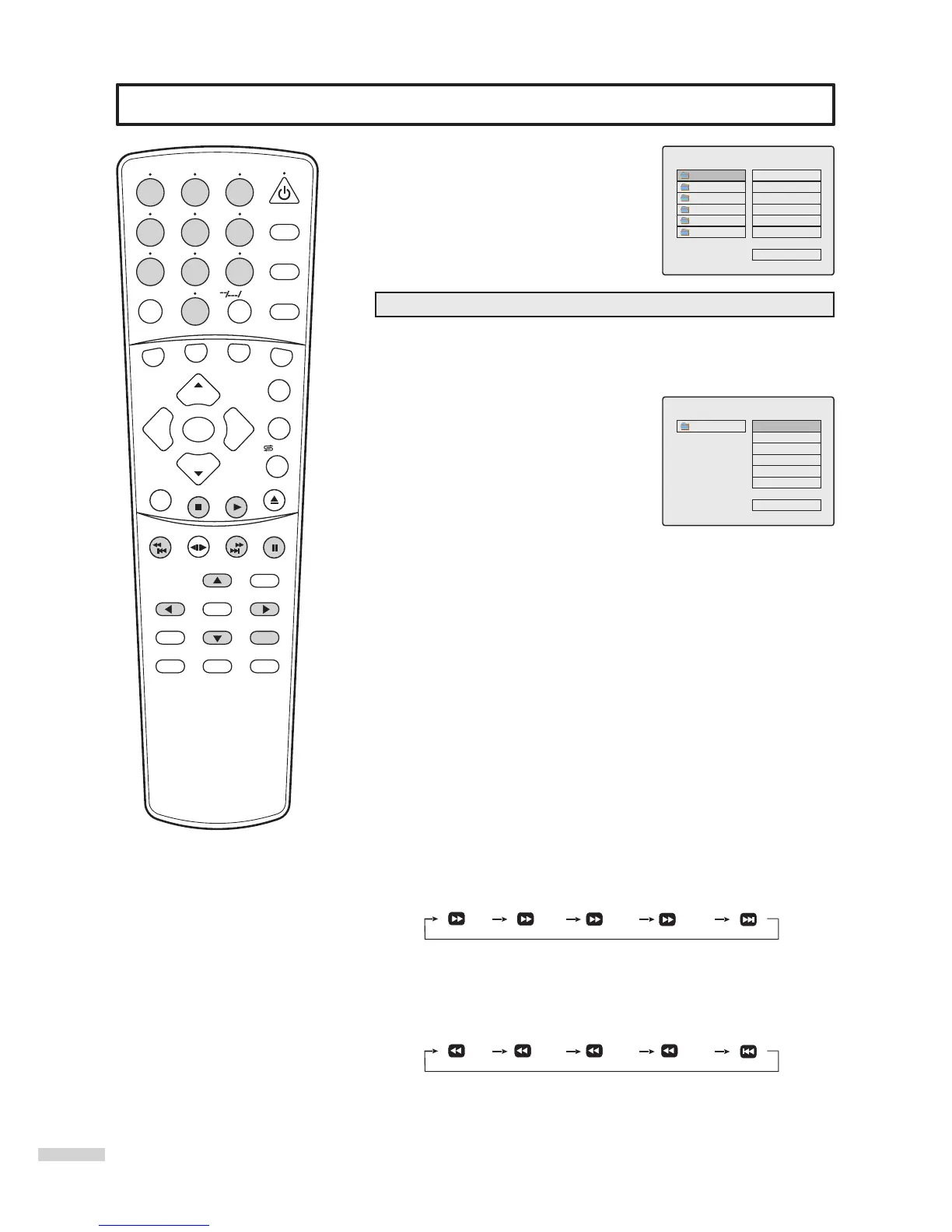
Playing Back MP3 disc
SEARCH
1
2
3
4
5
6
7
8 9
0
DVD MENU
TITLE
ENTER
PLAY
STOP
SR/SF
REW/PREV
RETURN
OPEN/CLOSE
DSP/OSD
STEREO/AUDIO&CH
FWD/NEXT
PAUSE/STEP
REPEAT A-B
ANGLE
SUBTITLE
CH
MENU
CH
Cable/SAT
DVD COMBO
SET
MUTE
AV/SETUP
+10
SLEEP
VCR
TV
VOL
VOL
TV/DVD
+
-
Note
=
The on-screen display may be
different depending on the disc you
are playing.
This unit is able to playback discs recorded
with MP3 files. When a MP3 disc is loaded,
a file menu screen displays.
FOLDER2
FOLDER3
FOLDER1
FOLDER4
MENU
FOLDER6
FOLDER5
PLAY MODE FOLDER
Note
=
This menu screen is for illustration only.
=
If all MP3 files are recorded in the root
directory, no folder appears.
PLAYBACK OPERATIONS
1. Playback
=
Press5or6to select your desired folder
=
Press ENTER to enter the folder and display MP3 tracks.
=
Press 4 to access MP3 track item.
=
Press5or6to select a desired track.
=
Press PLAY or ENTER to playback.
< UP DIR >
MENU
PLAY MODE FOLDER
MP3Track1
MP3Track2
MP3Track6
MP3Track5
MP3Track4
MP3Track3
=
Press STOP to stop playback.
=
Press 3to select <UP DIR> item.
=
Press ENTER to confirm.
2. Music track selection
=
Press 0-9 to select a desired track.
You need to input a 3-digit track number by using number buttons.
For example, you want MP3Track5, press 0 0 5 in order.
=
Press 5or6to select a desired track.
3. Pause Playback
=
Press PAUSE/STEP during playback.
=
To resume playback, press PAUSE/STEP again or press PLAY.
- or -
=
Press STOP to stop playback.
=
Press PLAY or ENTER to playback.
4. Stop Playback
=
Press STOP during playback.
5. Fast Forward Playback / Skip tracks forward
Press FWD/NEXT repeatedly to playback fast forward or skip to next
track. Each press of this button, the unit functions as follows:
8X
16X
To resume normal playback, press PLAY.
6. Reverse Playback /Skip tracks reverse
Press REW/PREV repeatedly to playback reverse or skip to last
track. Each press of this button, the unit functions as follows:
8X
16X
To resume normal playback, press PLAY.
2X 4X
2X 4X
45
How do you return to the upper directory?
/ZOOM



 To Next Page