Locating Desired Scene
SEARCH
1
2
3
4
5
6
7
8 9
0
DVD MENU
TITLE
ENTER
PLAY
STOP
SR/SF
REW/PREV
RETURN
OPEN/CLOSE
DSP/OSD
STEREO/AUDIO&CH
FWD/NEXT
PAUSE/STEP
REPEAT A-B
ANGLE
SUBTITLE
CH
MENU
CH
Cable/SAT
DVD COMBO
SET
MUTE
AV/SETUP
+10
SLEEP
VCR
TV
VOL
VOL
TV/DVD
+
-
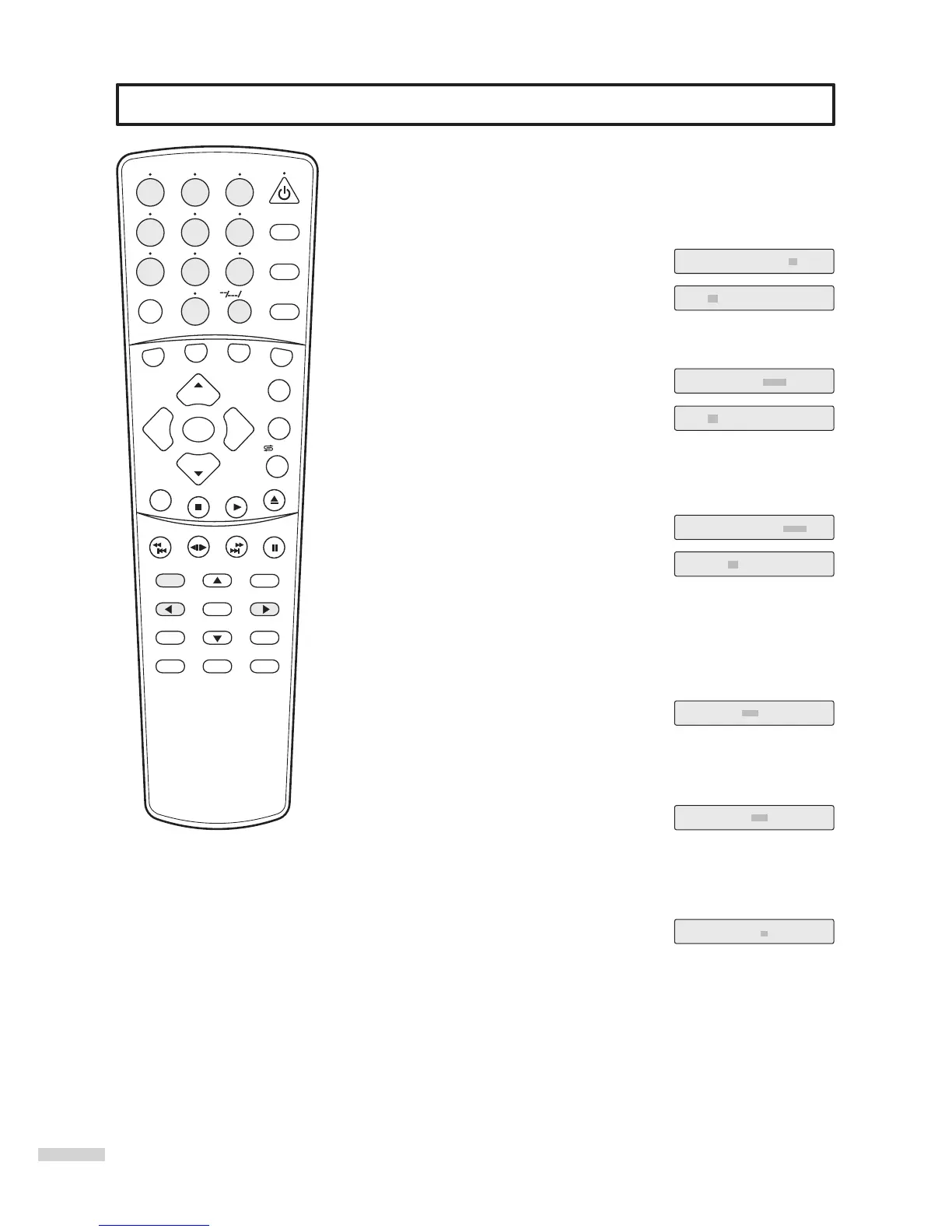
Locating desired scene [DVD]
Press SEARCH during playback.
1
Press this button once and the unit allows
you to select title or chapter with the number
buttons.
You can toggle TITLE and CHAPTER with
3or4.
TITLE 01/02 CHAPTER /16
TITLE 01/02 CHAPTER 00/00
Press SEARCH again to locate desired
scene by TITLE or TIME.
2
TITLE 01/02 TIME : :
The unit allows you to select title or time with
the number buttons.
You can toggle TITLE and TIME with 3or4.
TITLE 01/02 TIME 0:00:00
Press SEARCH third time to locate
desired scene by CHAPTER or TIME.
3
CHAPTER 01/16 TIME : :
The unit allows you to select chapter or time
with the number buttons.
You can toggle CHAPTER and TIME with
3or4.
CHAPTER 01/16 TIME 0:00:00
=
The time you input should not longer than the total time of current TITLE.
Note
=
The time you input should not longer than the total time of current CHAPTER.
Note
Locating desired point [Audio CD/VCD]
Press SEARCH during playback.
1
Press SEARCH again.
2
Press SEARCH third time.
3
DISC GOTO --:--
SELECT TRACK --/12
The unit allows you to locate desired point by
time.
=
The time you input should not longer than the total time of the disc.
Note
The unit allows you to locate desired point by
time.
=
The time you input should not longer than the total time of the current track.
Note
TRACK GOTO --:--
The unit allows you to locate desired point by
track.
Note
=
The on-screen display maybe
different and it depends on the disc
you are playing back.
35
You can use the title, chapter and time recorded on the disc to locate a
desired point to play back.
/ZOOM



 To Next Page