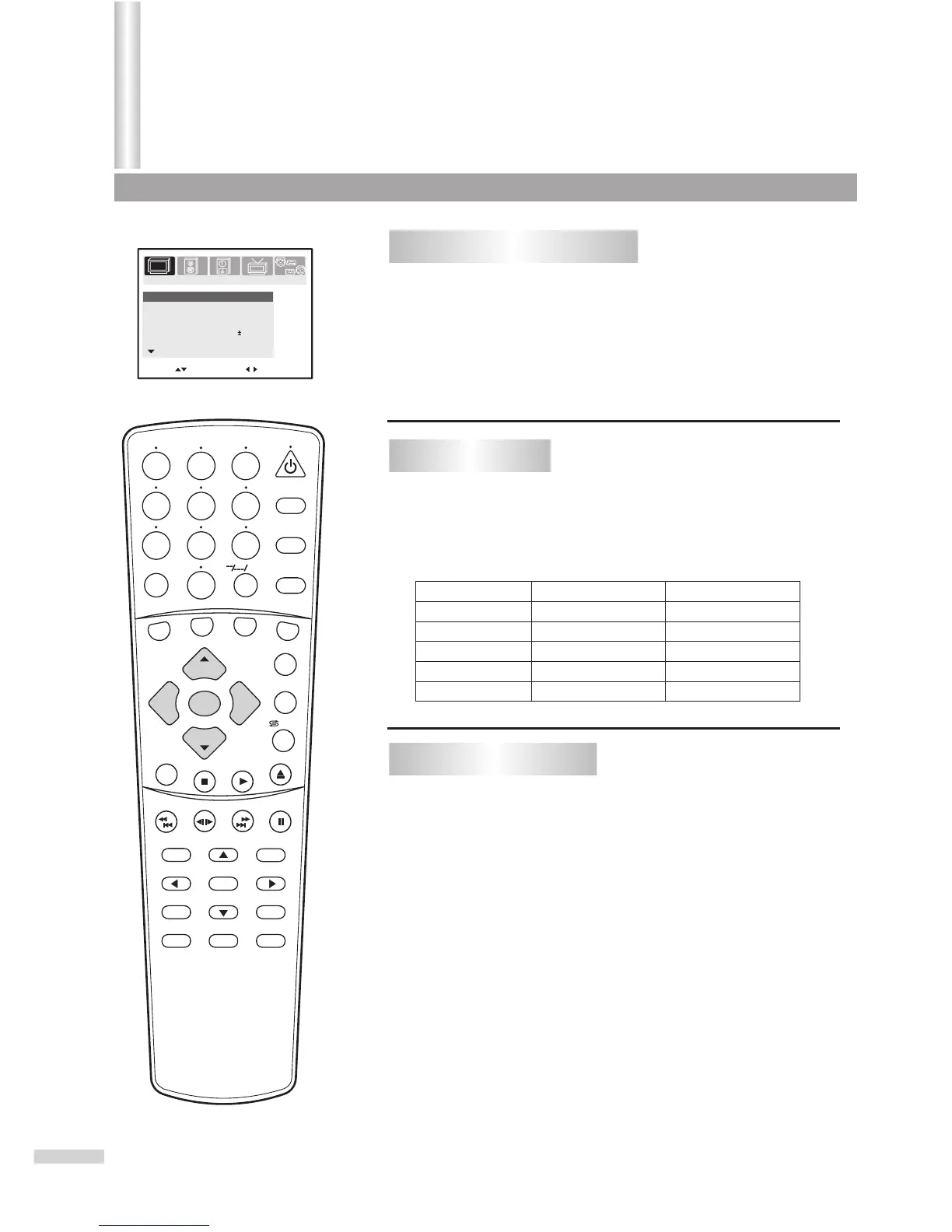
To enter the PICTURE menu
17
Move[ ] Adjust[ ]
Contrast
100
Brightness
70
Color
70
Sharpness
50
Tint
Picture mode
Sports
More
00
PICTURE
TIMERSOUND
TUNING
SET UP
SEARCH
1
2
3
4
5
6
7
8 9
0
DVD MENU
TITLE
ENTER
PLAY
STOP
SR/SF
REW/PREV
RETURN
OPEN/CLOSE
DSP/OSD
STEREO/AUDIO&CH
FWD/NEXT
PAUSE/STEP
REPEAT A-B
ANGLE
SUBTITLE
CH
MENU
CH
Cable/SAT
DVD COMBO
SET
MUTE
AV/SETUP
+10
SLEEP
VCR
TV
VOL
VOL
TV/DVD
+
-
Press the MENU button.
Press VOL+ or VOL- to select PICTURE icon.
Press CH- to display the PICTURE menu.
1
2
3
From the PICTURE menu, press CH+ or CH-
repeatedly to select item.
Press VOL+ or VOL- to adjust.
Adjusting picture
11
22
Item
VOL- VOL+
Contrast
Color
paler deeper
Brightness
darker
lighter
Sharpness
softer
sharper
Tint
purplish
greenish
There are three preset picture modes (Sports, Standard and Movie) and
one user-set picture mode (Personal).
Each preset mode has its own picture settings (Color, Brightness,
Contrast, Sharpness and Tint).
Adjusted settings are stored in Personal mode.
Selecting picture mode
Sports: Select for a bright picture.
Standard: Select for a standard picture.
Movie: Select for a finely detailed picture.
Minus Plus
From the PICTURE menu, press CH+ or CH- repeatedly
to select Picture Mode item.
Press VOL+ or VOL- to select.
11
22
Adjusting Picture
/ZOOM



 To Next Page