11
5m5m
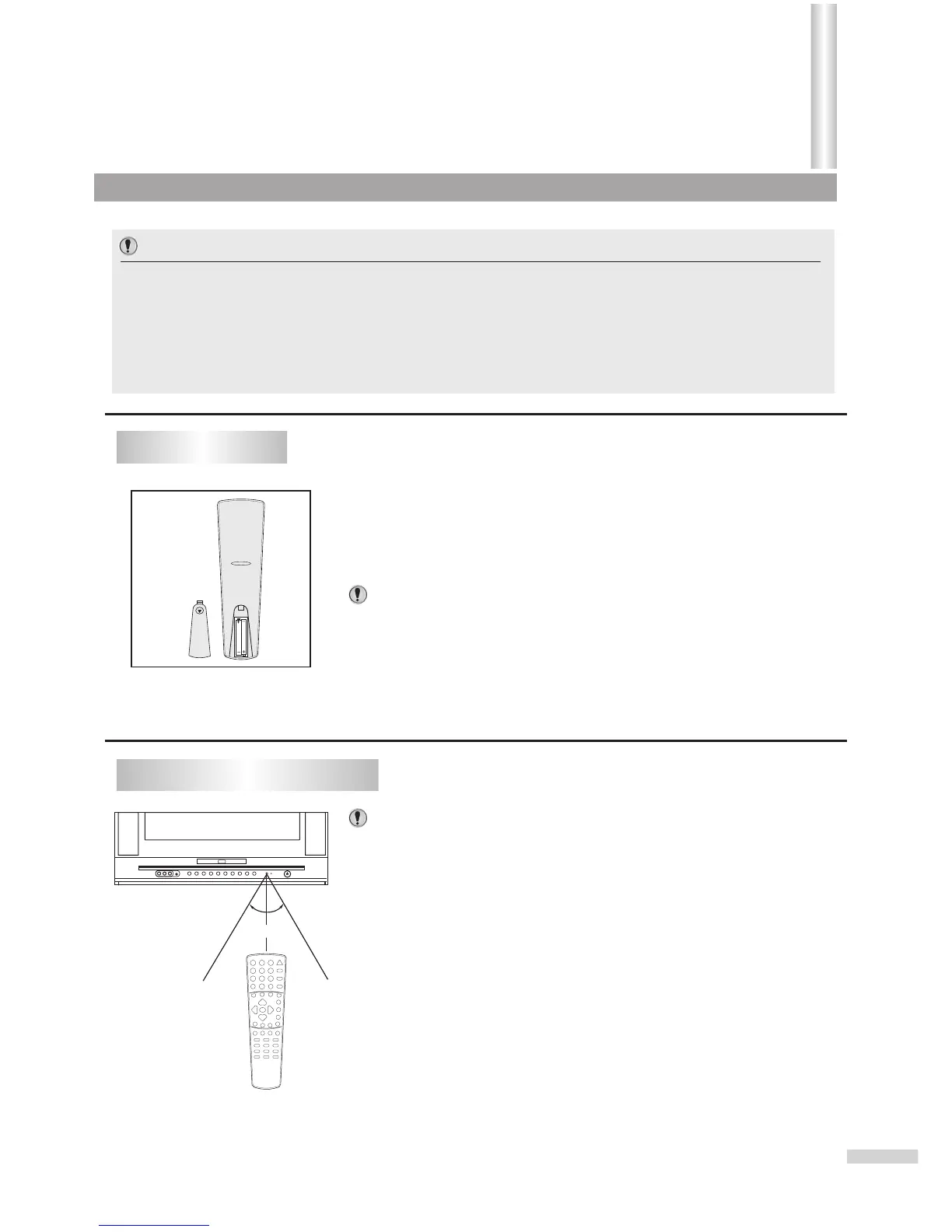
Install two "AAA" batteries matching the +/- polarities of the battery to the
+/- marks inside the battery compartment.
Slide the battery compartment cover in the direction of the arrow.
Replace the compartment cover.
Notes:
Aim the remote control at the remote sensor and press control buttons to
*
operate.
o
Operate the remote control within 30 angle on either side of the remote
*
sensor, up to a distance of approx. 5 meters or 16 feet.
When there is an obstacle between the TV/DVD and the transmitter, the
*
transmitter may not operate.
When direct sunlight, and incandescent lamp, fluorescent lamp or any
*
other strong light shines on the REMOTE SENSOR of the TV/DVD, the
operation of the remote may be unstable.
Do not try to recharge batteries they are not rechargeable.
*
Use only the size and type of batteries specified. Do not mix different
*
types of batteries together or old batteries with fresh ones.
When the remote control will not be used for a long period of time or when
*
the batteries are worn out, remove the batteries.
Do not throw the batteries into a fire. Do not drop, dampen or disassemble
*
the remote control. Dispose of used batteries in the specified manner.
Installing batteries
Effective range of the Remote
6
1
2
3
Important:
Your remote control has been preprogrammed. If your remote controller does not work
correctly, maybe the setting is wrong, please try the following steps.
1. Press and hold the “SET ” button, followed by the “DVD COMBO ” button at the same
time until the indicator lights up.
2. Press 1, 4, 7 buttons one by one. As a response, the indicator of the remote control
will twinkle twice, otherwise please repeat the above 2 steps.
Notes:
Getting Started(continued)



 To Next Page