56
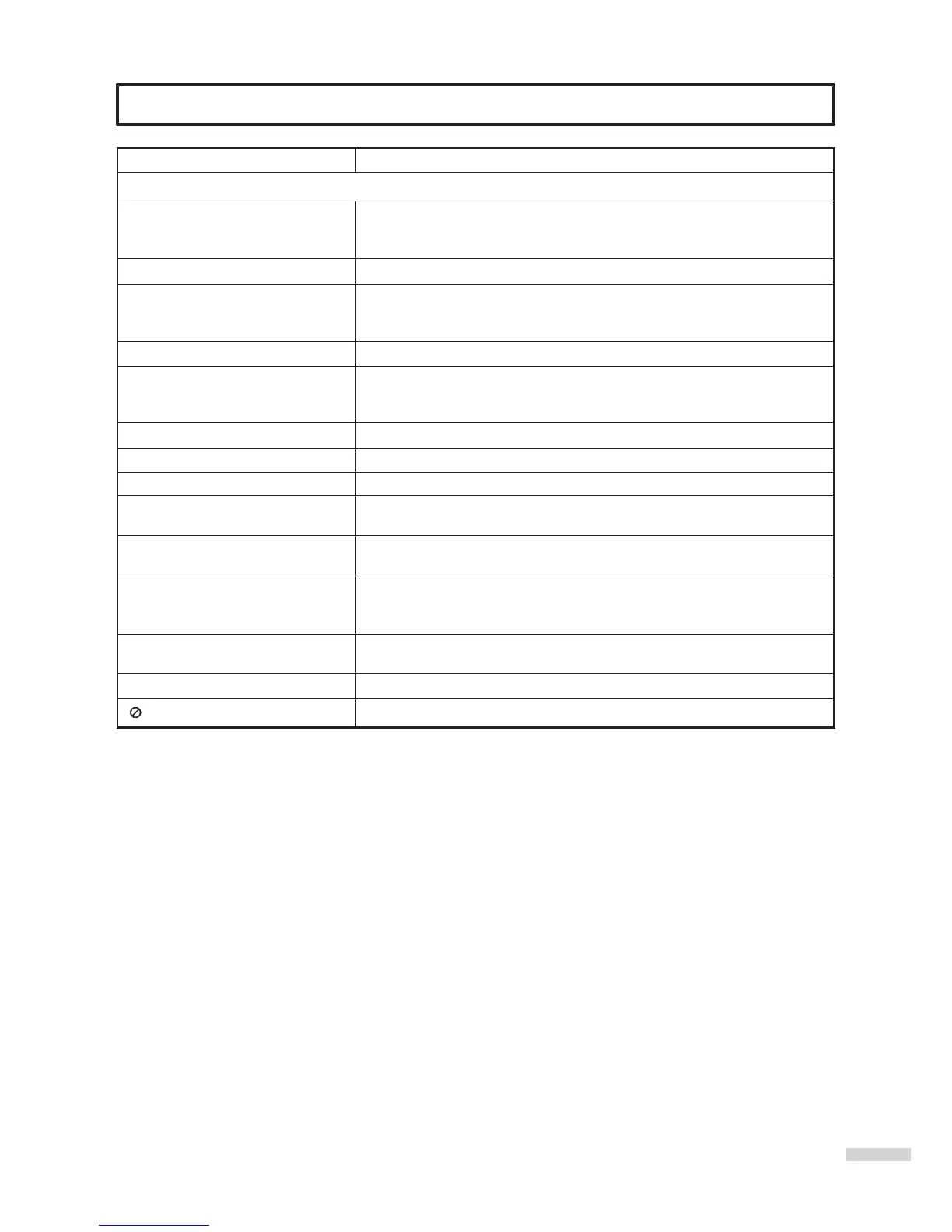
Troubleshooting Guide
Playback does not start
No picture
No sound
Picture is distorted during REVIEW.
Stopping playback, search, slow-
motion play or repeat play, etc.
cannot be performed.
No 4:3 (16:9) picture
No on-screen display
no surround sound
The unit or remote operation key is
not functioning.
Playback does not start when the
title is selected.
Audio soundtrack and/or subtitle
language is not changed when you
playback a DVD.
No subtitle
Angle cannot be changed.
appears on the screen
SYMPTOM
DVD
POSSIBLE SOLUTIONS
=
No disc is inserted.
=
The disc may be dirty. Clean up the disc.
=
The disc is badly distorted.
=
TV/DVD selector is not set correctly.
=
Check the input selector of the amplifier is set properly.
=
The unit is in the Special playback mode.
=
Select the correct Audio Output position on AV amplifier.
=
The picture will be distorted occasionally.
=
Some discs may not do some of the functions.
=
The setup does not match your TV.
=
Turn on on-screen display.
=
The setup does not match your stereo system.
=
Turn off the unit and unplug the AC power cord for several minutes,
then replug it.
=
Check the "parental Lock Level" setup.
=
Multilingual language is not recorded on the DVD disc.
=
Some discs have no subtitles.
=
Subtitles are cleared. Press SUBTITLE.
=
Multi-angles are not recorded on the DVD disc.
=
The function is prohibited with the unit or the disc.



 To Next Page