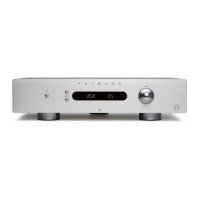
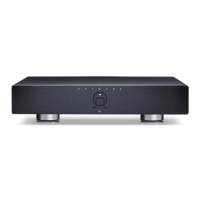
OPERATING THE I21 INTEGRATED AMPLIFIER
This chapter explains how to operate the I21 Integrated
Ampli er, using either the front panel controls or the remote
The I21 Integrated Ampli er provides a choice of four line
inputs, labelled: CD, TUNER, LINE 1, and LINE 2.
Press the button on the front panel or the remote
control corresponding to the source you want to select.
The currently selected source is indicated on the front
control to step between sources.
The I21 allows you to vary the volume from 0 (silence) to
Rotate the VOLUME control on the front panel, or
buttons on the remote control.
The current volume setting is shown on the front panel.



 To Next Page