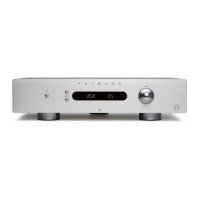
You can change the balance of the sound between the
left and right channels to shift the position of the stereo
button on the remote control.
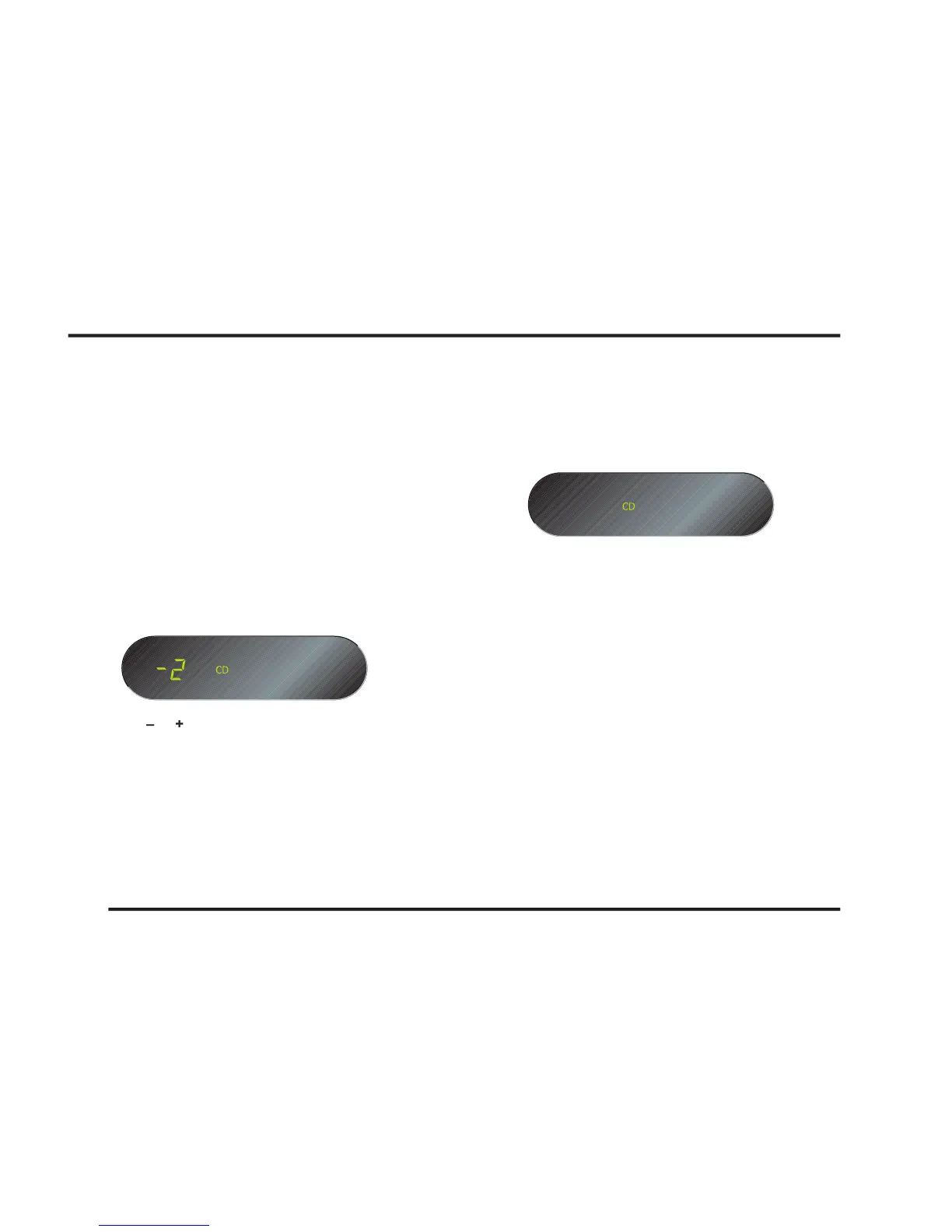
The front panel display shows the current balance set-
ting, where -6 corresponds to the leftmost position, 0
corresponds to centre, and 6 corresponds to the rightmost
buttons on the remote control to
button again to revert to the
Alternatively the normal display will revert automatically
To dim the front panel display
button on the remote control.
The display will dim to show just the currently
To restore the normal display
OPERATING THE I21 INTEGRATED AMPLIFIER



 To Next Page