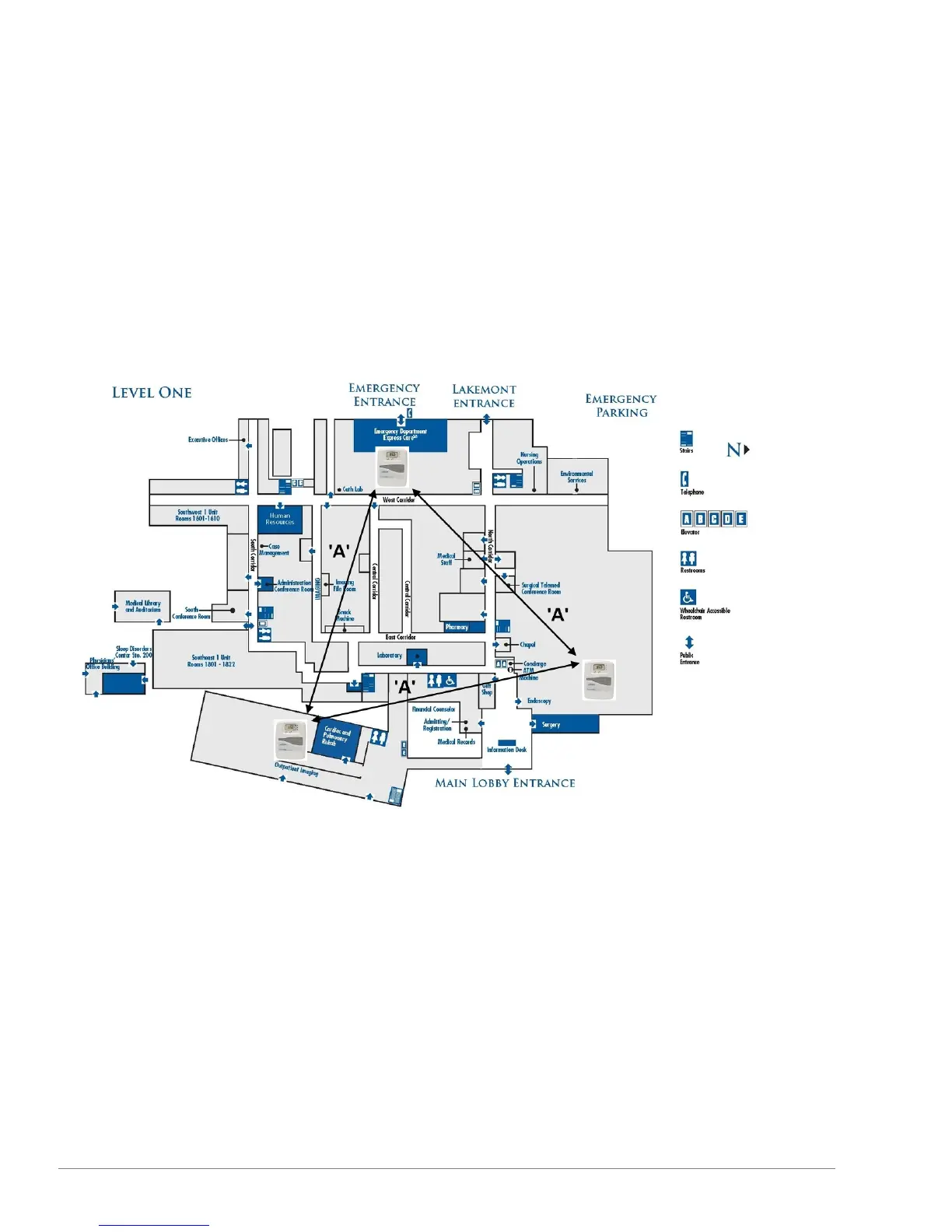
Single floor | greater than 250 Smart-Sync Clocks and multiple Smart-Sync Bridges
Deployment guidelines
l Install Smart-Sync Bridges in outward third of physical space to ensure coverage.
l Do not install multiple Smart-Sync Bridges in close proximity to each other.
l Start by installing Smart-Sync Clocks that are located closest to the Smart-Sync Bridge and then work outward. A Smart-Sync
Clock should always be first powered on at its designated installation location.
l If a clock fails to set its time, measure the Bluetooth signal strength at an installation location. This determines if the location has
adequate Bluetooth signal strength, resulting in no coverage gap.
Ideal deployment illustration
19
Smart-Sync™ Bridge Install Guide



 To Next Page