12 INSTALLATION, MAINTENANCE AND USER' MANUAL 540889_PUB_DATE_1_JUL_2011.DOC
Operation
Start the washer
Version Xcontrol
Coin operated models
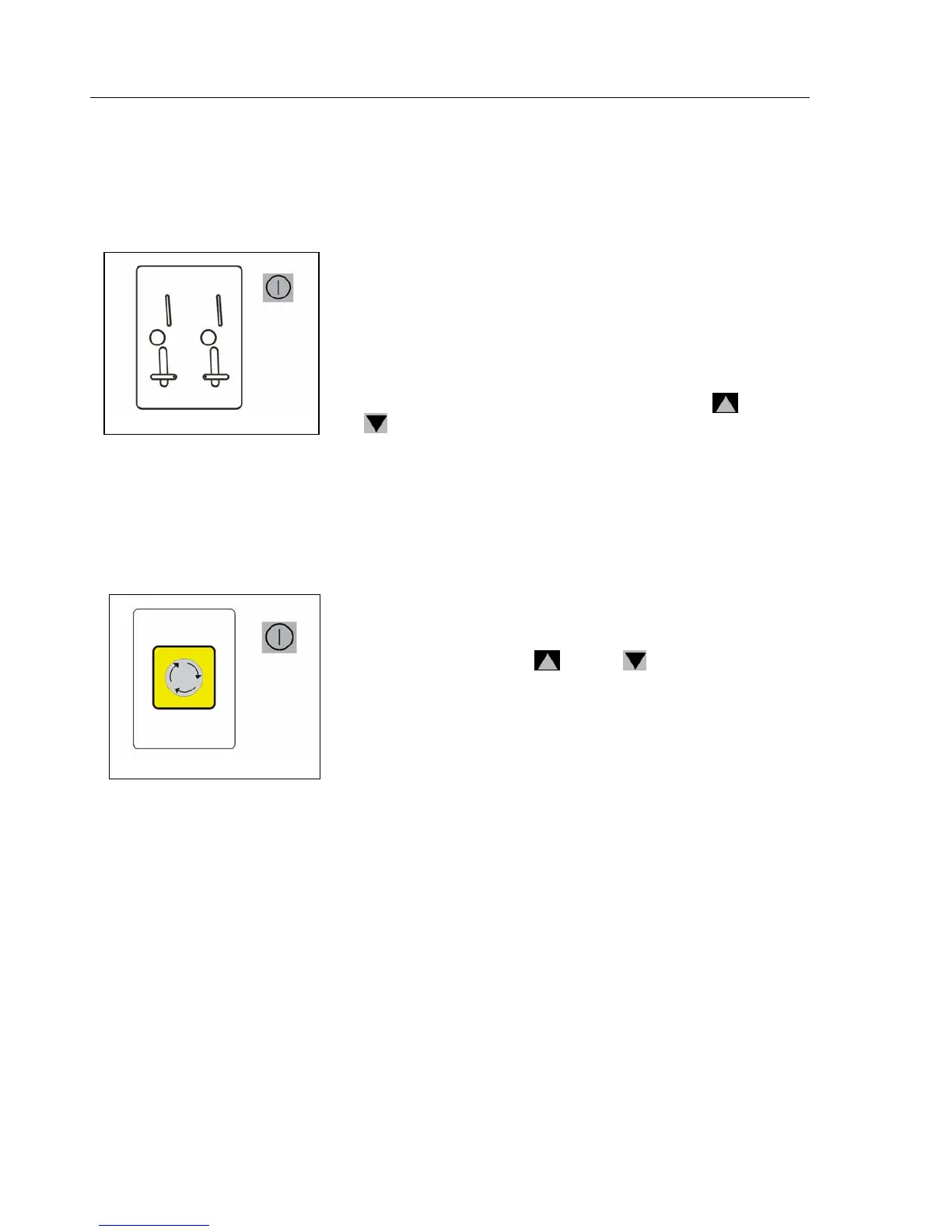
● Choose the required wash program. Insert the correct amount of coins in
the slot - the sum must correspond to the selected program. The
display shows the remaining sum to be paid. After the payment is
done, the display prompts the user to start the program utilizing
the START button.
● Push the START button to start the washer extractor. If you have by
mistake chosen a different wash program, you can change the choice
within the first 150 seconds utilizing the arrow buttons "
up" and "
down". When a more expensive washing program was chosen,
the value will be shown to add. When you don‘t add more coins, the
chosen program at the start will be executed.
● During the washing cycle you can follow the actual washing sequence
and the remaining time on the displays.
Non-coin operated models
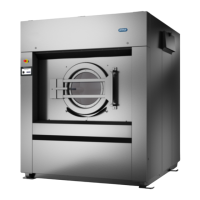
● Choose the required program. Press the START button to start the
operation of the machine. If you have by mistake chosen a different
wash program, you can change the choice within the first step
utilizing the arrow buttons "
up" and " down".
● During the washing cycle you can follow the actual washing sequence
and the remaining time on the displays.
● If the machine operator has enabled the ADVANCE function, you
can move to the next step by pressing the START button.



 To Next Page