540-537revG-EN 5 Printed in USA 04/16 © 2016
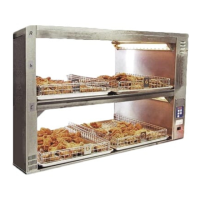
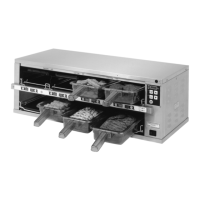
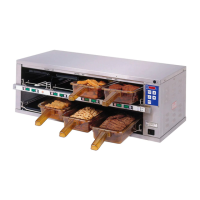
Extend Holding Bin
EHB Series
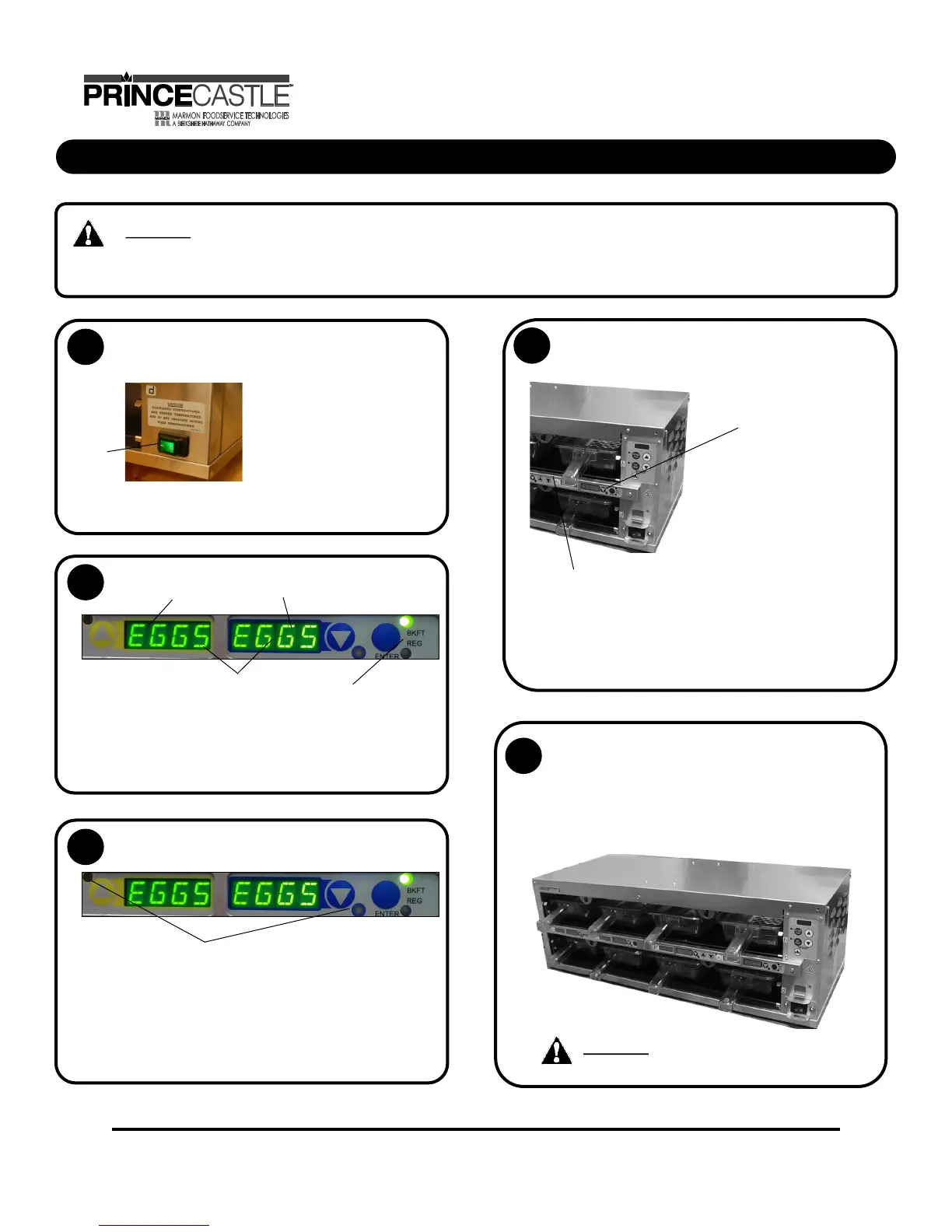
To turn on the unit,
Turn Power On/Off switch (A) to ON position.
NOTE: Load pan covers (if used) and insert pans into the
unit.
Allow 20 minutes for heaters to
reach operating temperature.
The button bar will read “WARM
UP” as the unit warms up, they
will display the product names.
Press all Pan Arrow buttons.
The Pan displays will show the assigned product name.
If no product is assigned, the display
will be dim and show “----”. Pressing
the Pan Arrow button will not activate
the timer if “----” is displayed. Pressing
Pan Arrow button when product name
is displayed will start timing cycle.
BKFT (Breakfast) or
REG (Regular Menu)
will be lit depending on
pre-programmed menu.
LED Timing Status
LED TIMERS
OFF (steady) = Ready for product
RED (flashing) = Discard product
GREEN (steady) = Oldest product, use first
GREEN (flashing) = Cook more product
YELLOW (steady) = Newer product, use green first
YELLOW (flashing) = Cook more product
When LED is off, load product and press
the Pan Arrow button.
If more than one pan
is active for a product,
the LED for the first
pan loaded will turn to
GREEN.
If only one pan is active
for a product, the LED
will turn to GREEN.
When any of the timer LED flash, cook more product.
If red LED is flashing, remove and discard product as
GREEN (flashing) = Cook more product
YELLOW (flashing) = Cook more product
RED (flashing) = Discard product
Operation
1
2
3
4
The LED for the 2nd pan loaded
with the same product will turn
from GREEN to YELLOW.
The LED timer can be stopped
(cancelled) at any time by
pressing and releasing the
corresponding PAN Arrow button.
5
(A)
WARNING: HOT SURFACES
WARNING: This application is not intended for use by persons (including children) with reduced physical, sensory
or mental capabilities, or lack of experience and knowledge, unless they have been given supervision or instruction
concerning use of the appliance by a person responsible for their safety.


 To Next Page