Printed in USA 04/16 © 2016 6 540-537revG-EN
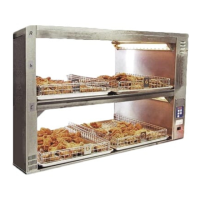
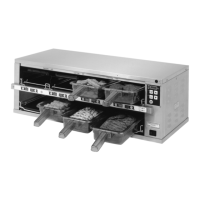
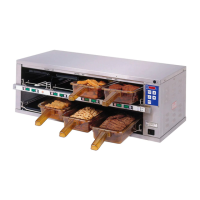
Extend Holding Bin
EHB Series
Standalone Mode
1
2
Set all bin addresses to bin1.
The factory default address for all bins
and timers is address bin1.
To check the bin address, press and
hold the ACTUAL TEMP and SETPOINT
buttons. The display will show the
bin address.
Default for a new address is bin1.
3
To change a bin address, disconnect power to the unit and wait
10 seconds. Reconnect power to the unit and immediately press
and hold the ACTUAL TEMP and SETPOINT buttons.
NOTE: Continue to hold
the buttons until PROG LED turns on.
4
Use the UP or DOWN Arrow button to scroll to the desired address.
Press the PRINCE CASTLE CROWN button to store the new address.
Available addresses are:
bin1 thru bin6,
bin1 will always be used when not using
Kitchen Minder.
7
To check the timer address, press and hold the PRINCE CASTLE
LOGO button on the button bar and the DOWN Arrow button.
The current timer address will be displayed in the far right timer
display. To change the timer address, proceed to Step 6.
5
Use the UP or DOWN Arrow button to scroll to the desired address.
Press the ENTER button to store the new address and return to
normal operating mode. Press the PRINCE CASTLE LOGO button
on the button bar to save the setting.
Available addresses are: Bar2 thru Bar7
NOTE: Bar addresses are numbered from the bottom up
6
To change the timer address, disconnect power to the unit and
wait 10 seconds. Reconnect power to the unit and immediately.
Press and hold the PRINCE CASTLE LOGO button on the button
bar and the DOWN Arrow button until the display shows
SET ADDR ↑↓ ENTR BAR2. The address number will blink on/
off.
NOTE: This naming scheme only is true without a kitchen
management system, if hooked up to a system like Kitchen Minder, it
is different. See its user manual for details.
NOTE: Prince Castle Holding bins are not to be connected to each
other unless a Kitchen Minder is in use. If attempting to configure bins with
Kitchen Minder, please refer to the included Kitchen Minder Setup Manual
Set Timer Bar addresses.
Since each bin is addressed bin1, the bottom bar on each bin will
be addressed bar2. If there is an upper bar on a bin, it will be
addressed bar3.
Remember: if there are bars on the back of the unit, they do not
need to be addressed separately, they follow the front.
PROG LED


 To Next Page