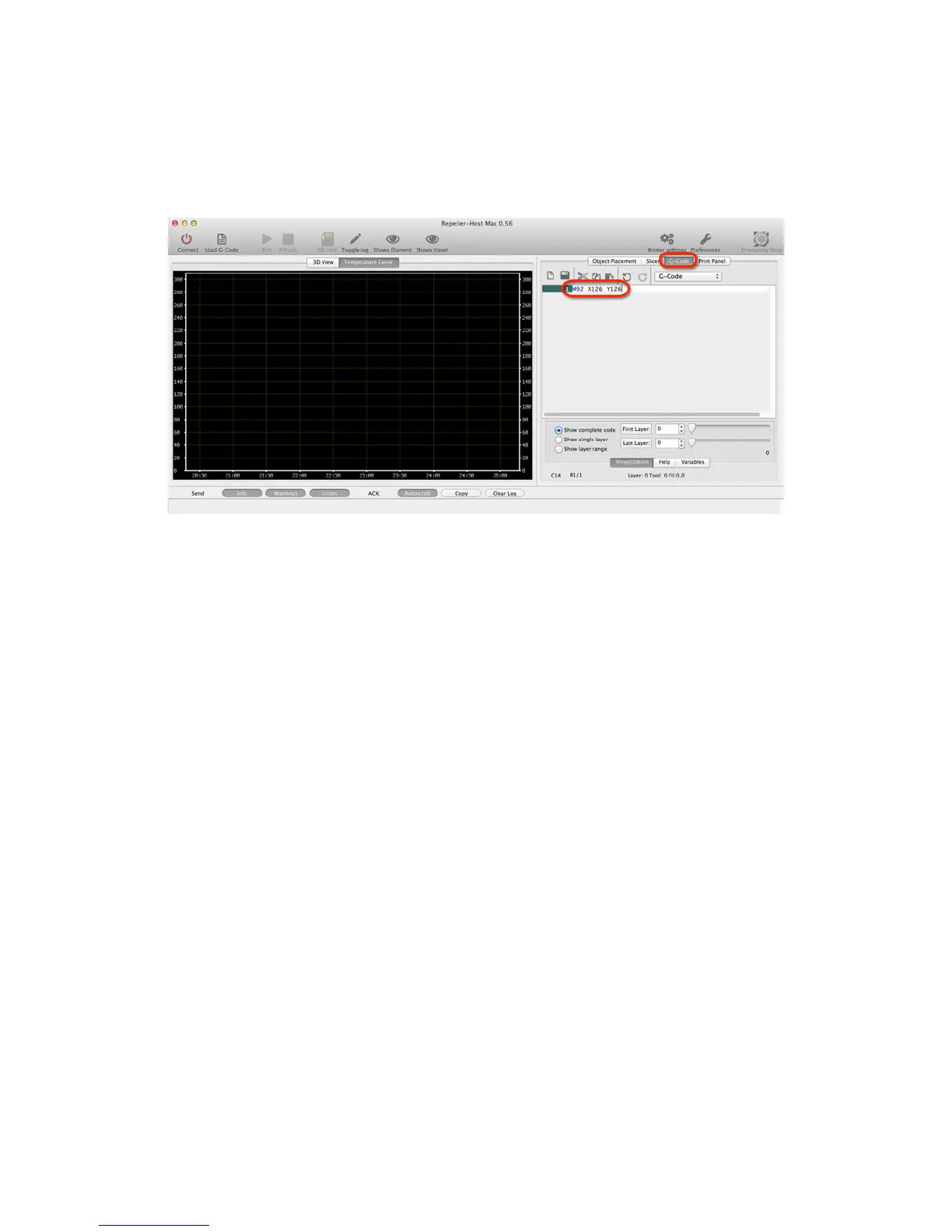
Print not correct size (G-Code)
Verify values for X,Y,Z by typing command M501. Values should be X119 Y119 Z2020 E100. If
for some reason values are not this, change with G-code command M92 X119. Save settings on
rmware with M500 command. Type M501 to verify change has been made.
Other Problems
For more in depth calibration troubleshooting, please review the Hardware Calibration and
other settings in our original Getting Started Guide - Version 1 http://bit.ly/YX8nct
For all other issues, please visit our technical forum at www.printrbottalk.com for further
assistance and troubleshooting. If needed, please open a support ticket for all broken and
faulty parts at www.printrbot.com/support/
24



 To Previous Page