Load Media
255
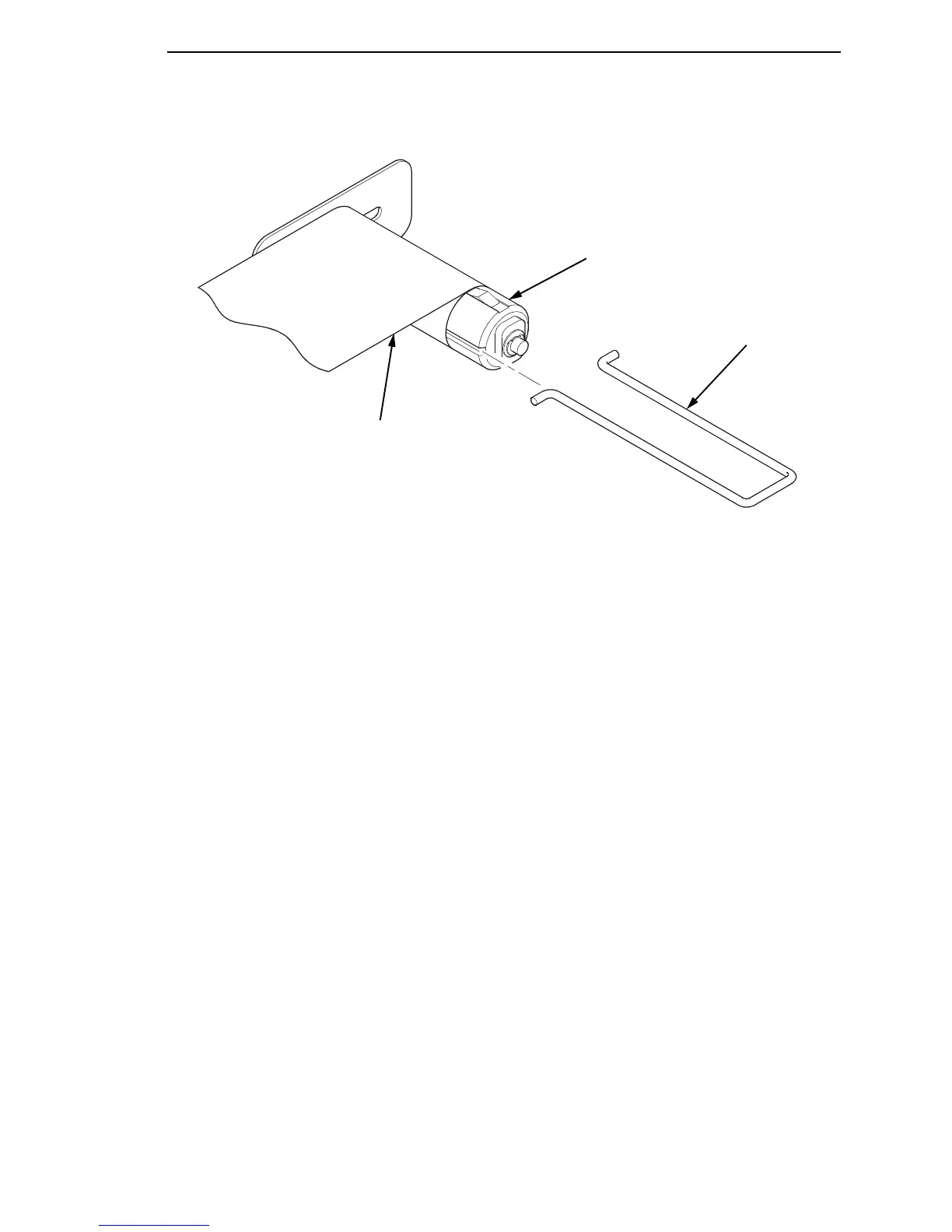
Figure 25. Securing Liner onto the Rewinder
11. Insert the media rewinder clip to secure the media. See Figure 25.
12. Manually rotate the rewinder one full revolution clockwise until the liner is
taut.
13. Remove labels from the liner so that behind the tear bar the liner is
without labels for approximately 1.5 inches.
14. Remove labels from the liner so that below the tear bar the liner is without
labels for approximately 2 inches.
15. Rotate the deck lock lever fully clockwise to close the pivoting deck and
printhead.
Media Rewinder Clip
Rewinder
Liner



 To Next Page