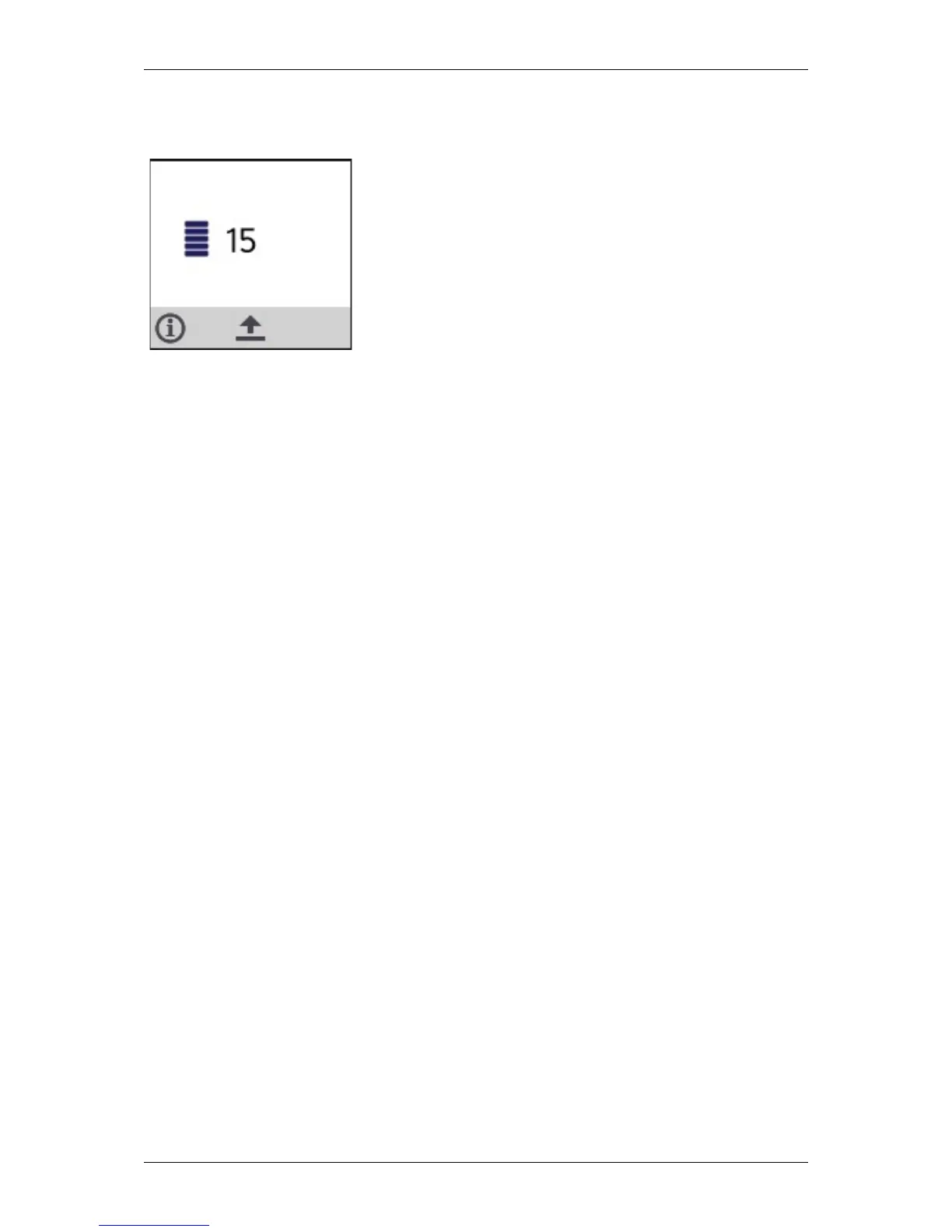
When an employee scans a number tag, that number will be
shown on the display next to the quantity icon.
When another number tag is scanned within one minute, while
no other tag was scanned in between, the sum of the previous
amount and the new tag value will be shown. This can be
repeated as long as required.
The FS Reader also supports scanning of tags with negative
values.


 To Next Page