FS Reader – User & Service manual – 00.010 15
Store Registrations
After finishing one or more registrations, the user of the FS Reader can trigger the
storage of the registrations in the central system; this can be triggered either manually,
or in some cases automatically.
Manual trigger:
The employee starts the store-function by pressing the middle soft button at a chosen
moment.
Automatic trigger:
When the FS Reader is put into the cradle the system automatically triggers storage of all
registrations.
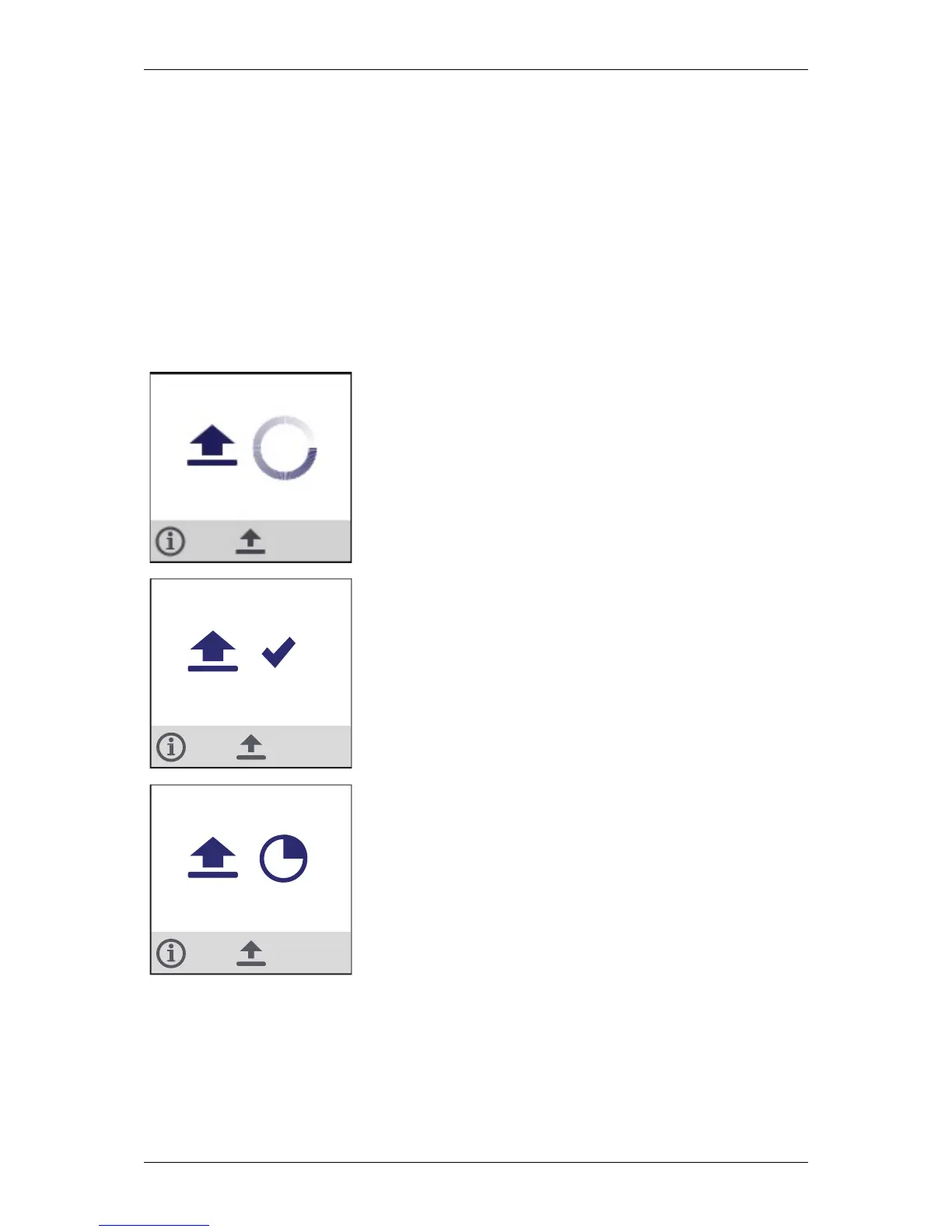
When pressing the store button , the FS Reader transmits all
scans over the wireless network to the central server and waits
to receive a confirmation message that indicates that all
information has been received correctly.
The checkmark indicates that the confirmation message has
been received by the FS Reader, indicating that all information
has been saved on the central server and that the FS Reader is
not required anymore to keep the information available.
The display will show when the registrations are pending.
As soon as a connection can be established, the FS Reader will
upload automatically. There is no need to re-scan the tags or
upload again.
In the diagnostic screen #4 (see next section) the user can see
when all registrations have been transferred.


 To Next Page