Priva B.V.
18 FS Reader – User & Service manual – 00.010
FS Reader in FS Cradle
When the FS Reader is not being used it should be placed in the FS Cradle to recharge
the battery.
3
Once in the cradle, the FS Reader uploads any available registrations to the FS
Performance central server. When that has been completed, the FS Reader will check
whether a new firmware version is available on the server to download.
In case the FS Reader cannot communicate with the FS Concentrator while placed in the
FS Cradle, it will listen to all six pre-configured frequencies for wireless communication to
detect whether the network has switched to a different frequency. If the FS Reader
detects a new frequency, the unit will continue to work normally, without loss of any
registrations.
While in the FS Cradle, the led on the FS Reader will turn red while charging the battery
and turn blue when the battery has been charged completely.
If a new version of the firmware is available, the FS Reader will
automatically download it into the device.
When the download has been completed, the new version will
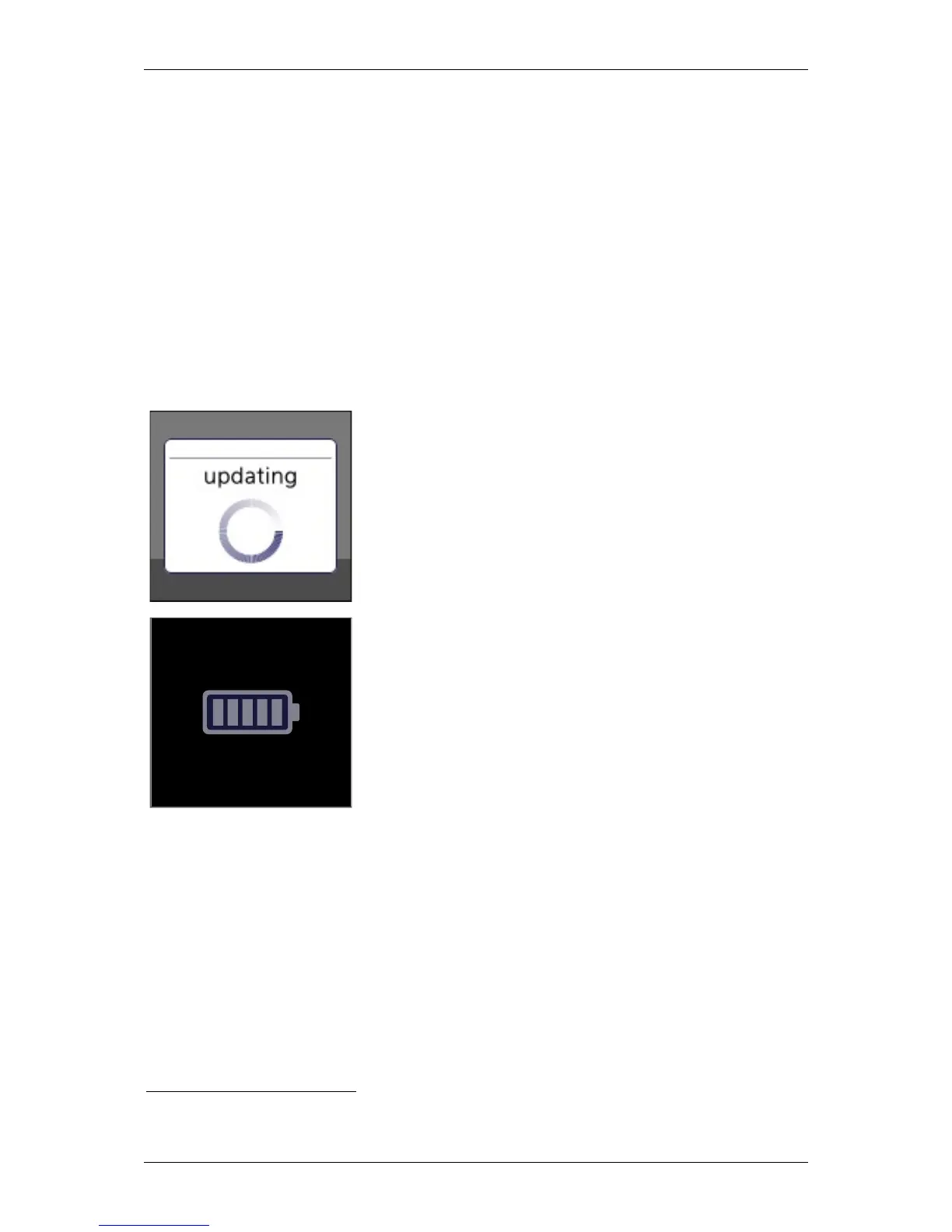
be installed while showing the ‘updating’-icon on the display.
If the FS Reader is removed from the FS Cradle before
completing the download or installation, the action is cancelled
and will be repeated the next time the FS Reader is put into the
FS Cradle.
While placed in the FS Cradle, the FS Reader will show the
charging icon, showing five steps of the charging progress.
The led will turn red as long as the FS Reader is charging and
blue when the battery is full.
3
However, when the FS Reader is expected not to be used for a long period of time, then it would be better for
durability of the battery to set the FS Reader in “Transport Mode”.


 To Next Page