2.4 Panel Cutout Dimensions
The size of GP-4501T gets smaller. The panel cutout dimensions of GP-4501T are
different from those of GP-3500S. Attachment (model: CA4-ATM10-01) for installing
GP-4501T is available and you can use it when replacing GP-3500S with GP-4501T.
For replacing ST-3501C with GP-4501TW, the panel cutout dimensions get larger. It’s
necessary to process the panel.
In other cases, there’s no change in the panel cutout dimensions.
2.5 Transfer cable
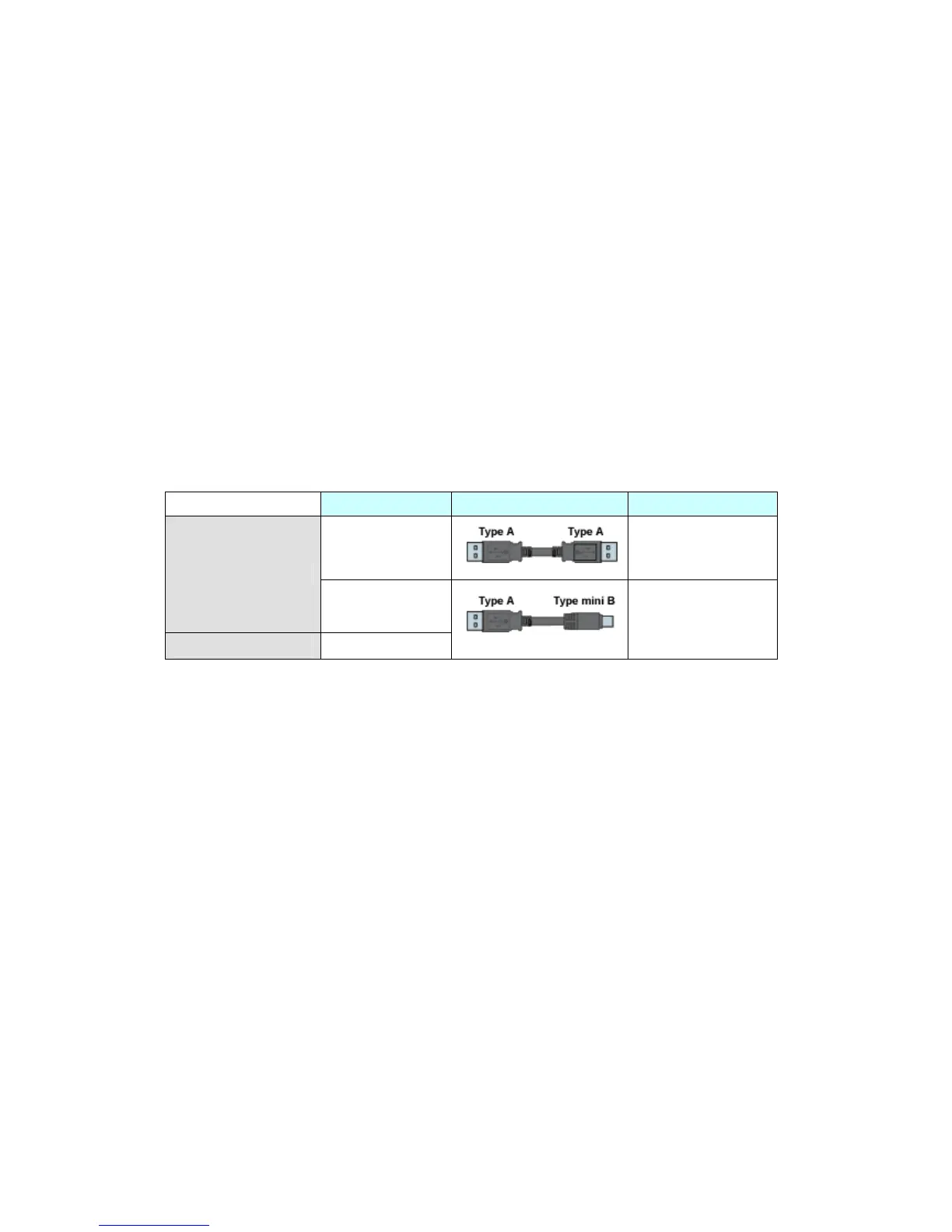
To transfer screen data to GP-4501T/TW, use a USB transfer cable or Ethernet.
The USB cables that can be used for GP-4501T/TW are as follows;
Model Connector Type Connector on GP






 To Next Page