2.6.4 CF Card Interface
GP-4501T/TW is not equipped with a CF card slot. But a SD card slot and a USB
interfaces are installed. In order to use the GP/ST-3500 series data saved in the CF
card and the functions using the CF card, use a SD card or a USB flash drive
instead.
* When using a SD card with GP-4501T/TW, please verify it supports the following
specifications:
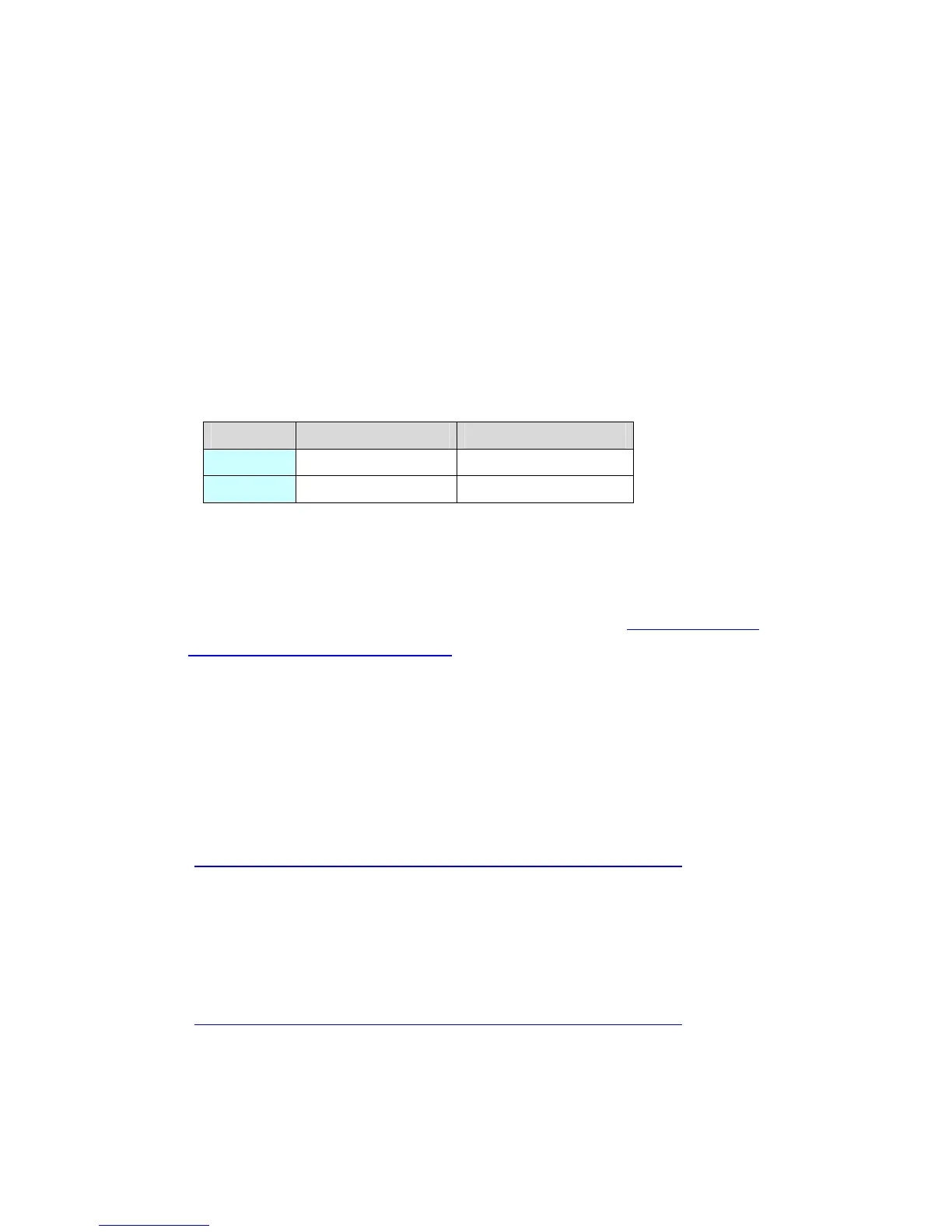
File format Maximum capacity
SD FAT16 2GB
SDHC FAT32 32GB
When the setting of the output destination folder is set to “CF Card” on GP-Pro EX,
if you change the display unit type, the setting will automatically change to the one
that uses a SD card.
To change the setting of the output destination folder, see [5.1 Changing the
setting of the external media to use].
2.7 Peripheral units and option units
2.7.1 Barcode reader connection
Like GP/ST-3500 series, GP-4501T/TW allows you to connect a barcode reader to
its USB interface (Type A) or its serial interface.
But a barcode reader cannot be connected to its serial interface.
For the models GP-4501T/TW supports, see [OtasukePro!]
(http://www.pro-face.com/otasuke/qa/3000/0056_connect_e.html
).
2.7.2 Printer connection
Like GP/ST-3500 series, GP-4501T/TW allows you to connect a printer on its USB
interface (Type A).
For the models GP-4501T/TW supports, see [OtasukePro!]
(http://www.pro-face.com/otasuke/qa/3000/0056_connect_e.html
).
20/49






 To Next Page