NOTE
To check each function setting of GP-Pro EX, refer to GP-Pro EX Reference
Manual.
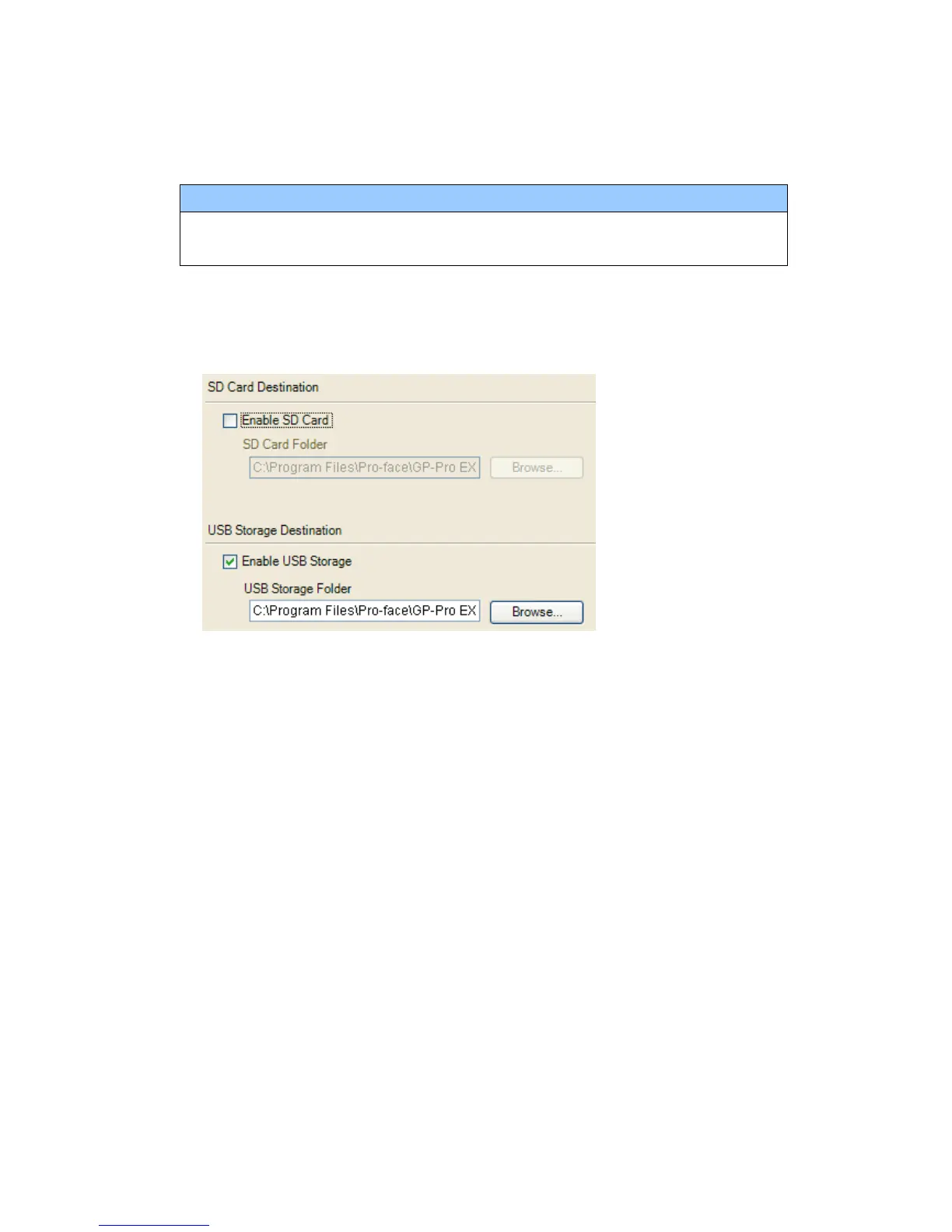
2. Check and change the destination folder setting following the steps below.
i. Click [Project]->[Information]->[Destination Folder].
ii. The current setting is displayed.
iii. After changing it, click [OK] to confirm the setting.
iv. Click [Project]->[Save] to save changes.
49/49






 To Previous Page