EasyManua.ls Logo

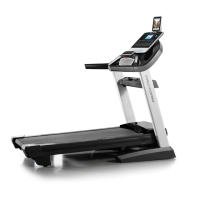
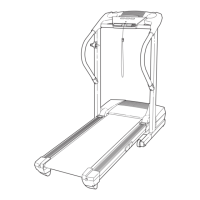
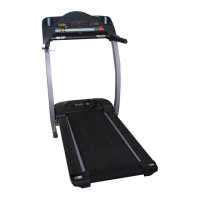
Pro-Form 205 CST - User Manual

Pro-Form 205 CST
32 pages
Print Icon
To Next Page IconTo Next Page
Loading...
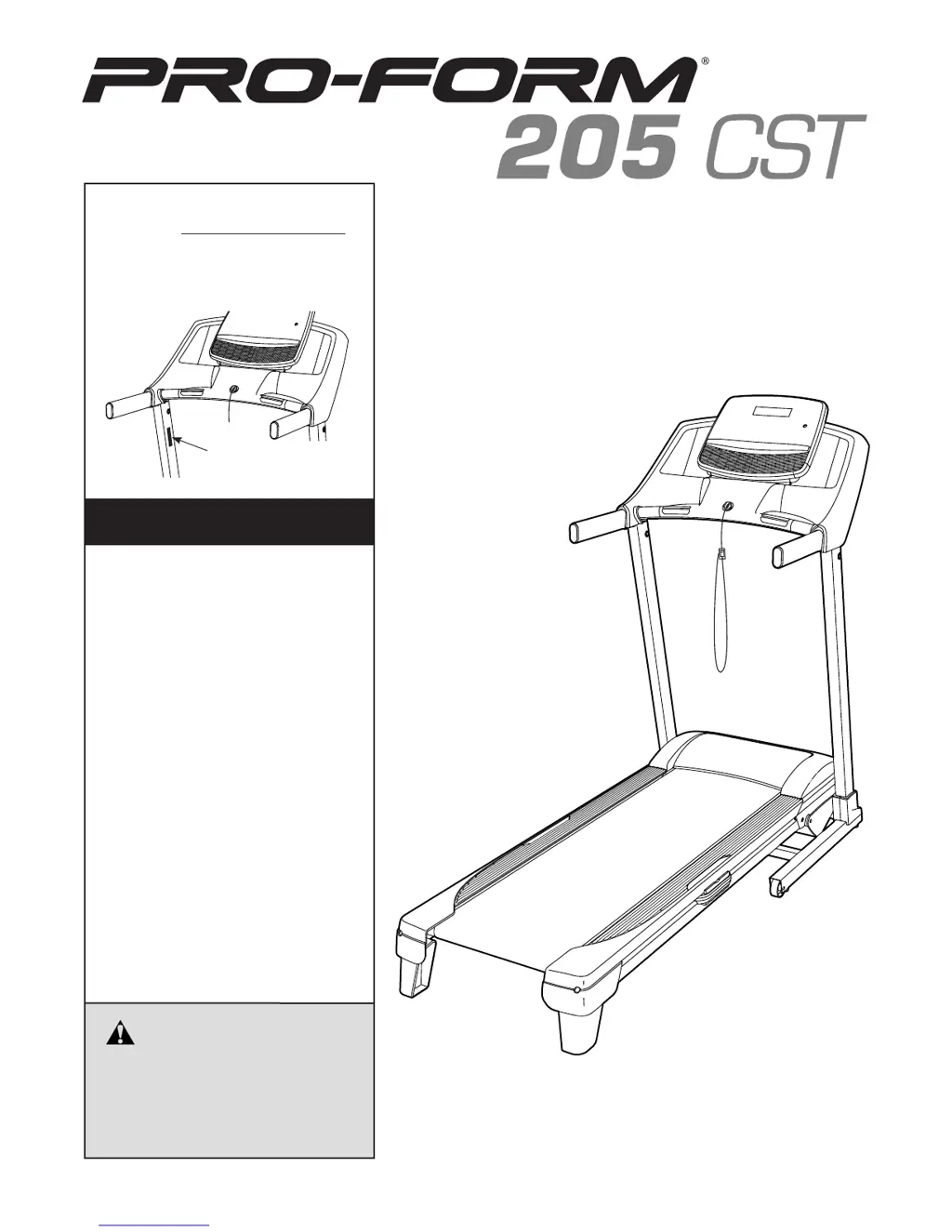
USER’S MANUAL
Model No. PETL49817.0
Serial No.
Write the serial number in the space
above for reference.
CAUTION
Read all precautions and instruc-
tions in this manual before using
this equipment. Save this manual
for future reference.
Serial Number
Decal
CUSTOMER SERVICE
UNITED KINGDOM
Call: 0330 123 1045
From Ireland: 053 92 36102
Website: www.iconsupport.eu
E-mail: csuk@iconeurope.com
Write:
ICON Health & Fitness, Ltd.
Unit 4, Westgate Court
Silkwood Park
OSSETT
WF5 9TT
UNITED KINGDOM
AUSTRALIA
Call: 1800 993 770
E-mail: australiacc@iconfitness.com
Write:
ICON Health & Fitness
PO Box 635
WINSTON HILLS NSW 2153
AUSTRALIA
iconeurope.com

Questions and Answers

  • I
    igrahamAug 4, 2025
    How to turn on Pro-Form Treadmill?
    • S
      Suzanne HernandezAug 5, 2025
      If your Pro-Form Treadmill isn't turning on, ensure the power cord is plugged into a properly earthed outlet and the key is inserted into the console. Also, check the power switch. If the switch protrudes, it may have tripped. Wait five minutes, then press the switch back in to reset it.
  • A
    Anthony RobertsAug 9, 2025
    What to do if Pro-Form Treadmill turns off during use?
    • M
      Mark BarberAug 9, 2025
      If your Pro-Form Treadmill shuts off while you're using it, check the power switch first. Make sure the power cord is securely plugged in. If it is, unplug it, wait five minutes, and then plug it back in. Also, try removing and reinserting the key from the console.
  • S
    Stephanie RobinsonAug 13, 2025
    Why is the walking belt slipping on my Pro-Form Treadmill?
    • J
      jenniferhuberAug 13, 2025
      If the walking belt on your Pro-Form Treadmill slips when you walk on it, first remove the key and unplug the power cord. Then, using the hex key, turn both idler roller screws clockwise, 1/4 of a turn. When the walking belt is correctly tightened, you should be able to lift each edge of the walking belt 2 to 3 inches off the walking platform.
  • S
    Susan LyonsAug 17, 2025
    How to fix a Pro-Form Treadmill walking belt that slows down when walking?
    • R
      Ryan MackAug 17, 2025
      If the walking belt on your Pro-Form Treadmill slows down when you walk on it: * Remove the key and unplug the power cord. Using the hex key, turn both idler roller screws counterclockwise, 1/4 of a turn. When the walking belt is properly tightened, you should be able to lift each edge of the walking belt 2 to 3 inches off the walking platform. * Also, make sure that the gap between the Magnet and the Reed Switch is about 1/8 inch. If necessary, loosen the screw, move the Reed Switch slightly, and then retighten the screw.
  • C
    Craig SchultzAug 21, 2025
    How do I recalibrate the incline on my Pro-Form Treadmill?
    • D
      dillonrodriguezAug 21, 2025
      To recalibrate the incline system on your Pro-Form Treadmill, enter the settings mode. Press the Stop button once, and then press the Incline increase or decrease button. The treadmill will automatically rise to the maximum incline level and then return to the minimum level.
  • S
    Sydney TranAug 26, 2025
    What to do if Pro-Form Treadmill walking belt is not centered?
    • B
      bryan51Aug 26, 2025
      If the walking belt on your Pro-Form Treadmill is not centered and rubs against the foot rails, it may become damaged. First, remove the key and unplug the power cord. If the walking belt has shifted to the left, use the hex key to turn the left idler roller screw clockwise 1/2 of a turn; if the walking belt has shifted to the right, turn the left idler roller screw counterclockwise 1/2 of a turn.
  • M
    Melissa JonesAug 30, 2025
    How to turn off demo mode on Pro-Form Treadmill?
    • E
      Elizabeth CuevasAug 31, 2025
      If the console displays on your Pro-Form Treadmill remain lit after removing the key, it's likely in display demo mode. To turn off the demo mode, hold down the Stop button for a few seconds.

Summary

WARNING DECAL PLACEMENT

IMPORTANT PRECAUTIONS

BEFORE YOU BEGIN

ASSEMBLY

HOW TO USE THE TREADMILL

HOW TO PLUG IN THE POWER CORD

Explains the correct procedure for connecting the treadmill's power cord to an electrical outlet for safe operation.

FEATURES OF THE CONSOLE

HOW TO TURN ON THE POWER

HOW TO USE THE MANUAL MODE

HOW TO USE AN ONBOARD WORKOUT

HOW TO CONNECT YOUR TABLET TO THE CONSOLE

HOW TO CONNECT YOUR HEART RATE MONITOR TO THE CONSOLE

THE SETTINGS MODE

HOW TO FOLD AND MOVE THE TREADMILL

MAINTENANCE AND TROUBLESHOOTING

TROUBLESHOOTING

Offers solutions for common issues such as power loss, incline problems, and belt performance.

EXERCISE GUIDELINES

ORDERING REPLACEMENT PARTS

Pro-Form 205 CST Specifications

General IconGeneral
Running Area20" x 55"
Incline0 - 10%
Speed0 - 10 mph
DisplayLCD
FoldingYes
Heart Rate MonitoringYes
Motor2.0 CHP Mach Z™ Motor

Related product manuals