15
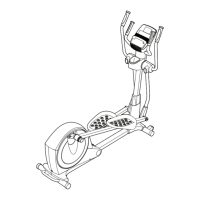
19. Make sure that all parts of the elliptical are properly tightened. Note: Extra parts may be included. To
protect the floor or carpet from damage, place a mat under the elliptical.
18. Attach the Tablet Holder (32) to the back of the
Console (23) with four M4 x 16mm Screws (52);
start all the Screws, and then tighten them.
18
32
52
23




 To Next Page