HOW TO USE THE MANUAL MODE
1
. Insert the key into the console.
S
ee HOW TO TURN ON THE POWER on page
10.
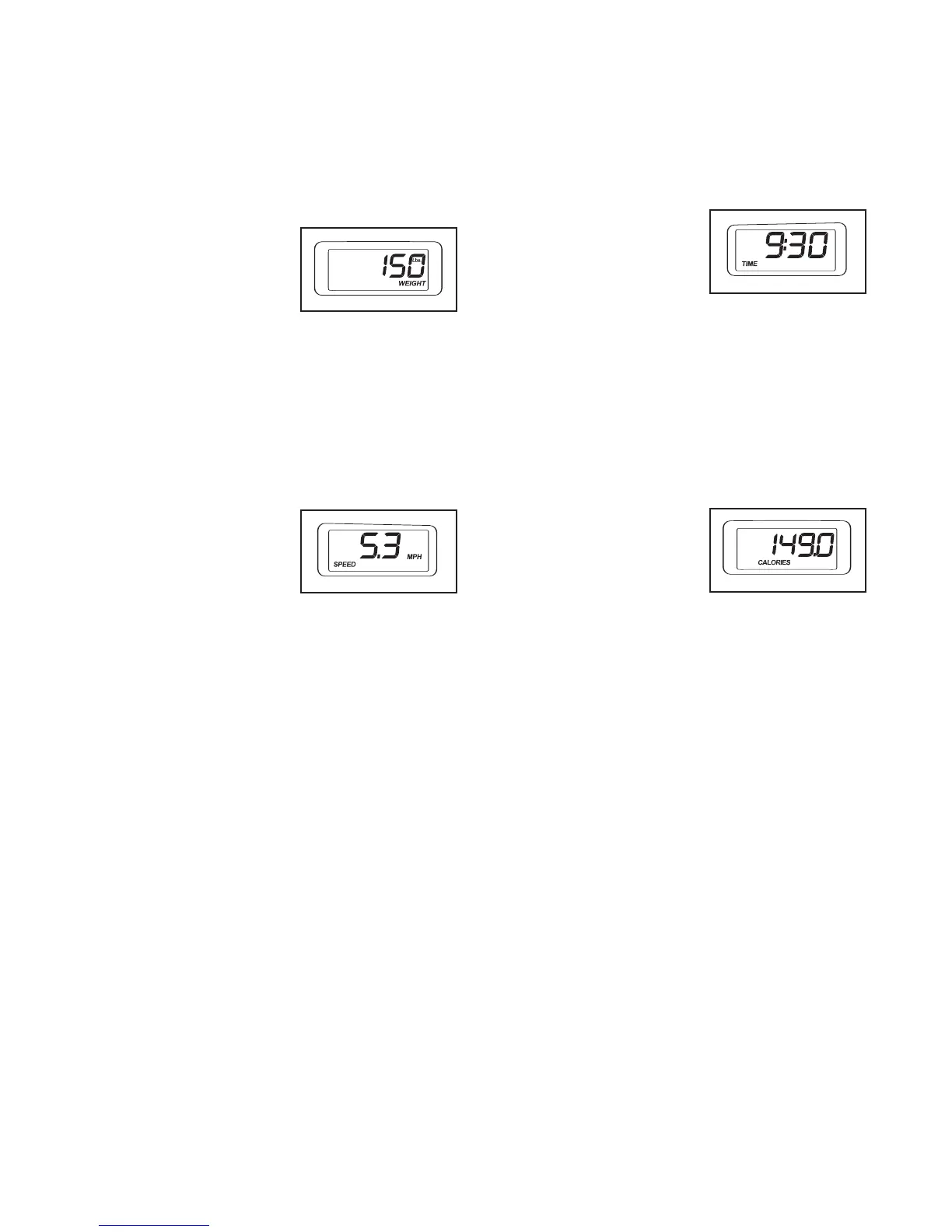
2. Enter your weight if desired.
For the most accurate
calorie count, enter
your weight into the
console by pressing
the Weight increase
and decrease buttons
repeatedly. Note: Once you have entered your
weight, your weight will be saved in memory.
3. Start the walking belt.
To start the walking belt, press the Start button, the
Speed increase button, or one of the ten numbered
buttons.
If the Start button or the
Speed increase button
is pressed, the walking
belt will begin to move
at 1 mph. As you exer-
cise, change the speed
of the walking belt as desired by pressing the
Speed increase and decrease buttons. Each time a
button is pressed, the speed setting will change by
0.1 mph; if a button is held down, the speed setting
will change in increments of 0.5 mph. Note: After
the buttons are pressed, it may take a moment for
the walking belt to reach the selected speed setting.
If one of the ten numbered buttons is pressed, the
walking belt will gradually increase in speed until it
reaches the selected speed setting.
To stop the walking belt, press the Stop button.
The time will begin to
flash in the left display. To
restart the walking belt, press the Start button, the
Speed increase button, or one of the ten numbered
buttons.
4. Change the incline of the treadmill as desired.
T
o change the incline of the treadmill, press the
Incline increase or decrease button until the de-
s
ired incline level is reached.
5. Follow your progress with the displays.
The left display—The
left display will show the
elapsed time and the
distance that you have
walked or run during
your workout. The dis-
play will change from one mode to the other every
few seconds.
Note: The console can display distance and speed
in either miles or kilometers, as shown by the let-
ters MPH or Km/H in the right display. To change
the unit of measurement, see THE INFORMATION
MODE on page 13.
For simplicity, all instruc-
tions in this section refer to miles.
The center display—
The center display will
show the approximate
number of calories you
have burned during
your workout.
The right display—The right display will show the
speed of the walking belt. The display will also
show your heart rate when you use the pulse sen-
sor.
To reset the displays, press the Stop button, re-
move the key, and then reinsert the key.
1
1





 To Next Page