EasyManua.ls Logo

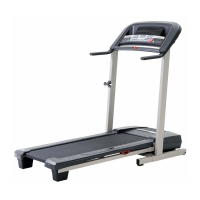
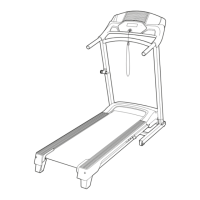
Pro-Form 350s Crosstrainer Treadmill - User Manual

Pro-Form 350s Crosstrainer Treadmill
22 pages
Print Icon
To Next Page IconTo Next Page
Loading...
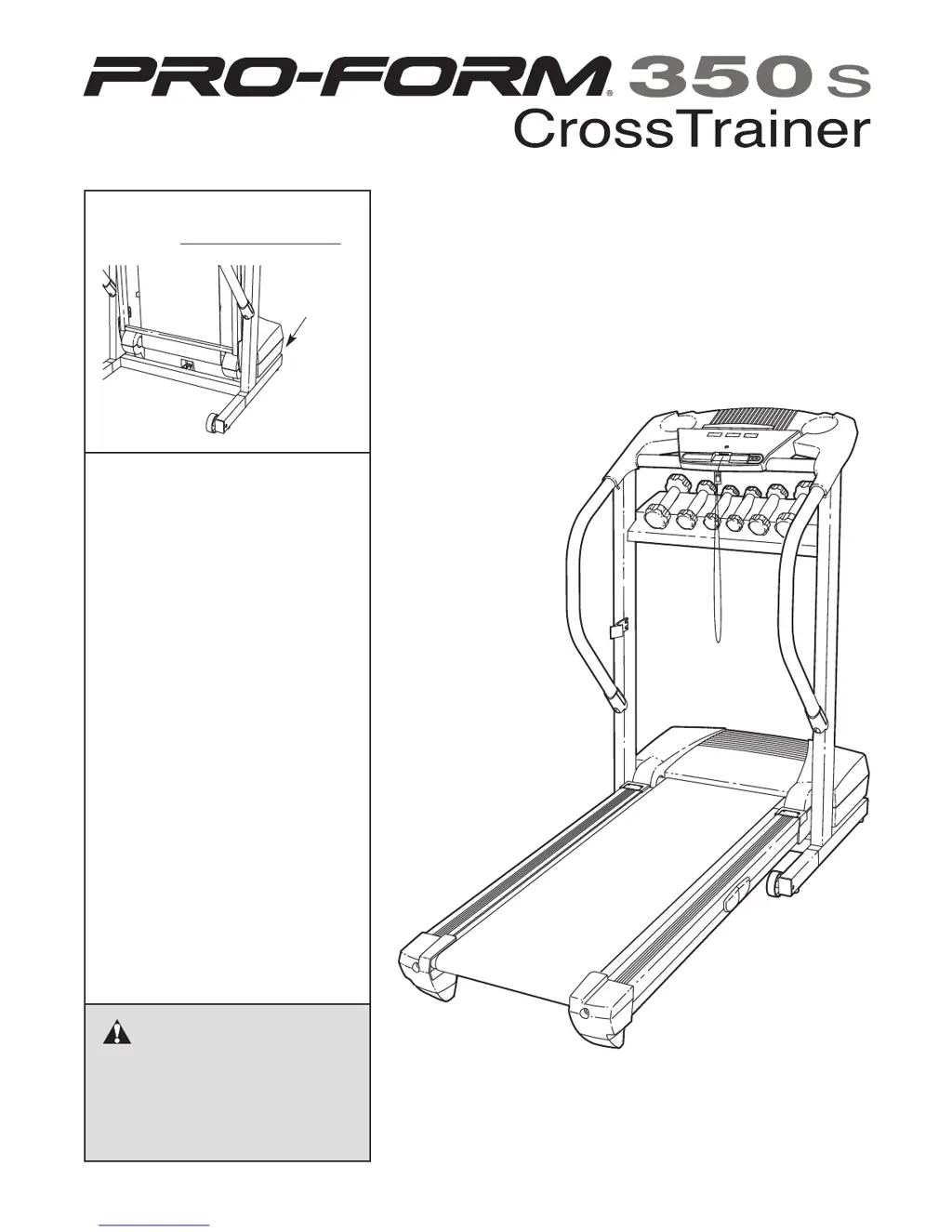
Serial
Number
Decal
Model No. 831.294231
Serial No.
CAUTION
Read all precautions and instruc-
tions in this manual before using
this equipment. Save this manual
for future reference.
Sears, Roebuck and Co., Hoffman Estates, IL 60179
TREADMILL EXERCISER
Users Manual
• Assembly
• Operation
• Maintenance
• Part List and Drawing

Questions and Answers

  • J
    James Foster DDSJul 31, 2025
    How to fix Pro-Form Treadmill that doesn't turn on?
    • S
      sharon46Jul 31, 2025
      First, ensure the power cord is properly plugged into a surge suppressor and that the surge suppressor is connected to a grounded outlet. Also, verify that the key is fully inserted into the console. If the issue persists, check the reset/off circuit breaker on the treadmill frame near the power cord. If the switch protrudes, wait five minutes before pressing it back in.
  • J
    Jennifer SimonAug 7, 2025
    What to do if Pro-Form 350s Crosstrainer Treadmill turns off during use?
    • C
      Charles YangAug 7, 2025
      If your Pro-Form Treadmill turns off during use, start by checking the circuit breaker located on the treadmill frame near the power cord. If tripped, wait five minutes, then press it back in. Next, ensure the power cord is securely plugged in; if it is, unplug it, wait five minutes, and plug it back in. Also, remove and reinsert the key fully into the console. If the issue continues, further assistance may be needed.
  • L
    Laurie RogersAug 15, 2025
    How to adjust Pro-Form Treadmill walking belt that is off-center?
    • C
      Christine WardAug 15, 2025
      To adjust an off-center walking belt on your Pro-Form Treadmill, first remove the key and unplug the power cord. If the belt is shifted left, turn the left rear roller bolt clockwise 1/2 turn. If shifted right, turn the bolt counterclockwise 1/2 turn. Plug in the power cord, insert the key, and run the treadmill briefly. If the walking belt slips, unplug the treadmill. Then, use the allen wrench to turn both rear roller bolts clockwise, 1/4 of a turn. When correctly tightened, you should be able to lift each side of the walking belt 2 to 3 inches off the walking platform. Plug in the power cord, insert the key, and carefully walk on the treadmill for a few minutes.
  • J
    Juan WilsonAug 23, 2025
    Why does my Pro-Form 350s Crosstrainer Treadmill walking belt slow down when I walk on it?
    • J
      jennifer83Aug 23, 2025
      If the walking belt on your Pro-Form Treadmill slows down when you walk on it, it might be overtightened. Remove the key and unplug the power cord. Use an allen wrench to turn both rear roller adjustment bolts counterclockwise 1/4 of a turn. When properly tightened, you should be able to lift each side of the walking belt 2 to 3 inches off the walking platform. Plug in the power cord, insert the key, and run the treadmill for a few minutes.

Summary

Important Precautions

Before You Begin

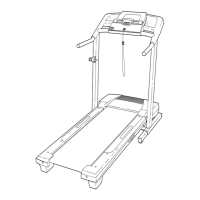
Treadmill Assembly

How to Plug In the Power Cord

Console Operation

Using the Treadmill Displays

How to Use Hand Weights

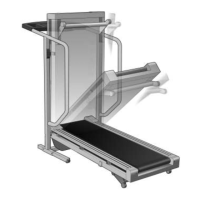
Folding the Treadmill for Storage

Lowering the Treadmill for Use

Troubleshooting Common Issues

Conditioning Guidelines

Suggested Stretches

Part List

Exploded Drawing

Full 90 Day Warranty

Pro-Form 350s Crosstrainer Treadmill Specifications

General IconGeneral
BrandPro-Form
Model350s Crosstrainer Treadmill
CategoryTreadmill
LanguageEnglish

Related product manuals