12
6. Measure your heart rate if desired.
T
o measure your heart rate,
s
tand on the foot
rails and place your left thumb on the pulse sensor
(
see the drawing at the top of page 10).
D
o not
press too hard, or the circulation in your thumb
will be restricted and your pulse may not be de-
tected.
When your pulse is detected, a heart-
shaped indicator in the right display will flash each
time your heart beats, one or two dashes will ap-
pear, and then your heart rate will be shown. For
the most accurate heart rate reading, hold your
thumb on the pulse sensor for at least 15 sec-
onds.
If the displayed heart rate appears to be too high or
too low, or if your heart rate is not displayed, lift your
thumb for a few seconds, and then reposition your
thumb on the pulse sensor. Remember to stand still
while measuring your heart rate.
7. Turn on the fan if desired.
To turn on the fan at low speed, press the Fan but-
ton. To turn on the fan at high speed, press the but-
ton a second time. To turn off the fan, press the
button a third time. Note: If the fan is on when the
walking belt is stopped, the fan will turn off auto-
matically after a few minutes.
8. When you are finished exercising, remove the
key from the console.
Step onto the foot rails, press the Stop button, and
adjust the incline of the treadmill to the lowest
setting. The incline must be at the lowest setting
or you may damage the treadmill when you fold it
to the storage position. Next, remove the key from
the console and put it in a secure place.
When you are finished using the treadmill,
switch
the reset/off circuit breaker to the “off” position and
unplug the power cord. IMPORTANT: If you do not
do this, the treadmill’s electrical components
may wear prematurely.
HOW TO USE A CALORIE GOAL PROGRAM
1. Insert the key into the console.
See HOW TO TURN ON THE POWER on page
1
0.
2
. Enter your weight if desired.
See step 2 on page 11.
3. Select a calorie goal program.
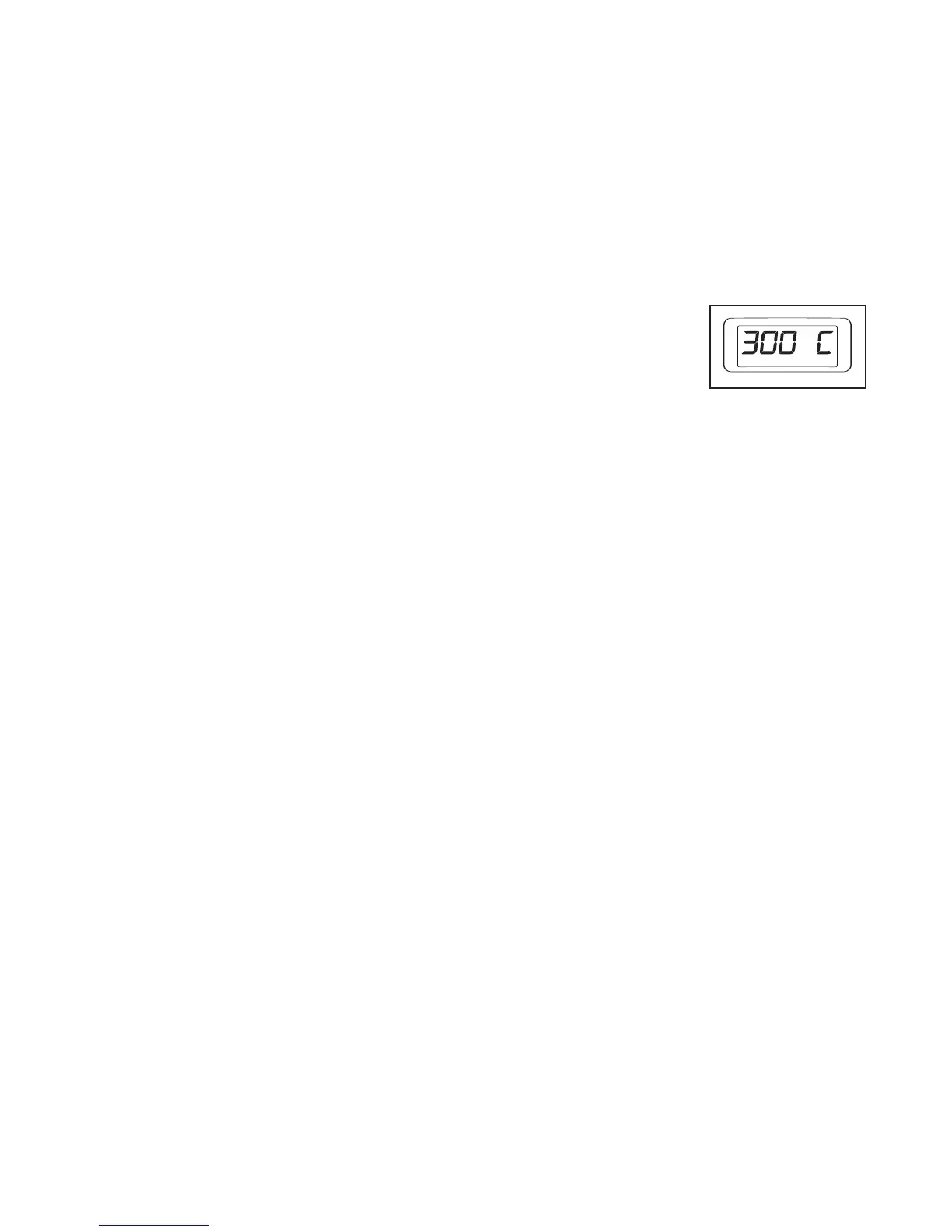
To select a calorie goal
program, press the 300
Calories button or the
400 Calories button.
Each program lasts for
30 minutes.
When a calorie goal program is selected, the maxi-
mum speed setting of the program will flash in the
right display.
4. Press the Start button to start the program.
A moment after the button is pressed, the walking
belt will gradually increase in speed until it reaches
the first speed setting of the program.
To change the speed of the walking belt or the in-
cline of the treadmill at any time during the pro-
gram, press the Speed or Incline buttons. Note: If
you change the speed of the walking belt, you may
not reach your calorie goal.
5.
Follow your progress with the displays.
See step 5 on page 11.
6.
Measure your heart rate if desired.
See step 6 at the left.
7.
Turn on the fan if desired.
See step 7 at the left.
8. When you are finished exercising, remove the
key from the console.
See step 8 at the left.





 To Next Page