Validating Ethernet Service
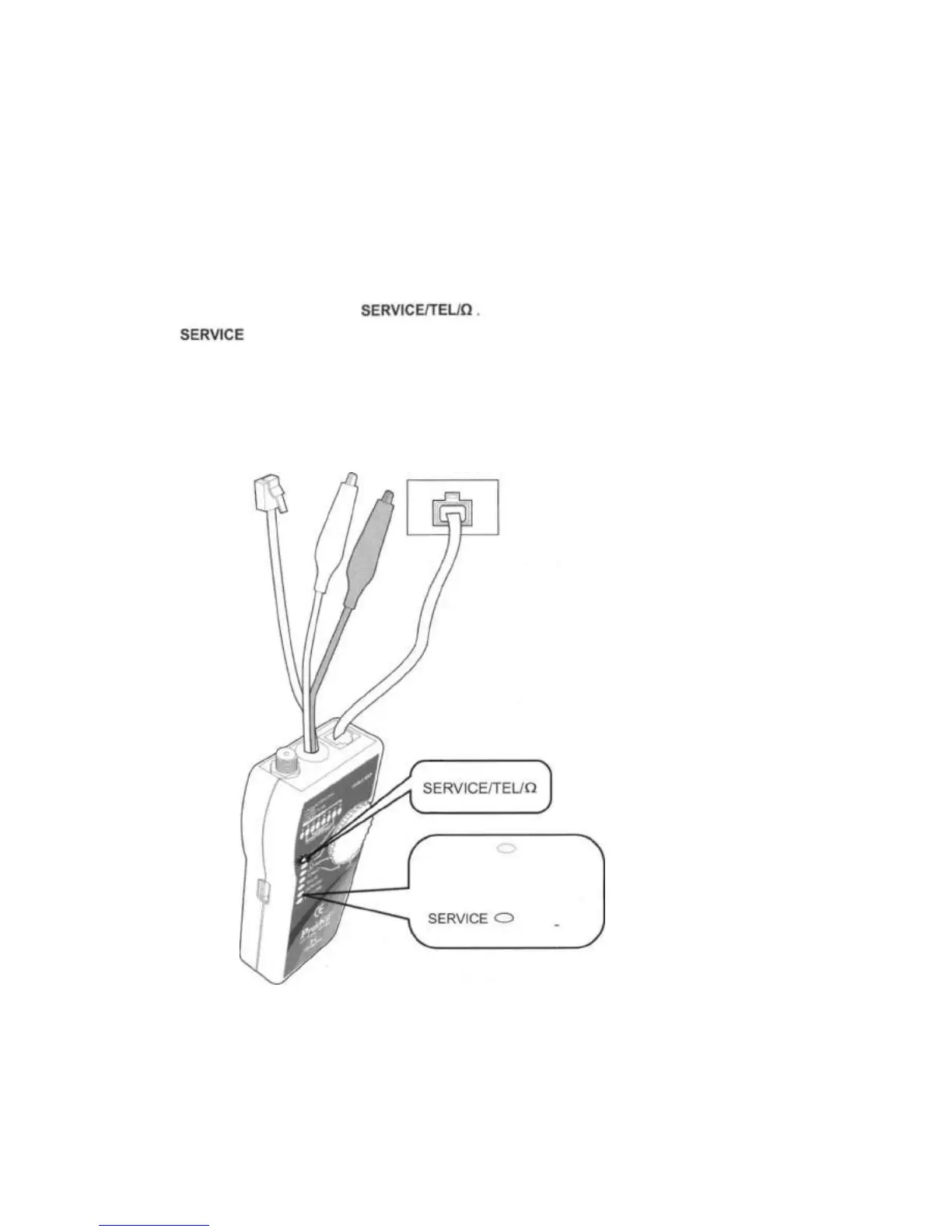
The Toner detects link pulses for Ethernet service. To validate the Ethernet service, do the following as
Figure 11 shown below.
1. Connect the Toner to the circuit of RJ45 Ethernet jack. Or using RJ45 (8 pin to 8 pin) plug to connect the
Ethernet jack.
2 Turn the Toner's rotary switch to
3. The LEDs of the Toner indicates the status as below:
Green lights (10HD) or flashes (100HD) indicate the Toner is connected to a network.
No light indicate non-Ethernet voltage.
RJ-45
Ethernet Jack
Figure 11 Validating Ethernet Service
SERVICE Green
lights or flashes indicate the
toner is connected to a
network.
No Light
indicate non-Ethernet voltage



 To Next Page