2
4
ENGLISH
References
Change the display information
Each time you press DISP, the display information changes.
• If the information is unavailable or not recorded, “NO TEXT”, “NO INFO”, or other information
(eg. station name) appears or display will be blank.
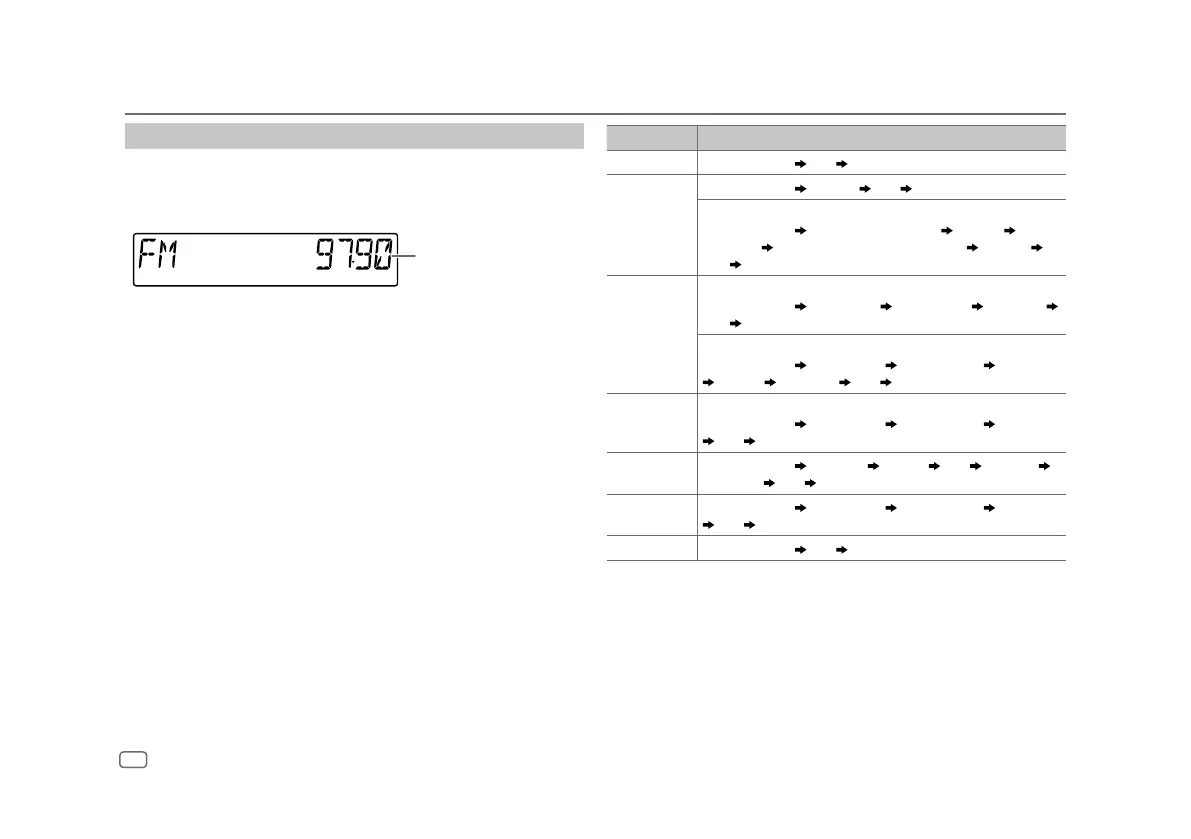
Main display
Source name Display information: Main display
STANDBY Source name/Clock
Clock back to the beginning
RADIO Source name/Clock
Frequency Clock back to the beginning
For FM Radio Broadcast Data System only:
Source name/Clock
Station name/Program type Radio text
Radio text+
Radio text+ song title/Radio text+ artist Frequency
Clock
back to the beginning
CD or USB For CD-DA:
Source name/Clock
Disc title/Artist Track title/Artist Playing time
Clock
back to the beginning
For MP3/WMA/AAC/WAV/FLAC files:
Source name/Clock
Song title/Artist Album title/Artist Folder name
File name Playing time Clock back to the beginning
iPod USB/iPod BT When [MODE OFF] is selected (page 8):
Source name/Clock
Song title/Artist Album title/Artist Playing time
Clock back to the beginning
SPOTIFY/
SPOTIFY BT
Source name/Clock
Context title Song title Artist Album title
Playing time
Clock back to the beginning
BT AUDIO Source name/Clock
Song title/Artist Album title/Artist Playing time
Clock back to the beginning
AUX Source name/Clock
Clock back to the beginning


 To Next Page