6
ENGLISH
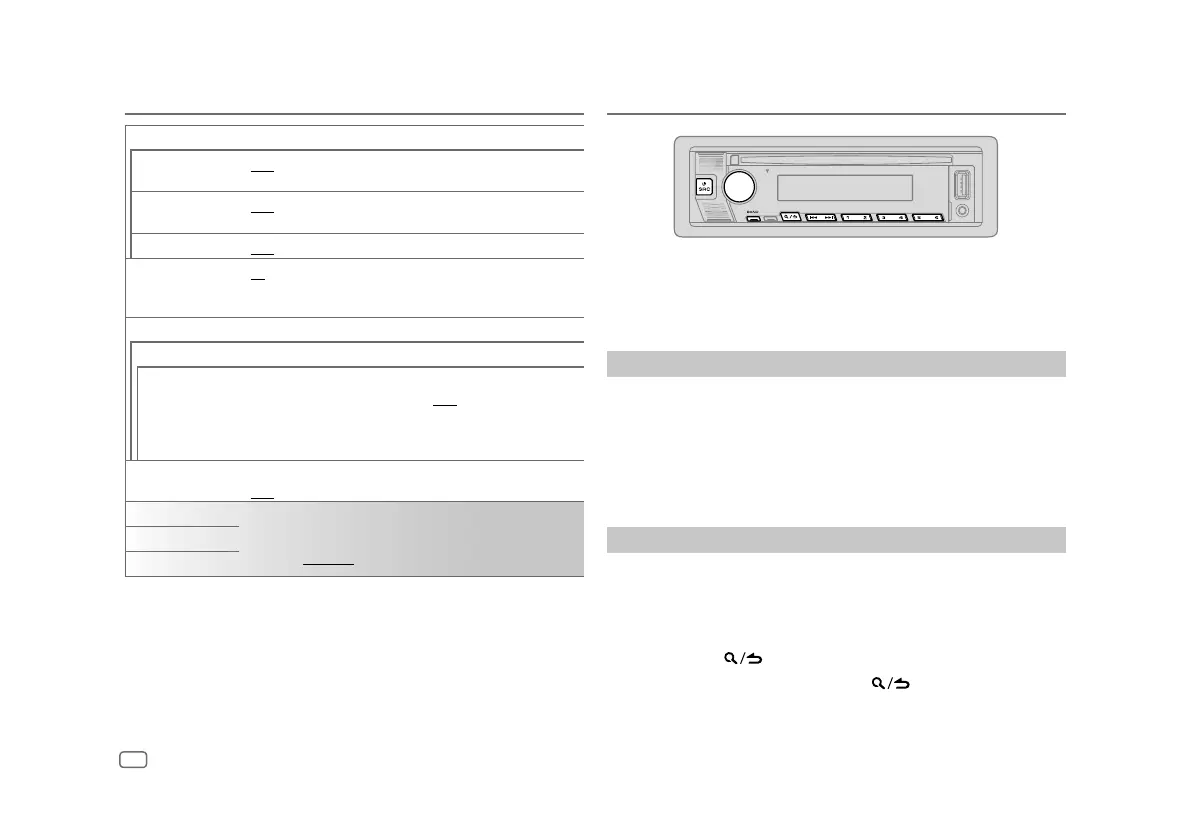
[SOURCE SELECT]
[SPOTIFY SRC]
[ON]: Enables SPOTIFY/SPOTIFY BT in source selection. ;
[OFF]: Disables. (Page 10)
[BT AUDIO SRC]
[ON]: Enables BT AUDIO in source selection. ;
[OFF]: Disables. (Page
17
)
[BUILT-IN AUX]
[ON]: Enables AUX in source selection. ; [OFF]: Disables. (Page 11)
[CD READ]
[1]: Automatically distinguishes between audio file disc and music CD. ;
[2]: Forces to play as a music CD. No sound can be heard if an audio file
disc is played.
[F/W UPDATE]
[UPDATE SYSTEM]
[F/W UP xxxx]
(This feature is not available for this model.)
[YES]: Starts upgrading the firmware. ; [NO]: Cancels (upgrading is not
activated).
• Once you have upgraded the firmware, you are unable to downgrade
the firmware.
[FACTORY RESET]
[YES]: Resets the settings to default (except the stored station). ;
[NO]: Cancels.
[ENGLISH]
Select the display language for [FUNCTION] menu and music
information if applicable.
By default, [ENGLISH] is selected.
[ESPANOL]
[FRANCAIS]
Getting Started Radio
• “ST” indicator lights up when receiving an FM stereo broadcast with
sufficient signal strength.
• The unit switches to FM alarm automatically when receiving an alarm
signal from FM broadcast.
Search for a station
1
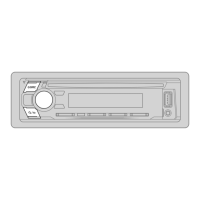
Press B SRC repeatedly to select RADIO.
2 Press BAND repeatedly to select FM1/FM2/FM3/AM.
3 Press S / T to search for a station.
You can store up to 18 stations for FM and 6 stations for AM.
• To store a station: Press and hold one of the number buttons (1 to 6).
• To select a stored station:
Press one of the number buttons (1 to 6).
Other settings
1
Press the volume knob to enter
[FUNCTION]
.
2 Turn the volume knob to select an item (page 7), then press the
knob.
3 Repeat step 2 until the desired item is selected/activated or follow the
instructions stated on the selected item.
4 Press and hold to exit.
To return to the previous setting item, press
.


 To Next Page