ENGLISH
Translation of the original German user manual 23
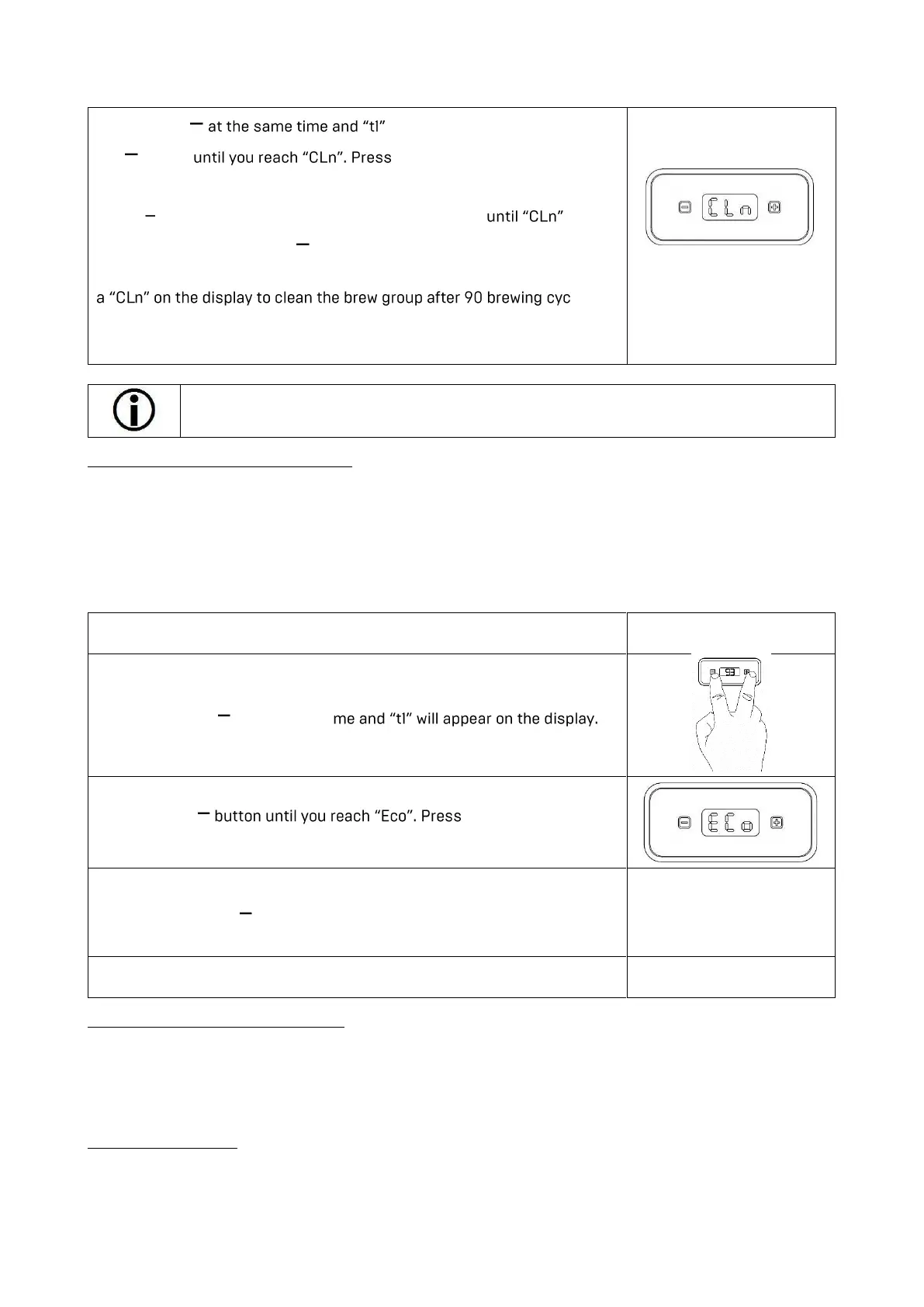
Please take the following steps to program the cleaning reminder:
Press + and will appear on the display. Press
the button + to enter the CLN menu.
Now you can carry out the programming in steps of 10 (0-200) by pressing
+ and
. In order to leave the programming mode, wait
appears and then press the button.
For example, if you have programmed 90, then you will be prompted with
les.
Clean the brew group in such a manner that the brew group is flushed
with at least 10 brewing cycles until the temperature indication re-
appears on the display (see 7.2 Brew group cleaning).
We recommend a cleaning of the brew group after about 90 to 140 brewing cycles. As a
brew cycle only a brew over 15 seconds is counted.
6.2.4 Programming the ECO-Mode
The ECO mode gives you the opportunity to set an automatic switch off after a preset time.
The factory setting is 90 min. The Eco mode activates a countdown after the last brewing operation,
which will be running in the background and switches the machine off after 90 minutes.
To reactivate the machine move the coffee switch to the upper position for a short time, You can also
switch the power switch off and on again.
To program the ECO Mode, proceed as follows:
1. Switch on the machine.
2. Press + and at the same ti
3. Press the + to enter the Eco
menu.
4. Now you can carry out the programming in steps of 30 min by
pressing +
and . In order to leave the programming mode, wait a
short time and the menu will be left automatically.
5. After a short period, the setting will be adapted and saved.
6.2.5 Turn off PID display feature
There is the option to turn the PID display off: Press the + button until the display turns off. A dot will
appear on the display, which indicates that the machine is still turned on. The display will be turned on
again by pressing the
+ button once more.
6.3 Preparing coffee
Use the portafilter with 1 spout and the corresponding filter for the preparation.of 1 cup. Use the portafilter
with 2 spouts and the big filter for the preparation of 2 cups. Make sure that the filter is firmly locked into
the portafilter.



 To Next Page