14
18
13
49
78
75
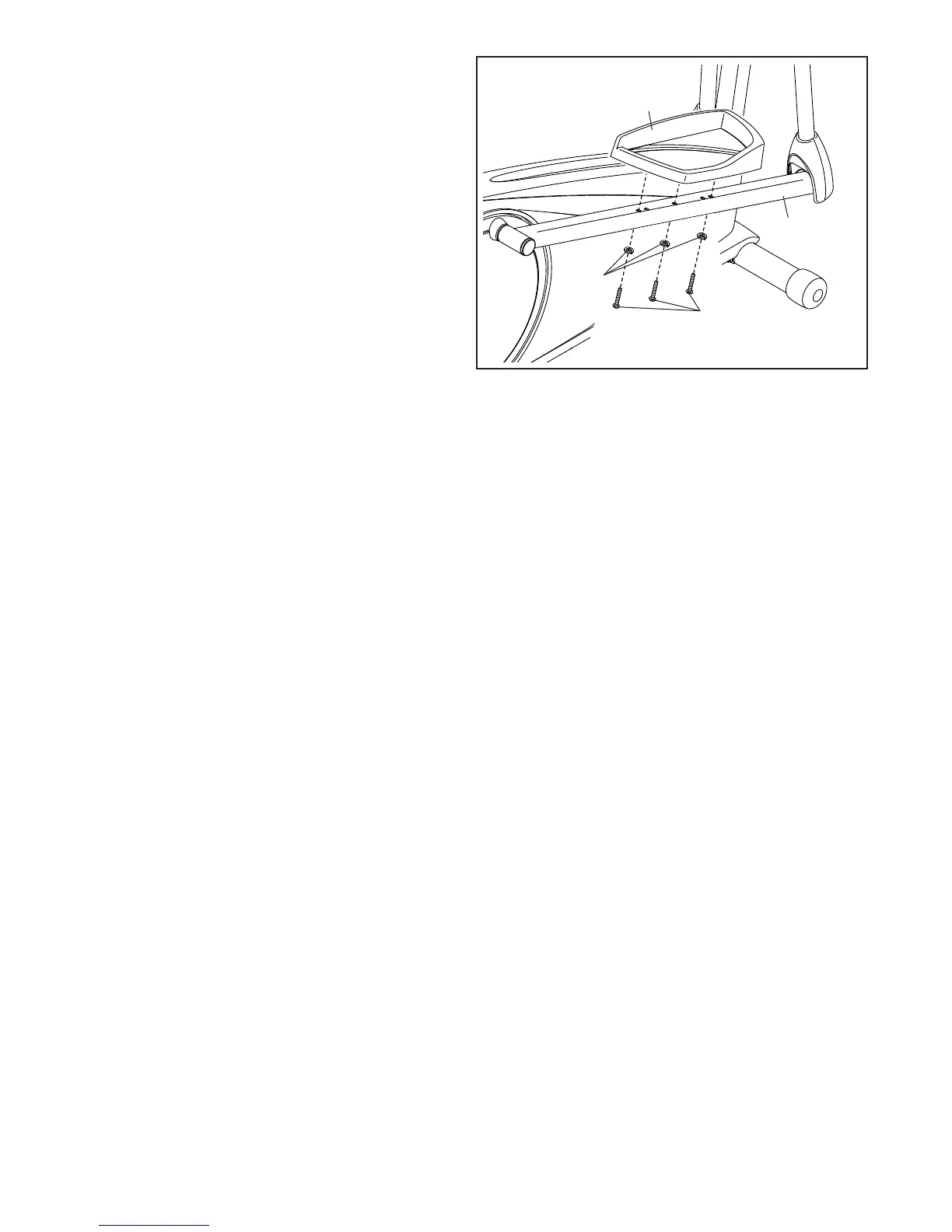
18. Identify the Right Pedal (13), which is marked
with a “Right” sticker, and orient it as shown.
Attach the Right Pedal (13) to the Right Pedal
Arm (49) with three M10 x 45mm Screws (75)
and three M10 Split Washers (78). Make sure to
use the center hole and the two outer holes
to attach the Right Pedal.
Repeat this step on the other side of the
elliptical.
19. Make sure that all parts of the elliptical are properly tightened. Note: Some hardware may be left over
after assembly is completed. To protect the floor or carpet from damage, place a mat under the elliptical.



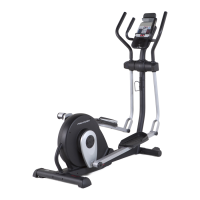
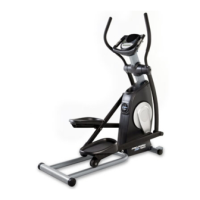

 To Next Page