11
MAINTENANCE
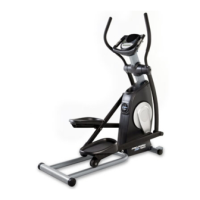
Inspect and tighten all parts of the PROFORM
¨
485E
regularly. Replace any worn parts immediately.
The 485E can be wiped clean with a soft cloth and
mild detergent. Do not use abrasives or solvents.
To prevent damage to the console, keep liquids away
from the console. Use only a sealable water bottle in
the console.
CONSOLE TROUBLE-SHOOTING
If the console does not function properly, the batteries
should be replaced. To replace the batteries, refer to
assembly step 7 on page 8.
STORAGE
When storing the 485E, remove the batteries from the
console. Keep the 485E in a clean, dry location, away
from moisture and dust.





 To Next Page